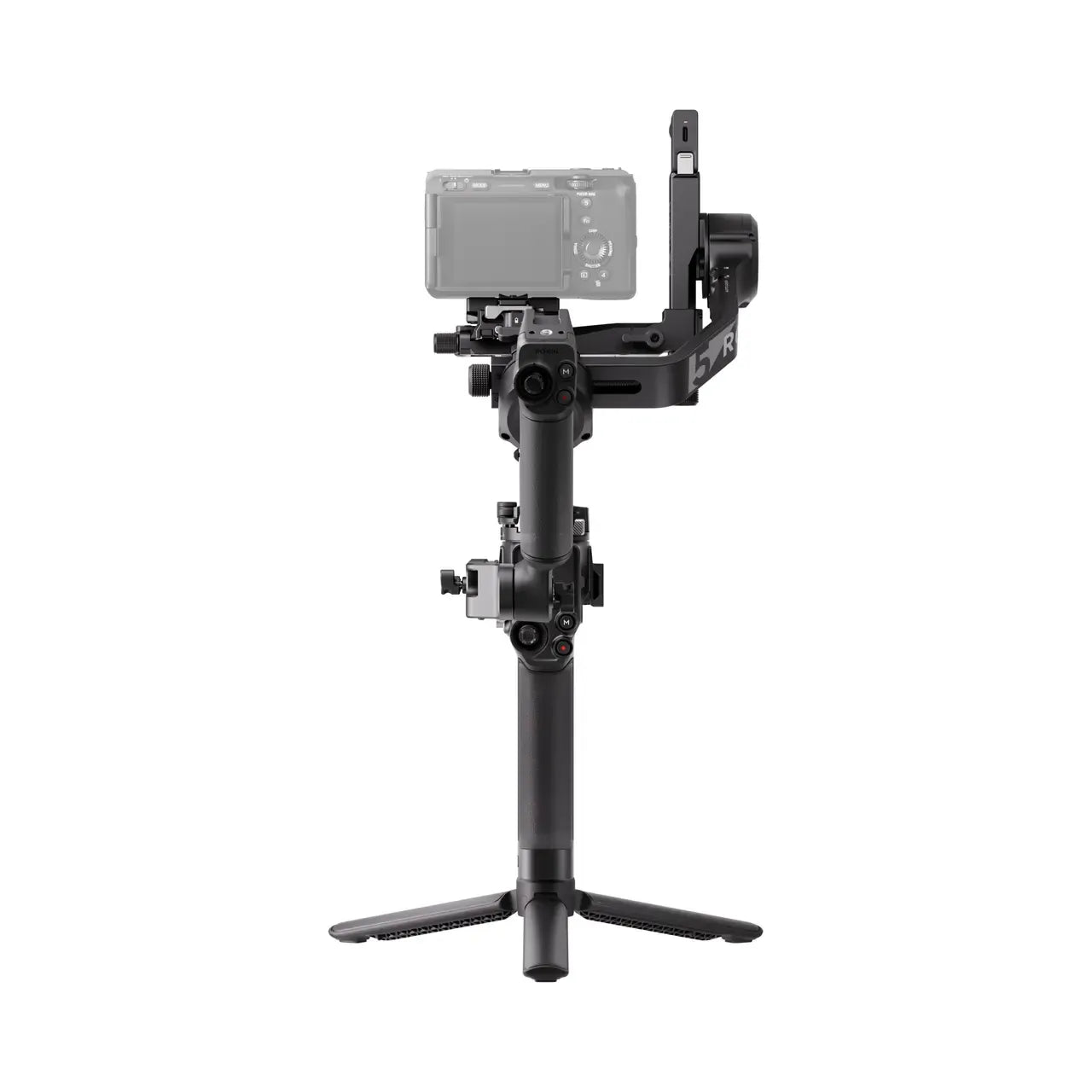
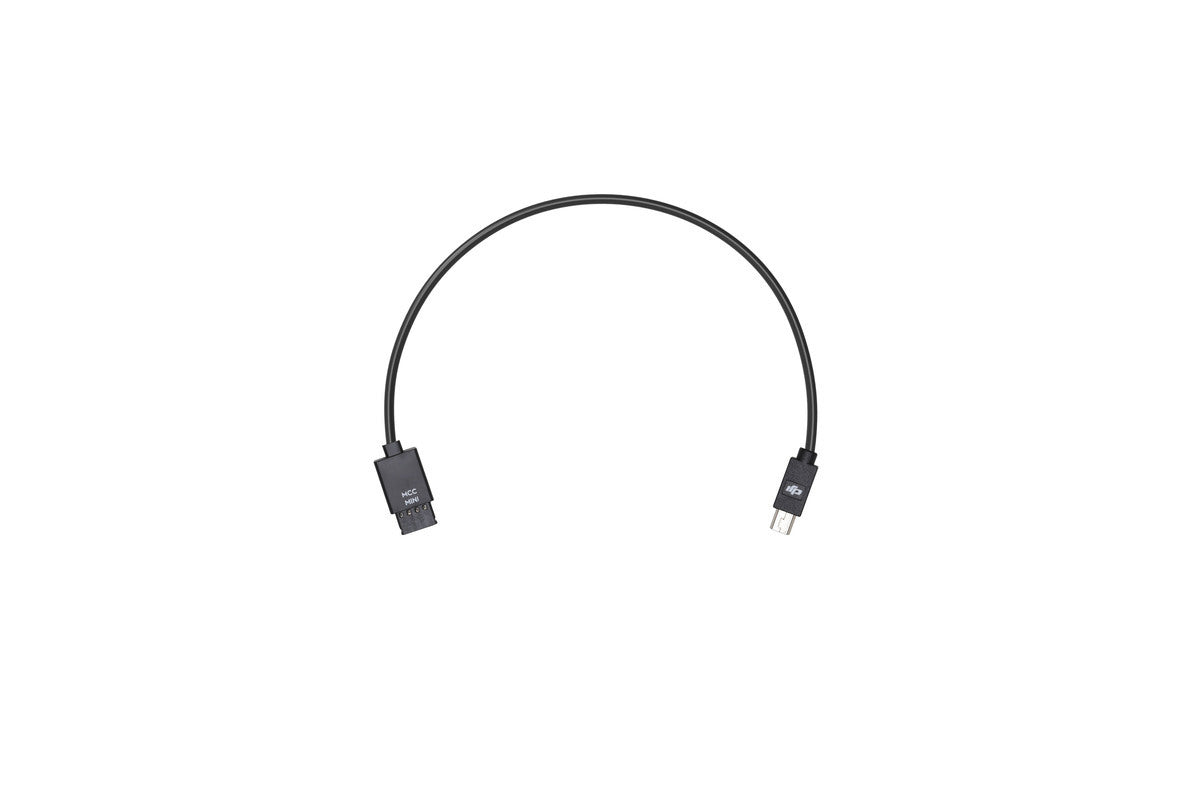
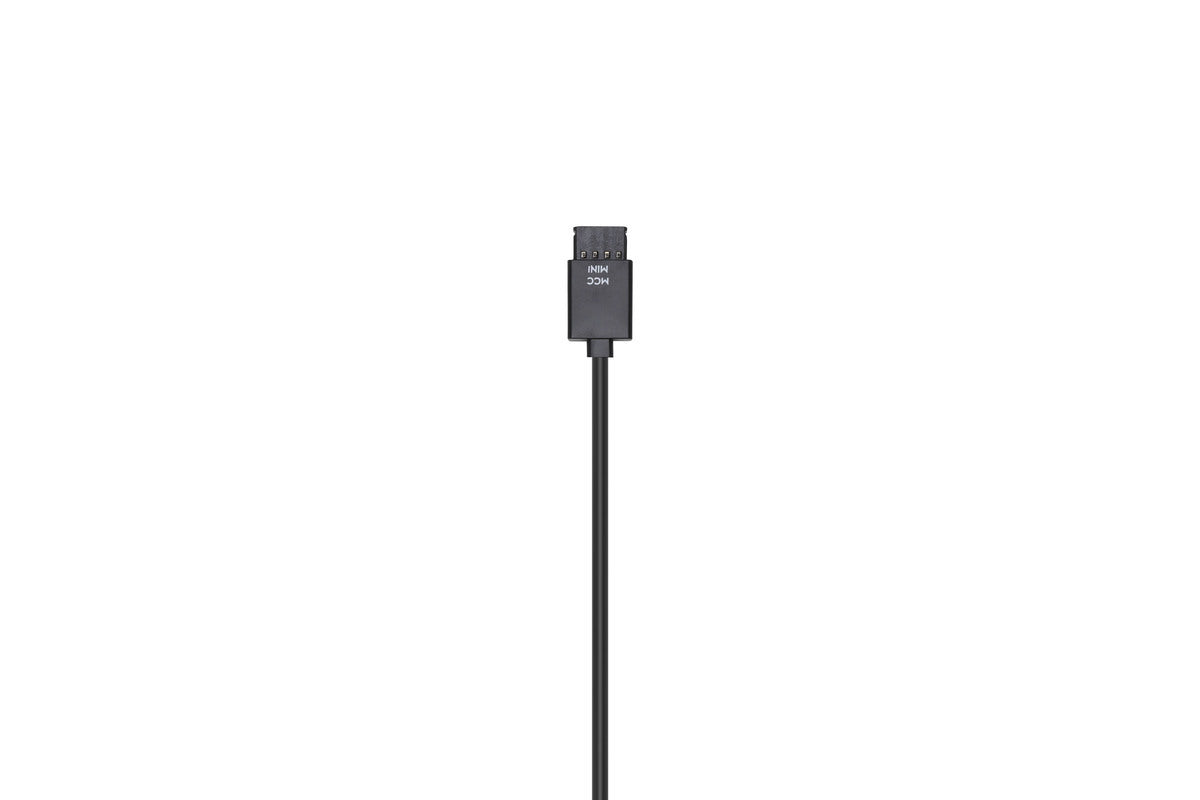
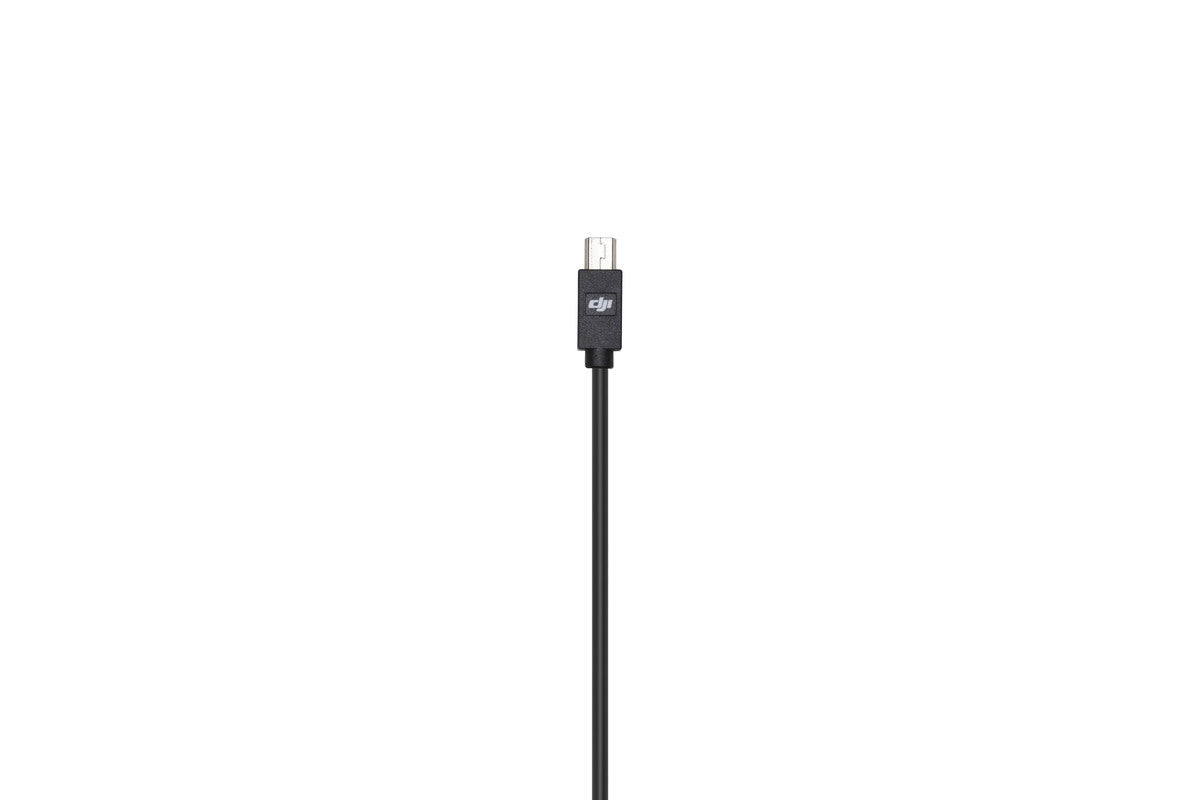
In order to control your camera with the Ronin-S Camera Control Button, use the Multi-Camera Control Cable (Mini USB) to connect your camera and the Ronin-S Camera Control Port.
In order to control your camera with the Ronin-S Camera Control Button, use the Multi-Camera Control Cable (Mini USB) to connect your camera and the Ronin-S Camera Control Port.
Please refer to the Ronin-S Camera Compatibility List for more information on the supported camera models, control features, and camera settings.












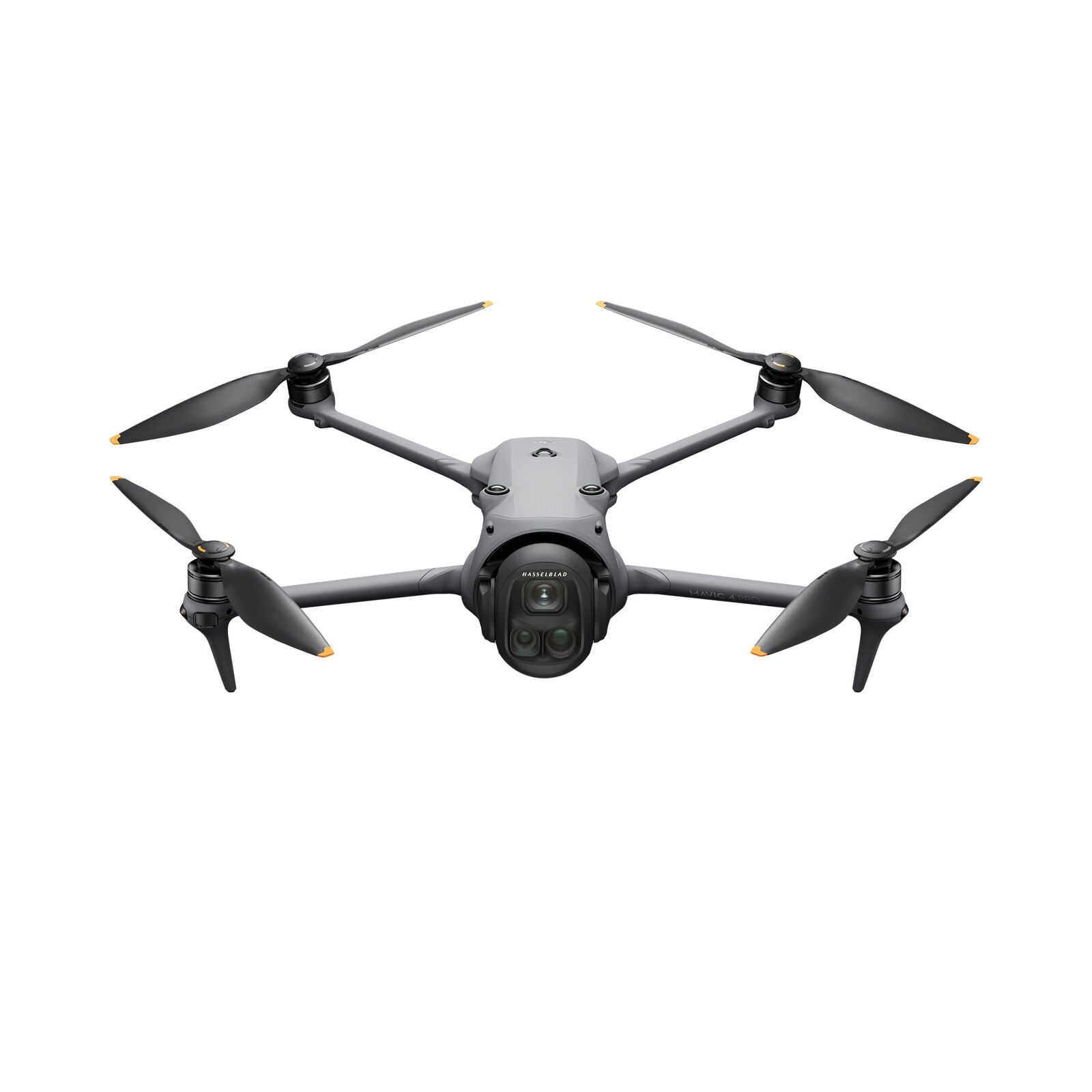
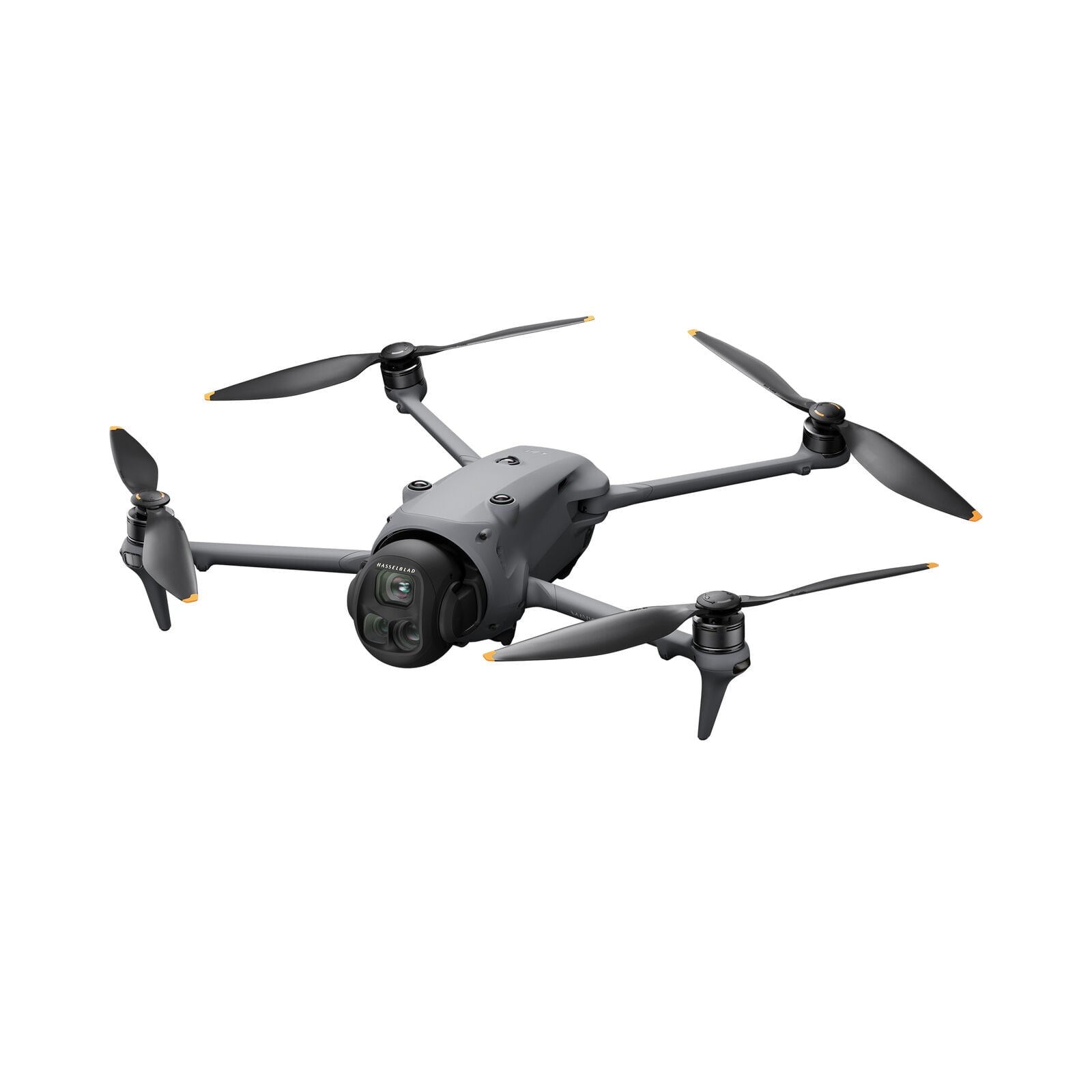
 Mavic 4 Pro
 Luna Ultra
 RS 5
RS 5 RS 2
RS 2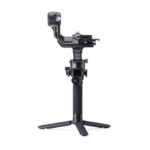 RSC 2
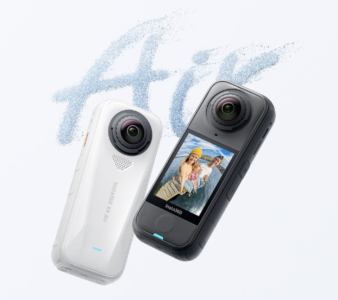
RSC 2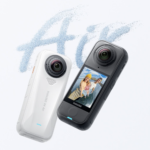 X4 Air
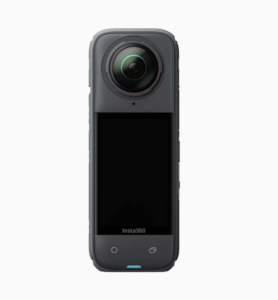
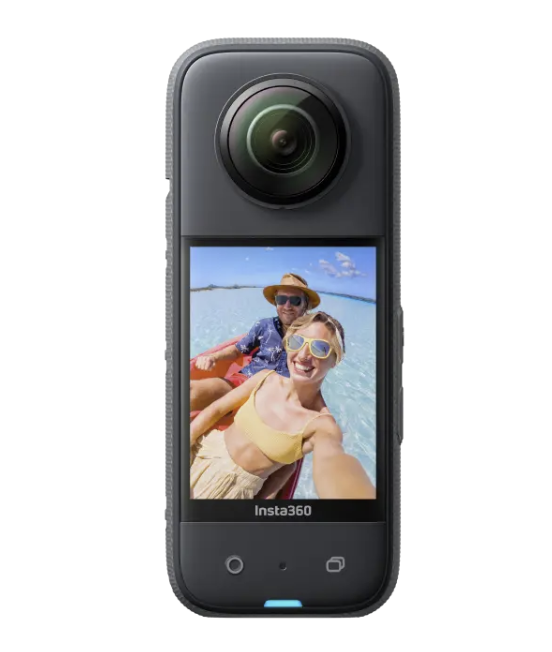
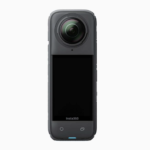 X4
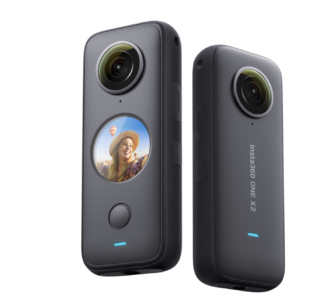
X4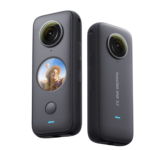 ONE X2
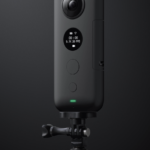 ONE X
ONE X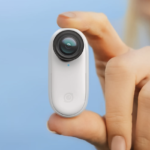 GO 2
GO 2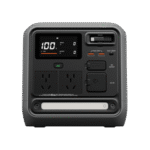 Power 1000 Mini
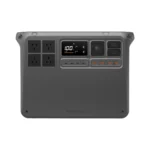 Power 2000
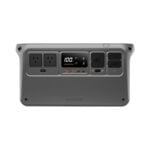 Power 1000