-tr" style="margin: 0px;padding: 0px;border: 0px;font-size: 14px;vertical-align: baseline;background-image: initial;background-position: initial;background-size: initial;background-repeat: initial;background-attachment: initial;display: flex;, arial, sans-serif">
Overview
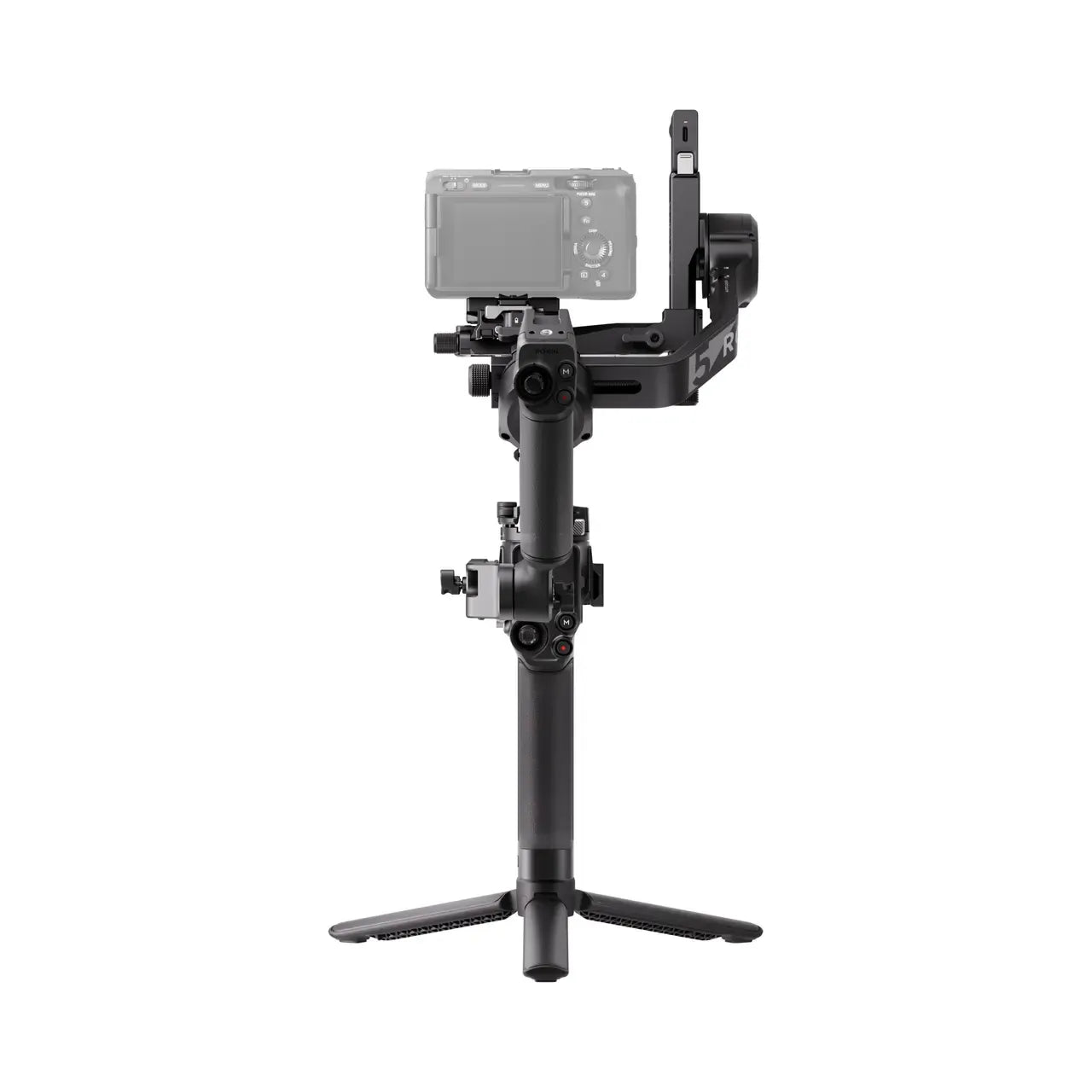
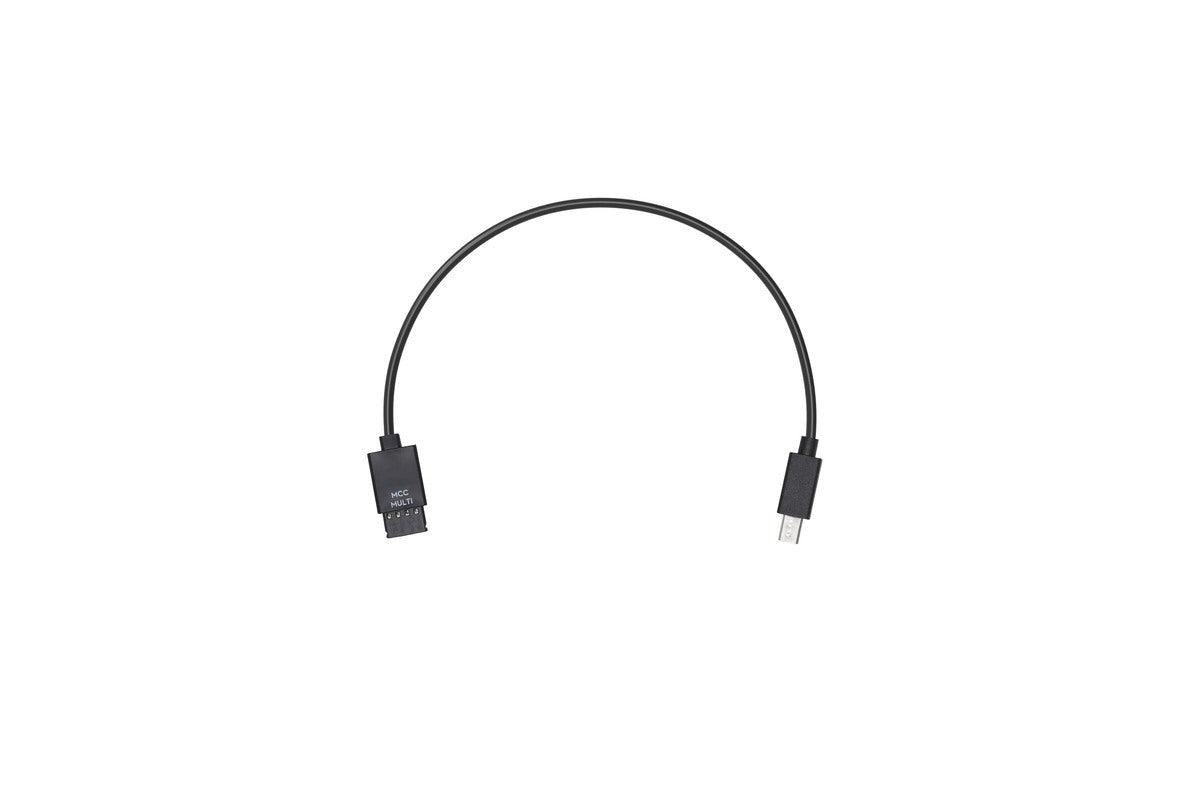
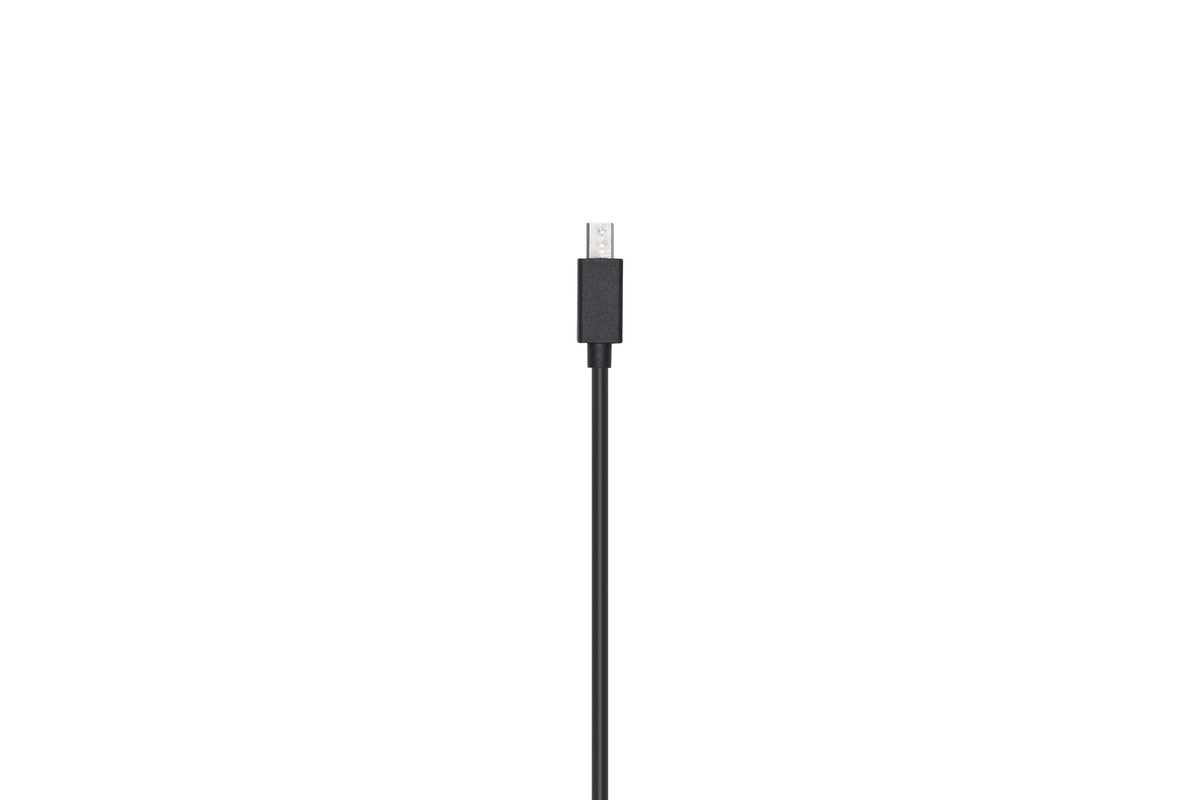
Use the Multi-Camera Control Cable (Multi-USB) to connect your Sony camera to the Ronin-S Camera Control Port. The Ronin-S Camera Control Button can be used to control the shutter, autofocus, and recording process. The optical zoom can be controlled through the Ronin-S Focus Wheel (only applicable for lenses with a built-in power zoom, such as the Sony E PZ 18-105mm F4 G OSS). If a power zoom lens is not mounted, the Focus Wheel will control the digital zoom. Digital zoom must be enabled in your camera's settings.
Please refer to the Ronin-S Camera Compatibility List for more information on the supported camera models, control features, and camera settings.
In the Box
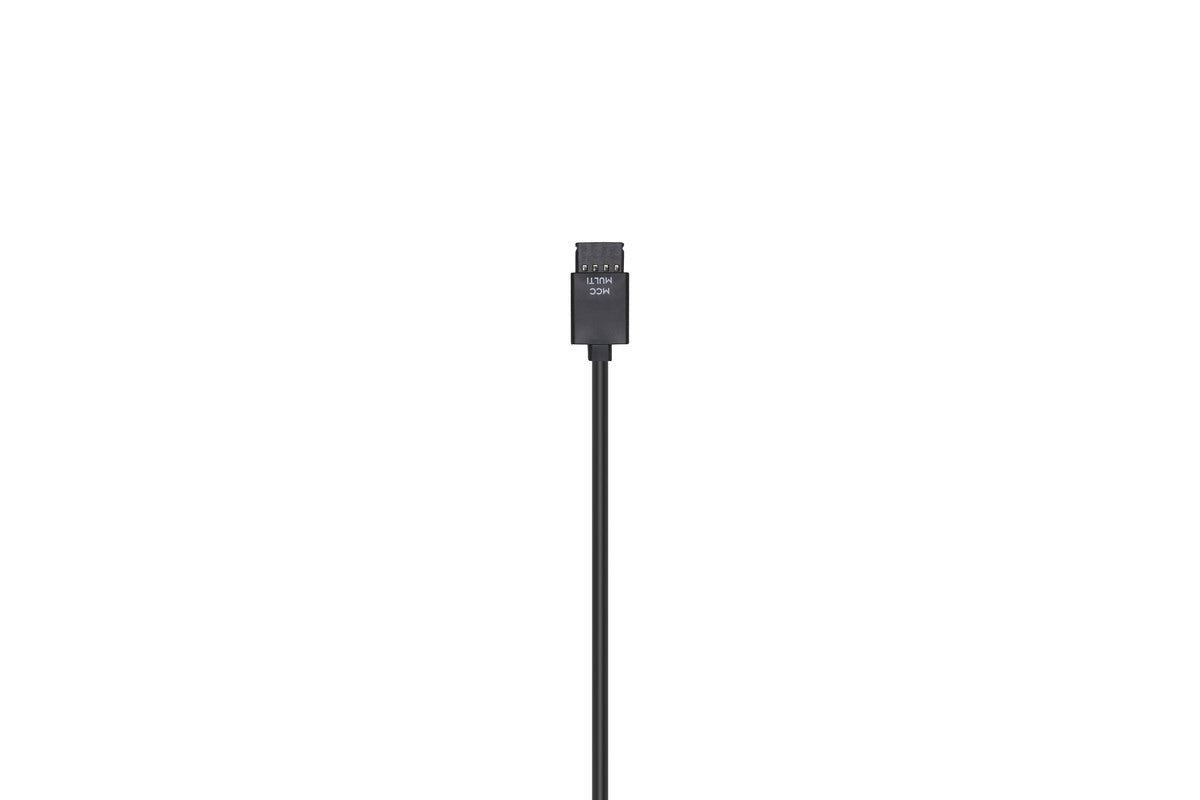
Ronin-S Multi-Camera Control Cable (Multi-USB) × 1













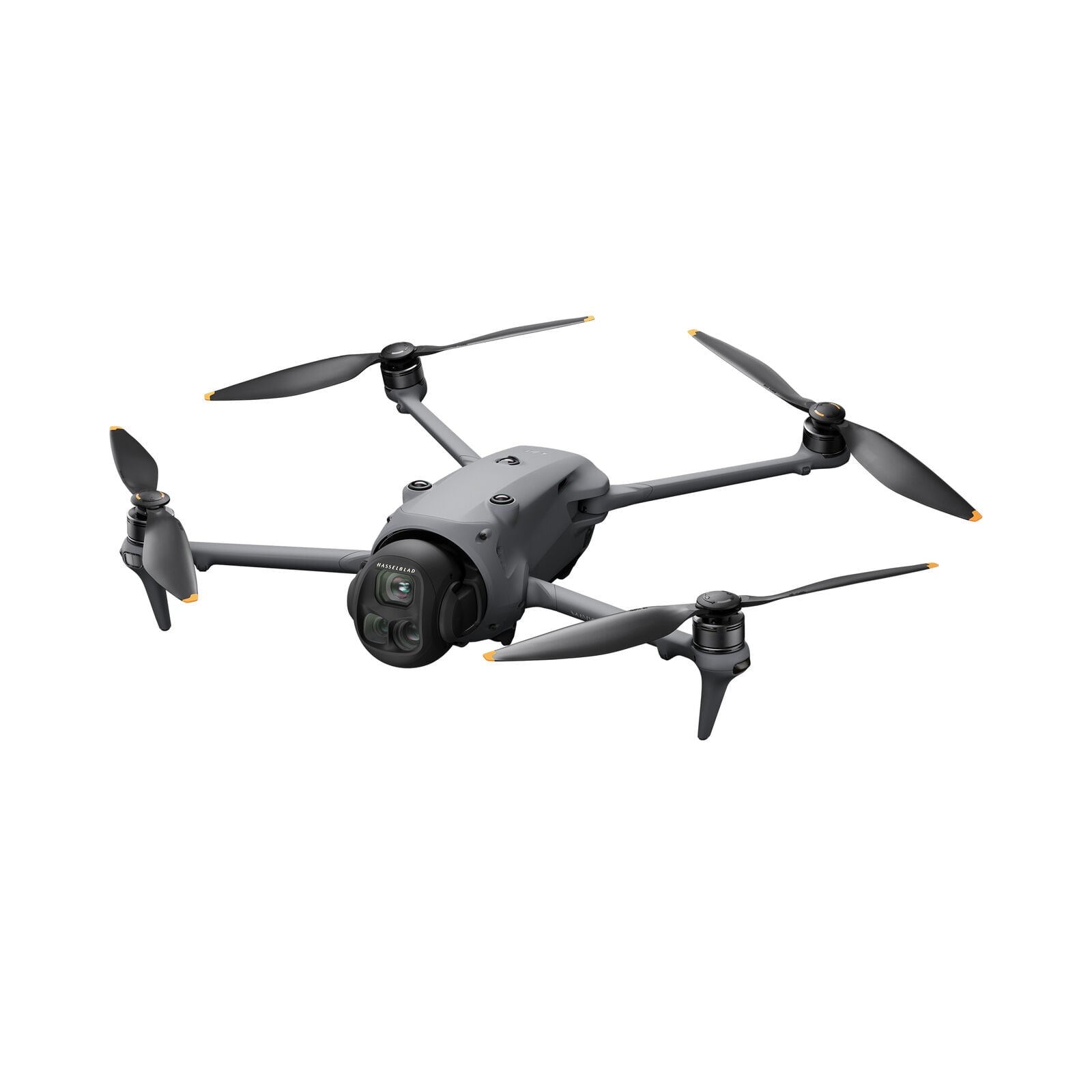
 Mavic 4 Pro
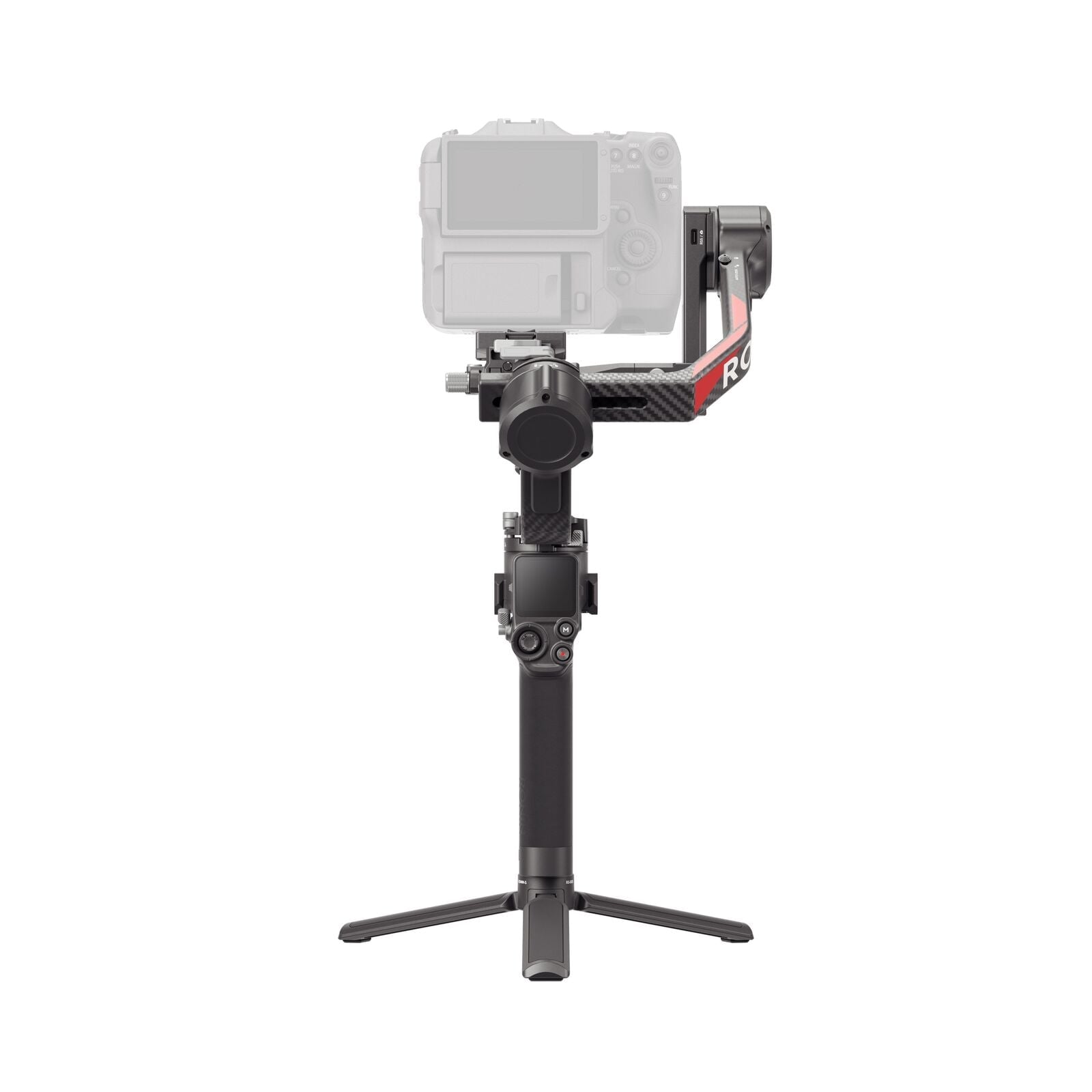
 RS 5
RS 5 Power 1000 Mini
 Power 2000
 Power 1000