Home » Pro Video » Page 4

Showing 37–48 of 113 results

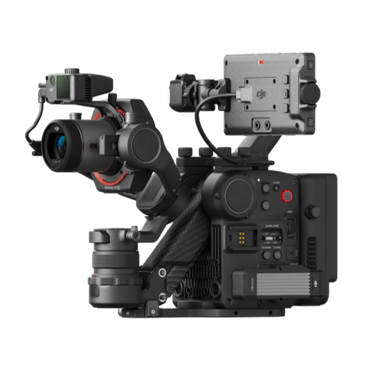
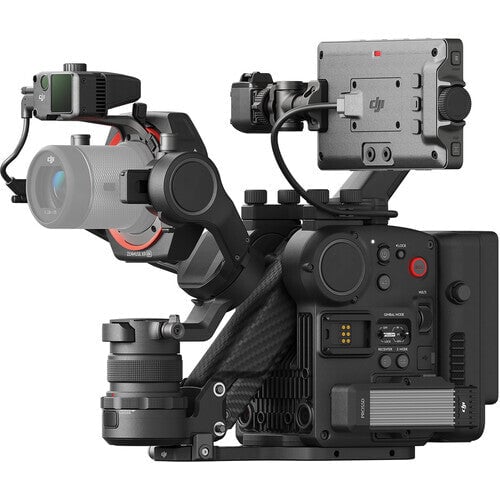
DJI Ronin 4D-6K Combo

$10,149.00
Product Features: Highly Integrated Modular Design Full-Frame Gimbal Camera 6K/60fps 4K/120fps Internal RAW Recording 4-Axis Active Stabilization LiDAR Focusing Wireless

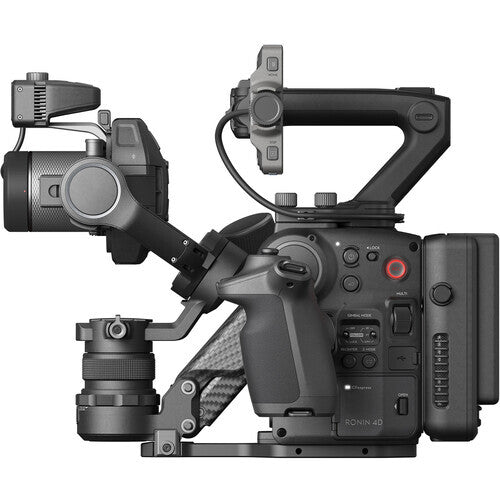
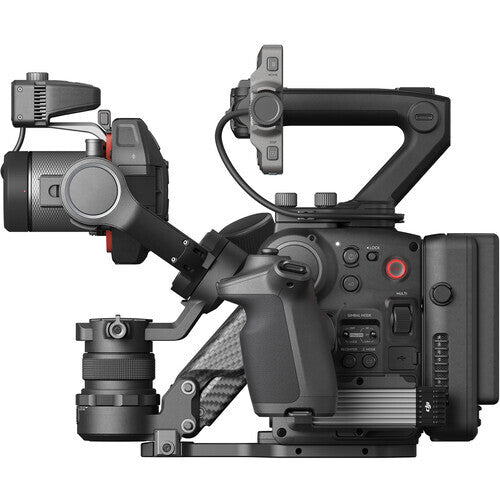
DJI Ronin 4D-8K Combo

$14,889.00
DJI Ronin 4D-8K AUD $18,588 Free Gifts: DJI Ronin 4D Video Transmitter DJI High-Bright Remote Monitor Includes DJI Ronin 4D

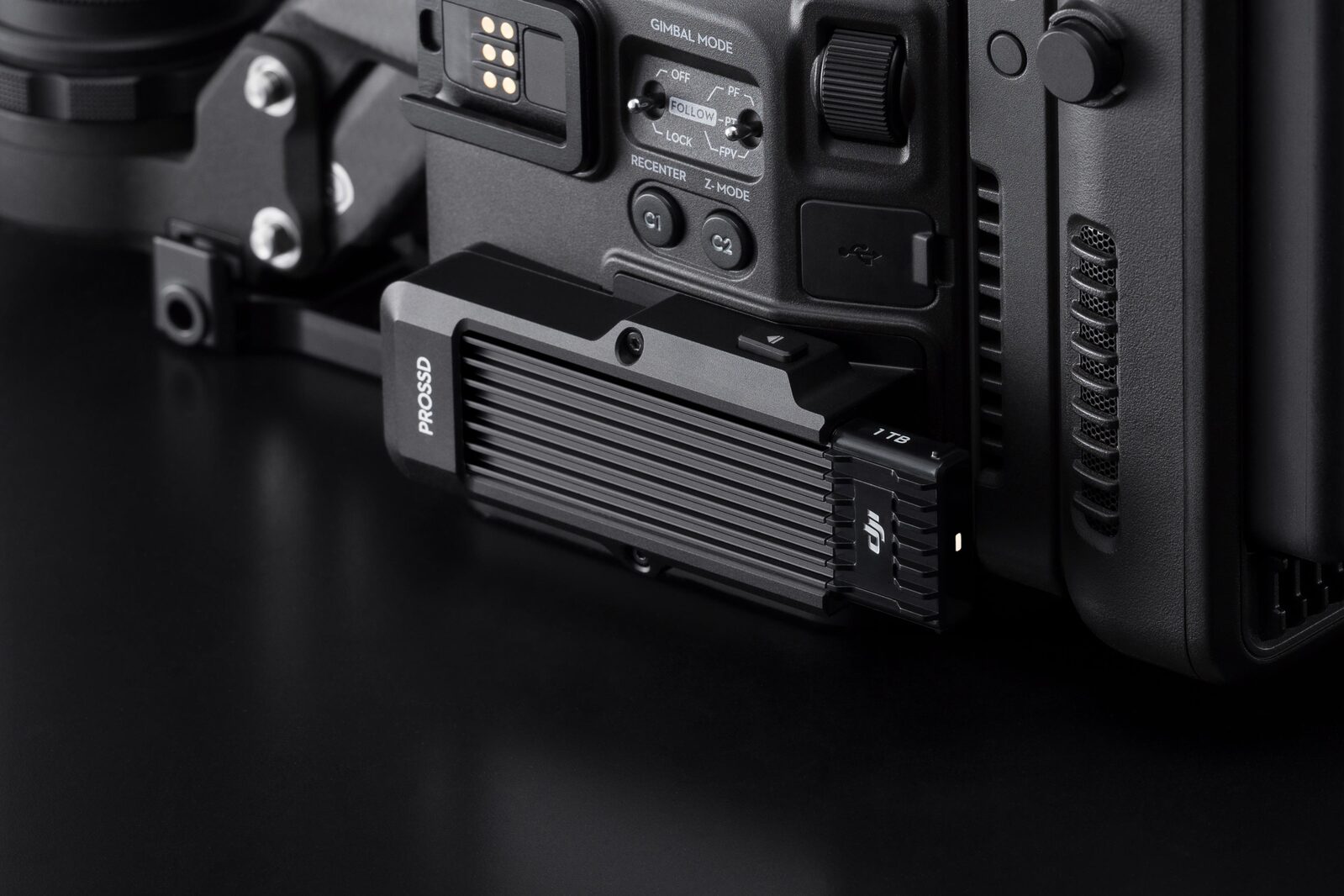
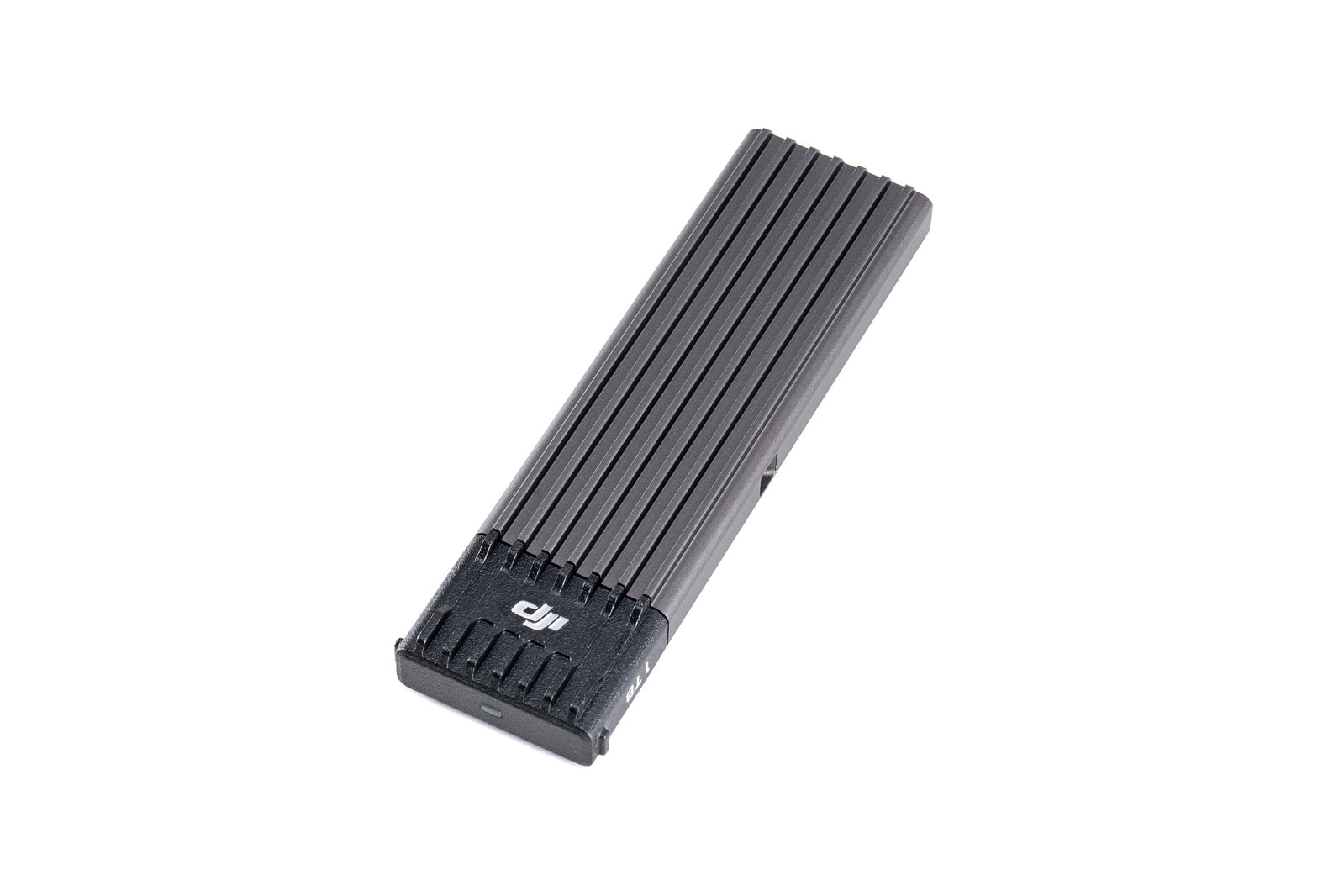
DJI Ronin 4DPROSSD 1TB

$1,109.00

Overview When used with the PROSSD Mount, the DJI PROSSD 1TB can be installed on DJI Ronin 4D to record

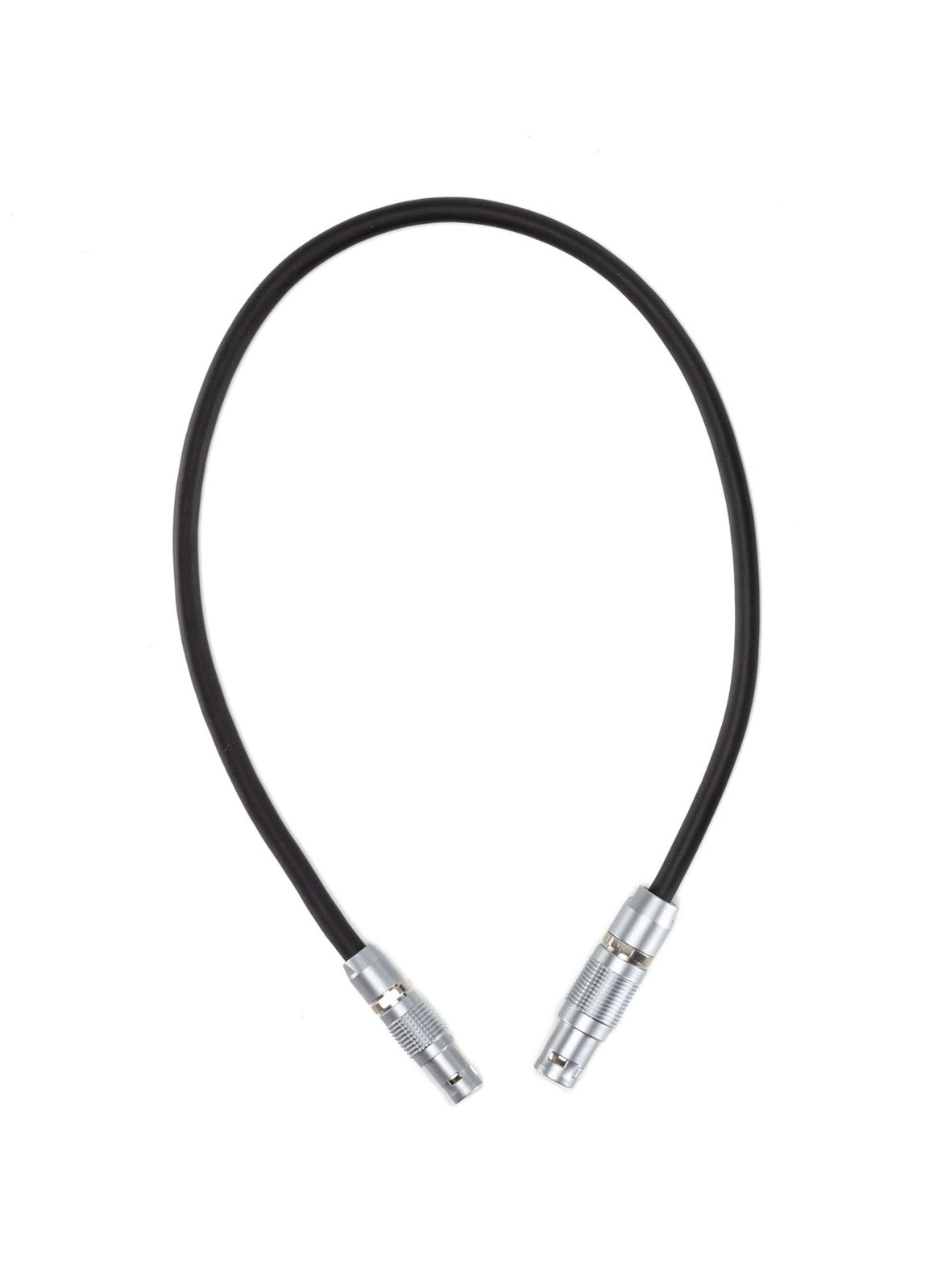
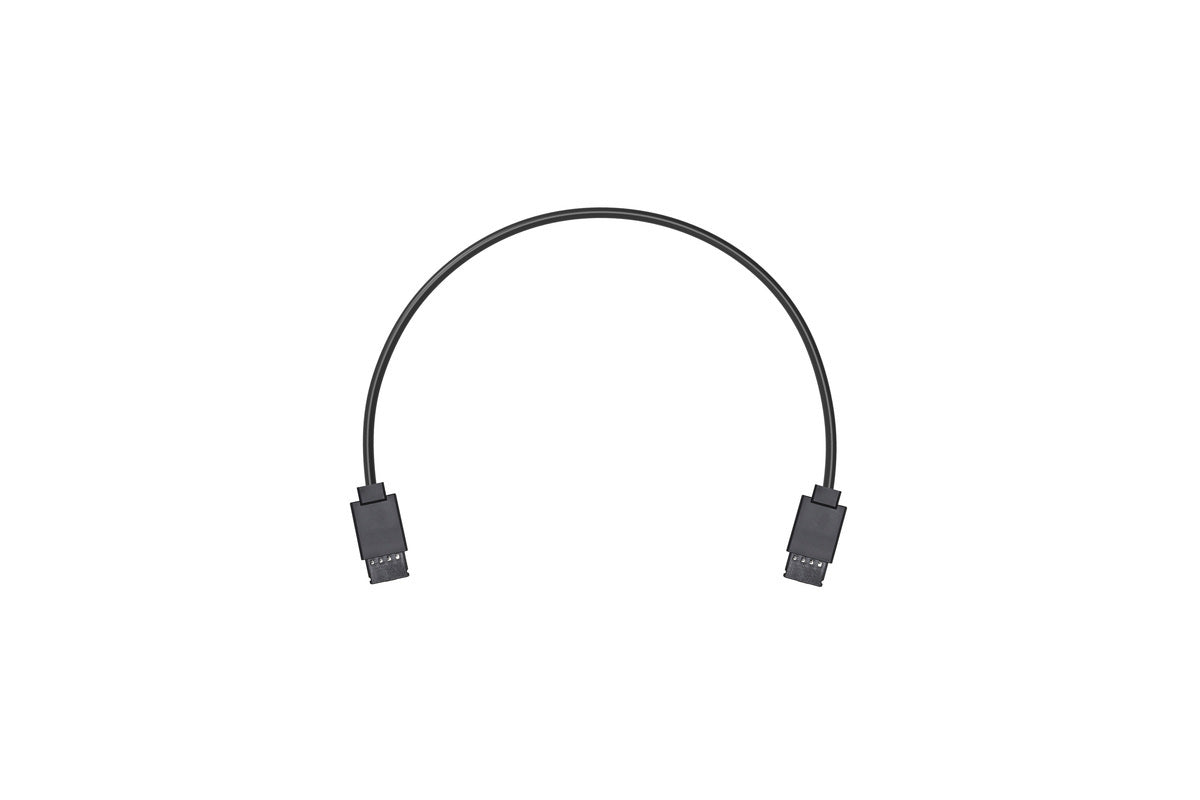
DJI Ronin Control Cable (30cm)

$89.00

Replacement cable for the DJI Ronin S2 and SC2. This is the same cable that comes in the Tethered Control

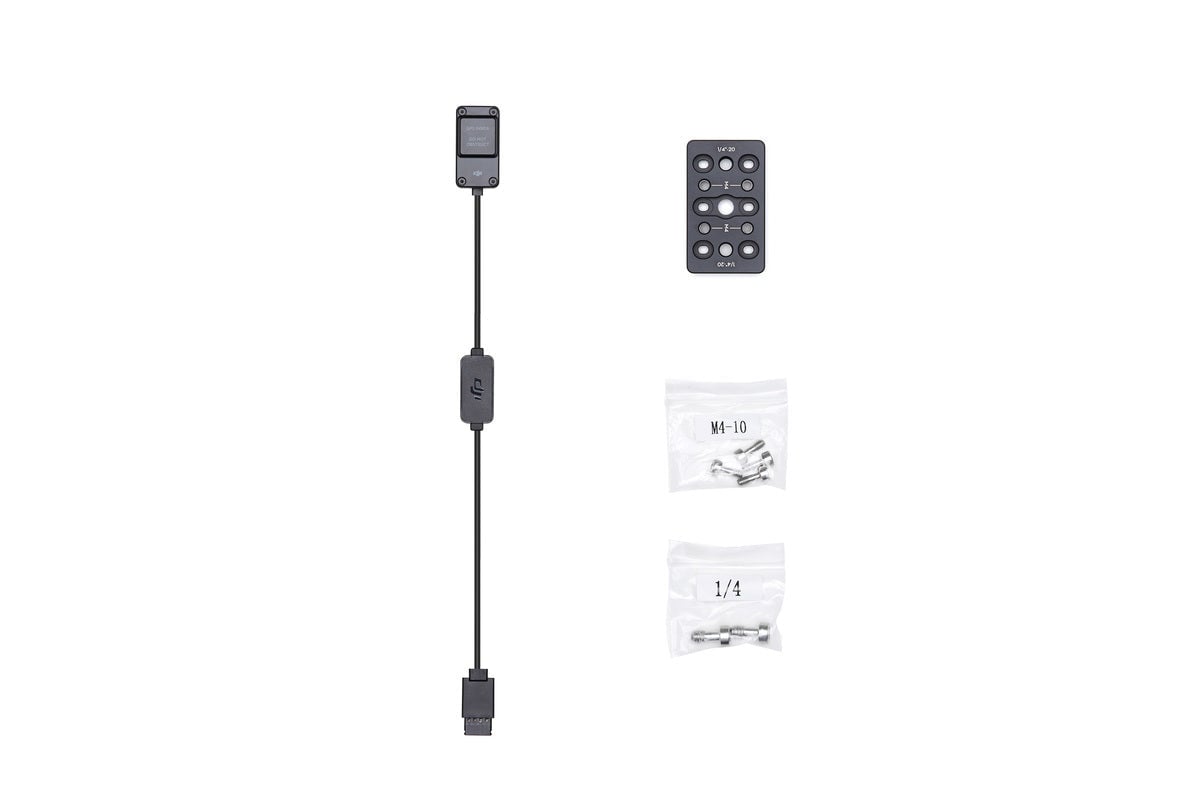
DJI Ronin External GPS Module

$119.00

DJI Ronin External GPS Module AUD $119 Ronin External GPS Module effectively provides position and speed information of the gimbal as

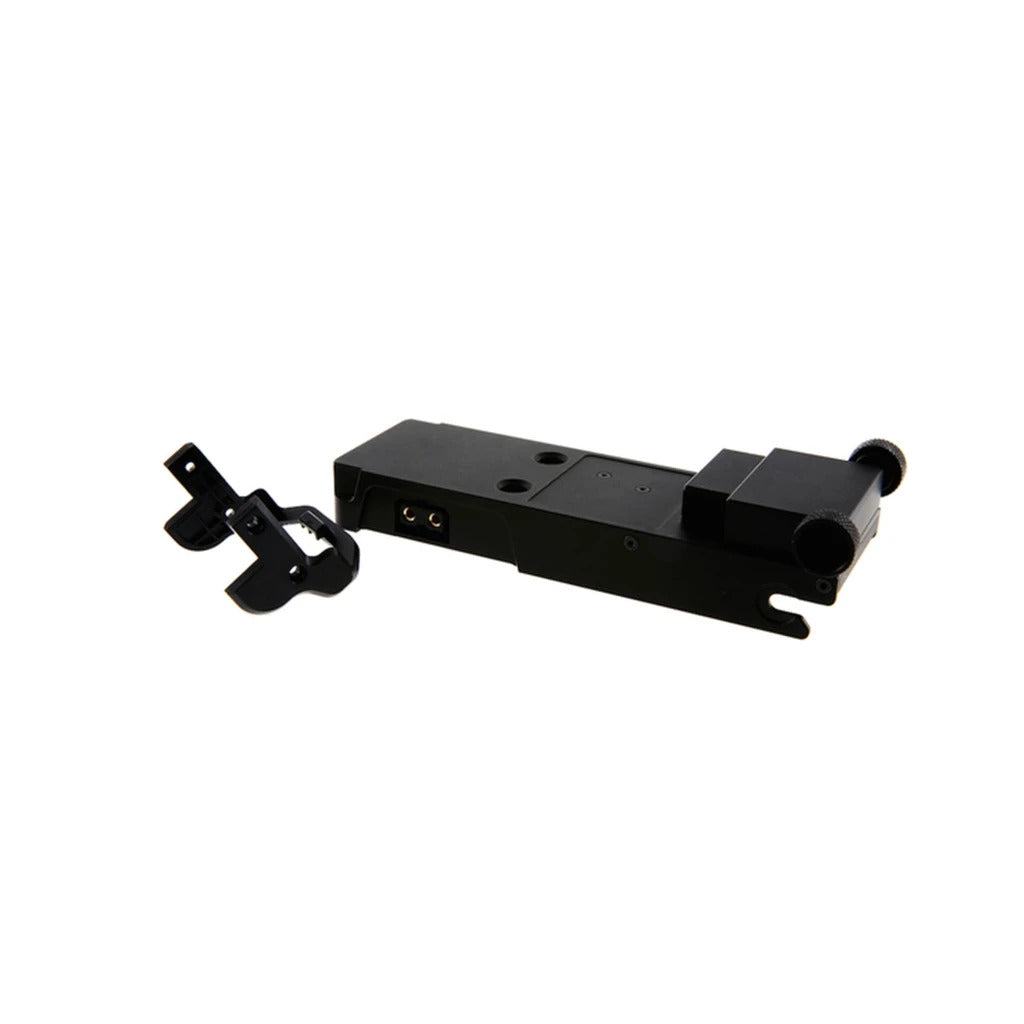
DJI Ronin M Battery Power Distributor Part 41

$300.00

  Designed for the Ronin series hand-held gimbals, this Battery Power Distributor has a P-Tap power connector that can supply

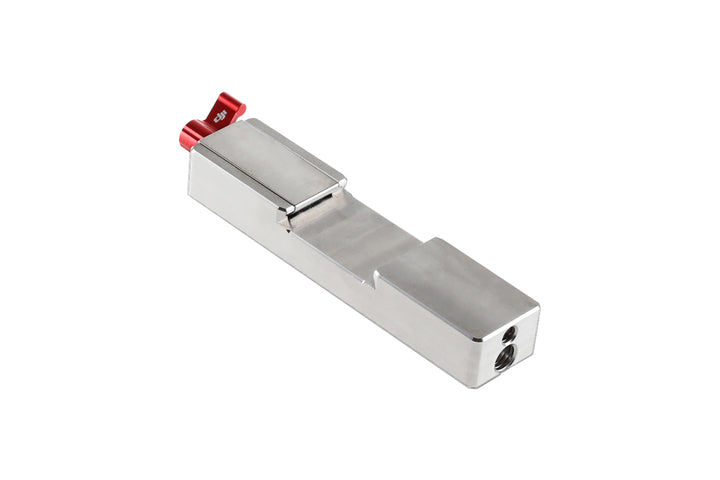
DJI Ronin-M/MX Counter Weight (270g)

$79.00

This Counterweight (270g) is part of the Ronin-M & Ronin-MX Counterweight Set. The Counterweight Mounting Plate is required for mounting

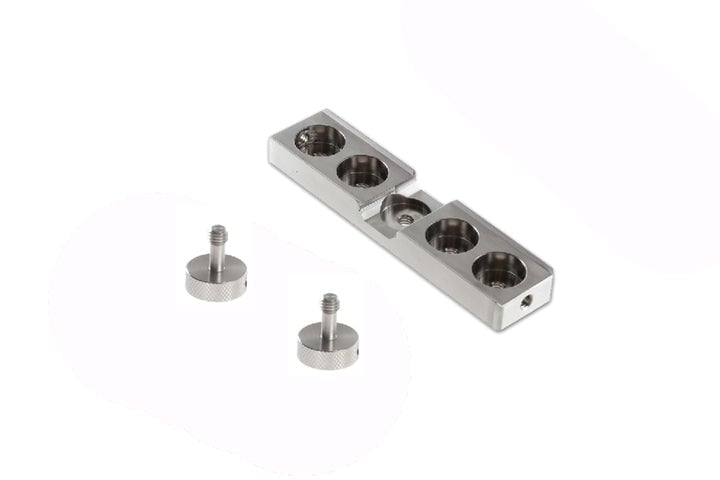
DJI Ronin-M/MX Counter Weight Mounting Plate

$119.00

The Counter Weight Mounting Plate is part of the Ronin-M & Ronin-MX Counterweight Set, which is used to help balance

DJI Ronin-MX CAN Cable for Ronin-MX/S

$49.00

Connects the DJI Wireless receiver to the Ronin-S via the CAN cable to enable control of the Ronin-S through DJI

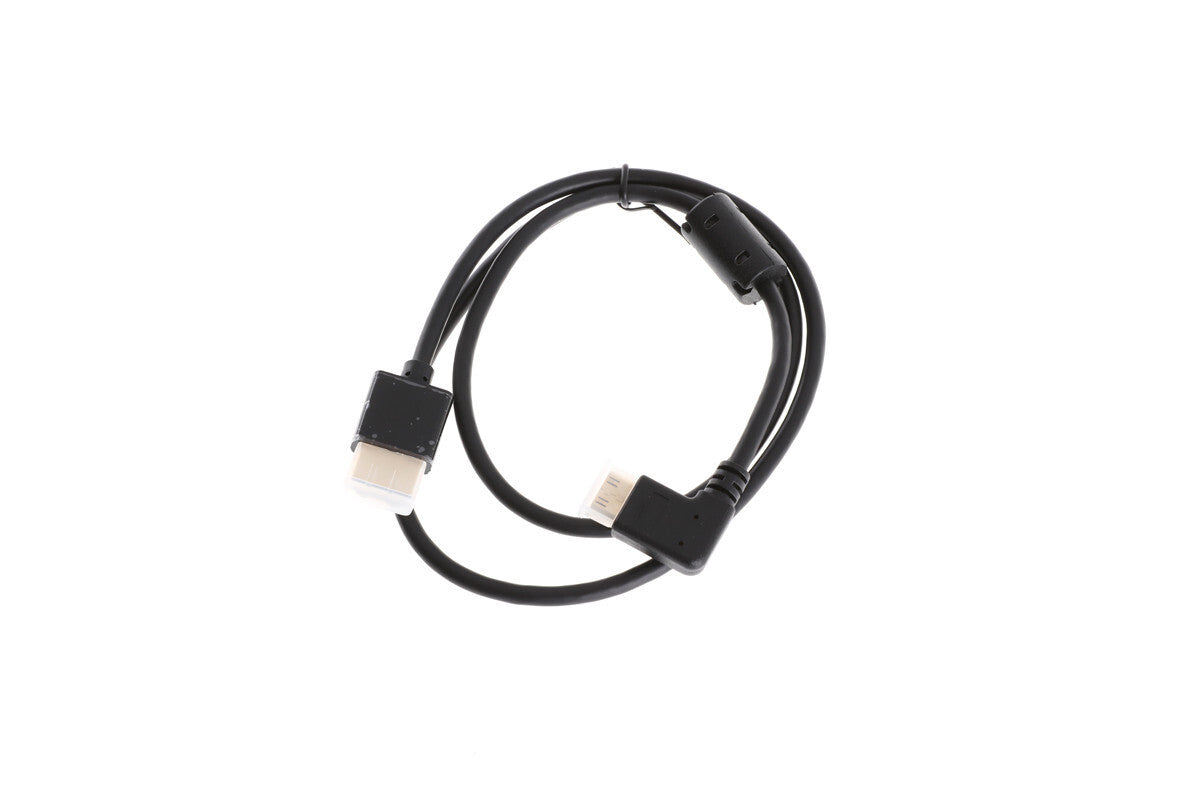
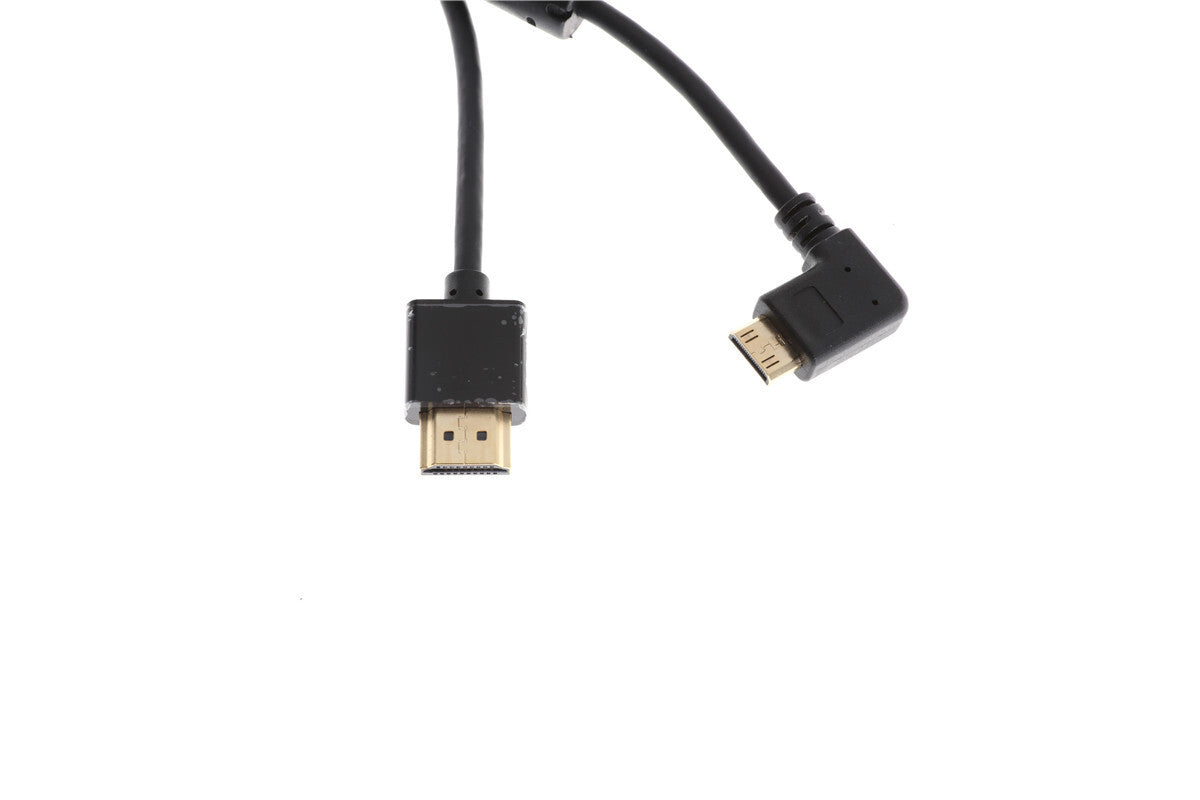
DJI Ronin-MX HDMI to Mini HDMI Cable for SRW-60G

$26.00

One end features straight HDMI A plug and the other an angled HDMI C plug. It is used to connect

DJI Ronin-MX Part 2 RSS Control Cable for Panasonic

$12.00

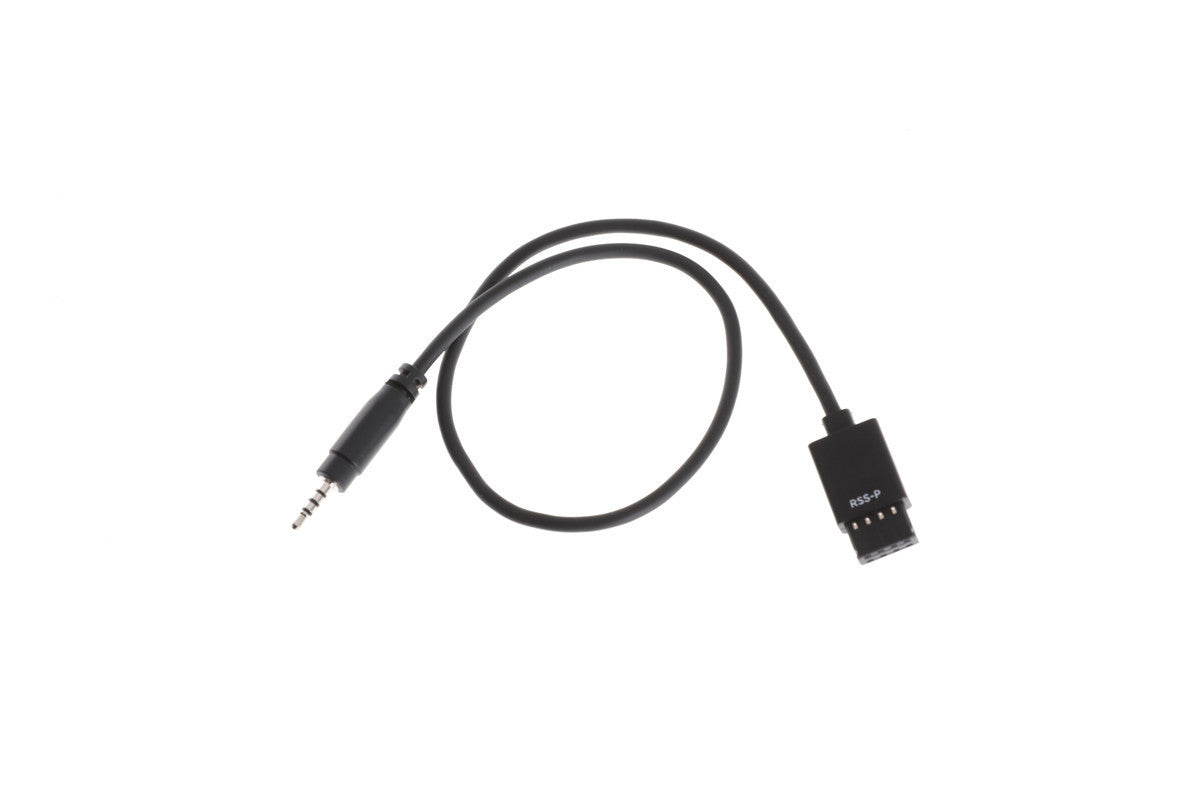
RSS Control Cable for Panasonic is used to connect Remote Start/Stop Camera Port to Panasonic cameras.

DJI Ronin-S Battery Adapter Part 8

$69.00

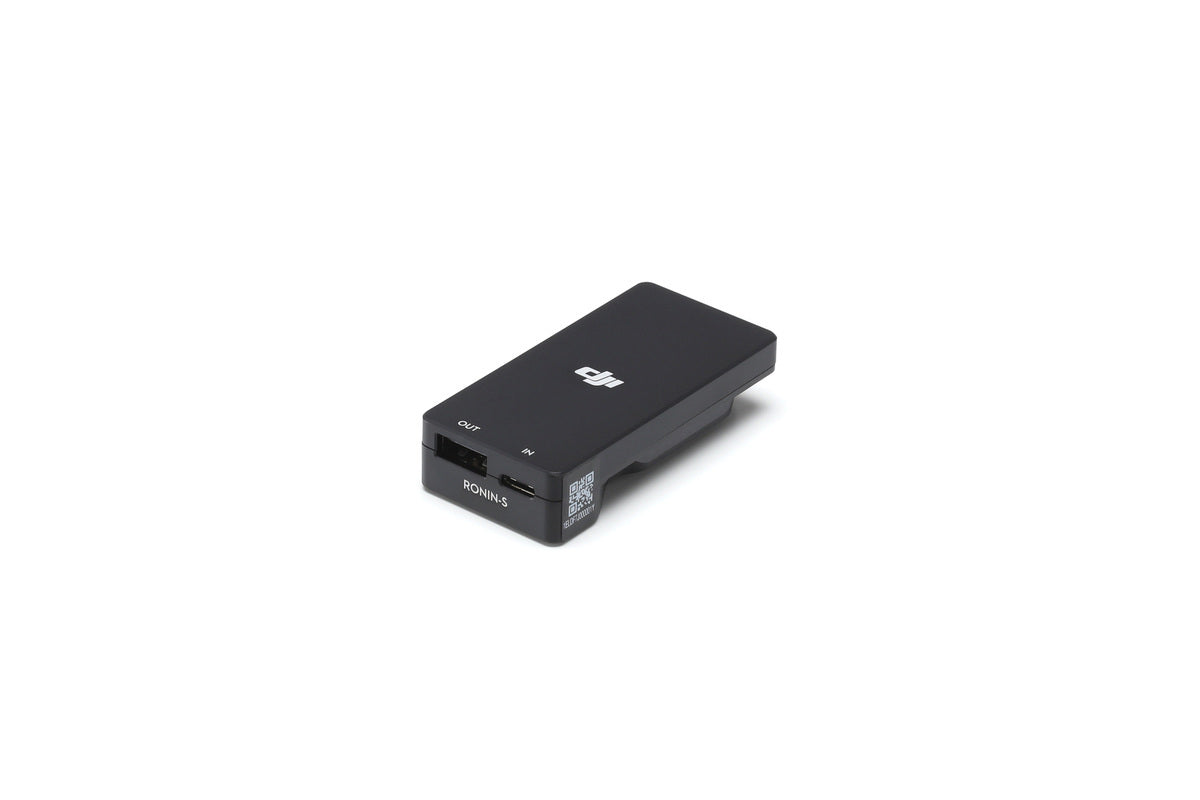
Overview The Ronin-S Battery Adapter is designed to charge the Ronin-S Grip without being attached to the gimbal by connecting