* All videos and images on this page were shot using DJI Avata 360 by professionals in strict compliance with local laws and regulations and have been variously edited in post-production. All videos and images are for reference only. Always observe local laws and regulations and ensure the aircraft has obtained relevant certifications and airspace authorizations before flying.
** All data on this page was collected with a production model of DJI Avata 360 in a controlled test environment. Actual experience may vary depending on the environment, usage, and firmware version.
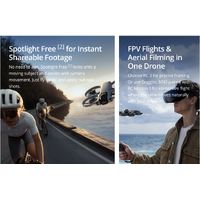
*** All images, videos, and screen display contents about the product itself on this page are for reference only. Actual product effects (including but not limited to appearance, color, and size) and screen display contents (including but not limited to backgrounds, UI, and illustrations) may vary.
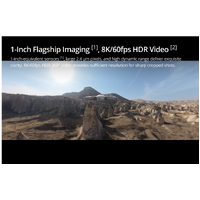
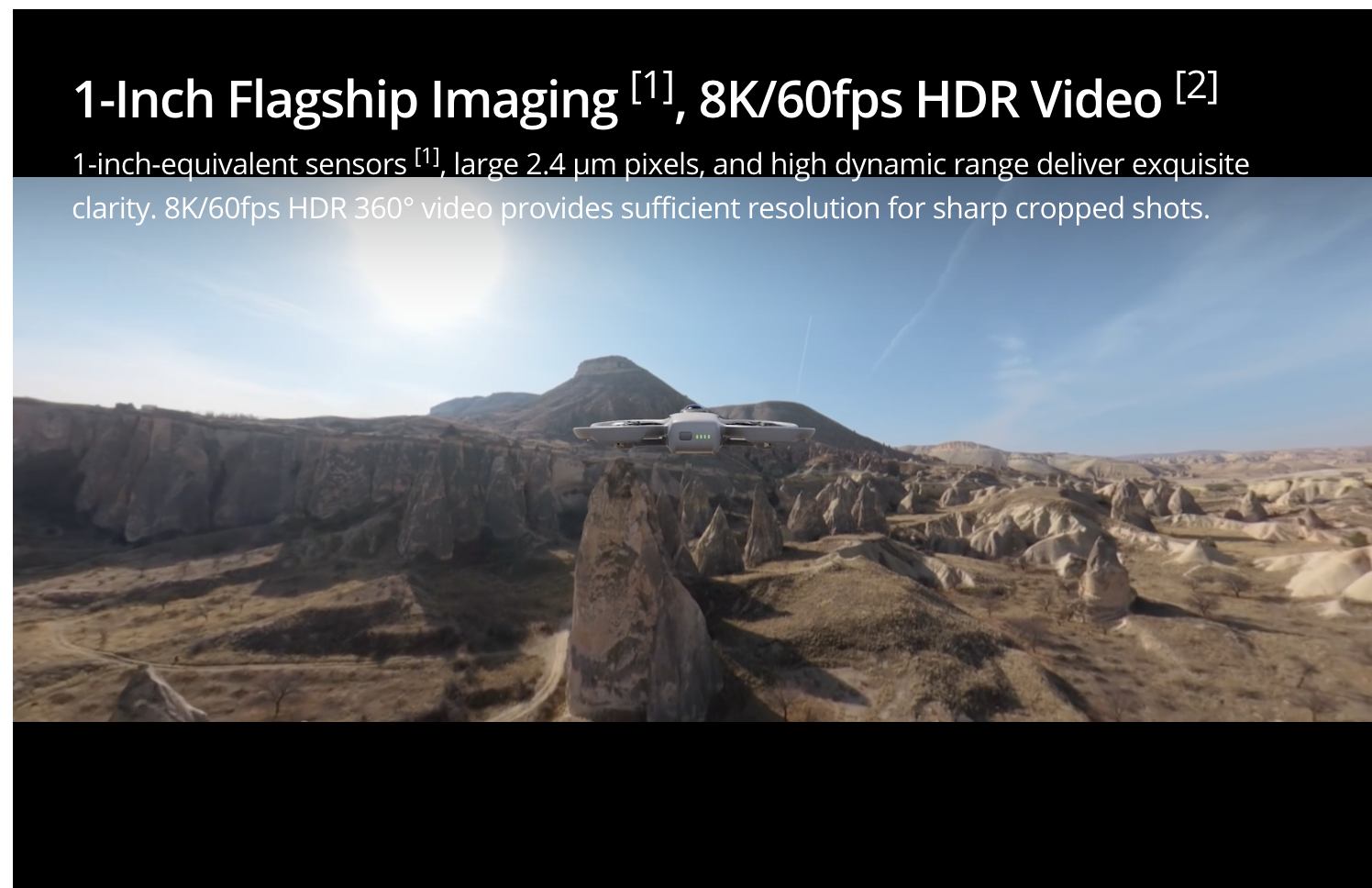
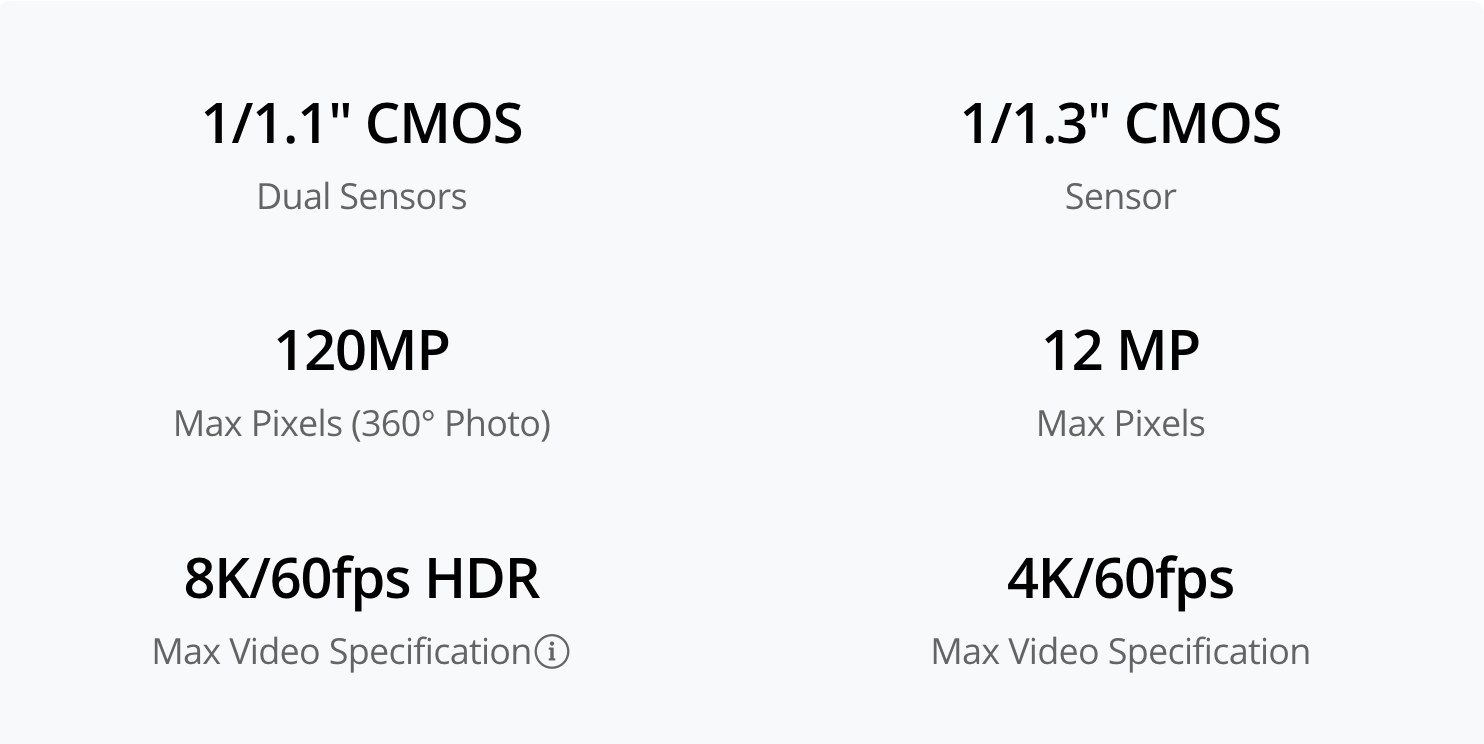
1. Only available in 360° mode. When capturing 360° content, each of DJI Avata 360's two CMOS sensors features an imaging area equivalent to that of a 1‑inch CMOS sensor with a 4:3 aspect ratio.
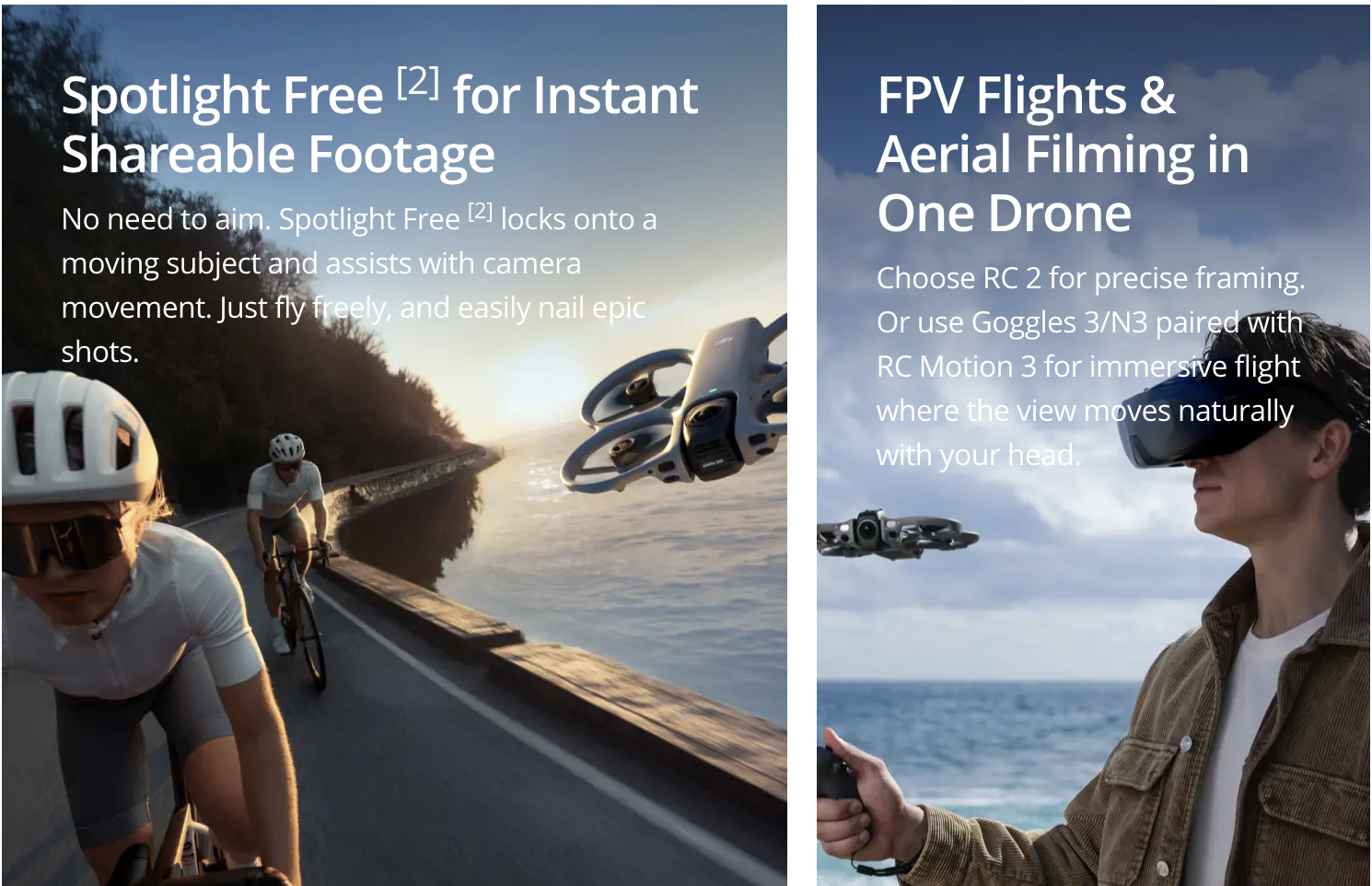
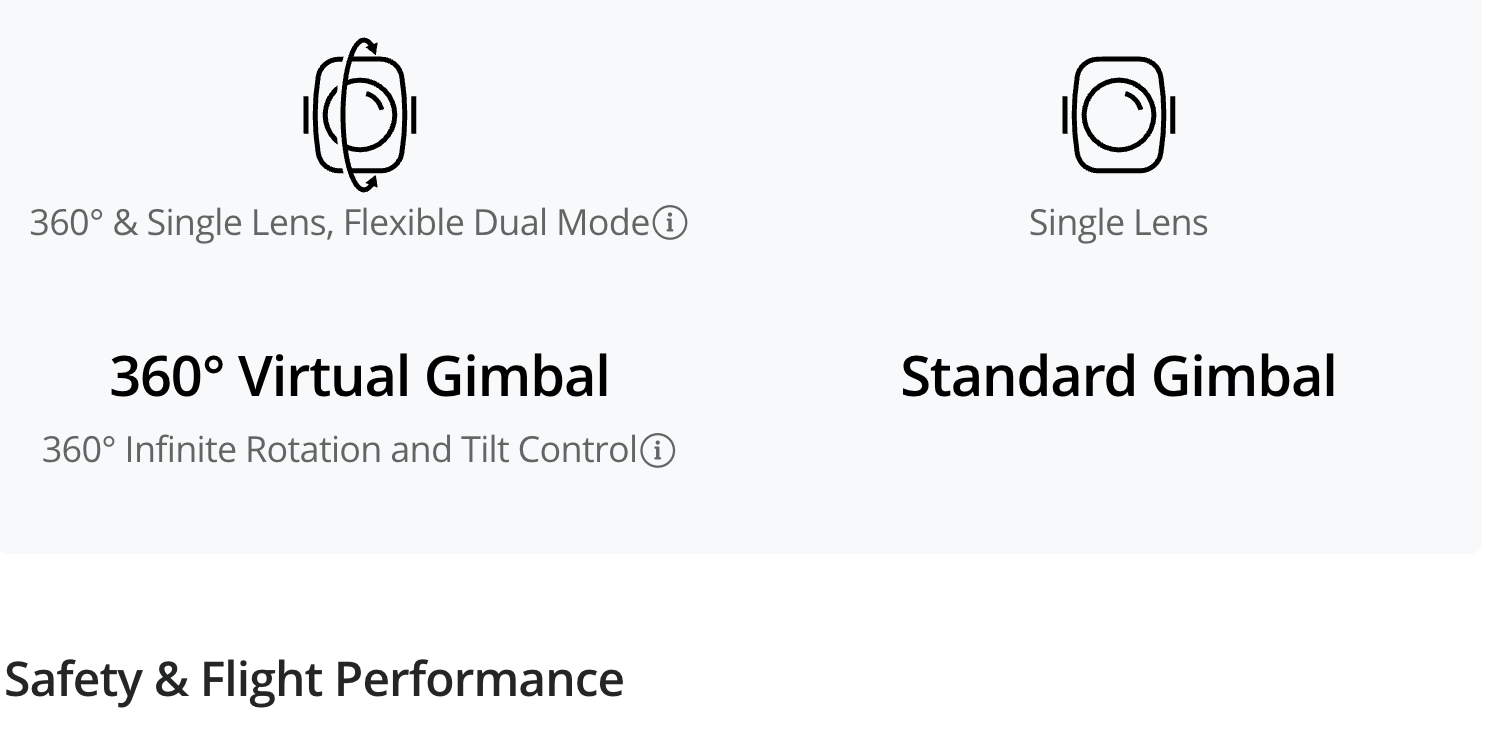
2. Only available in 360° mode.
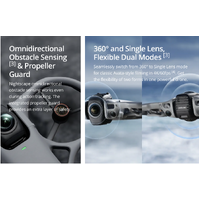
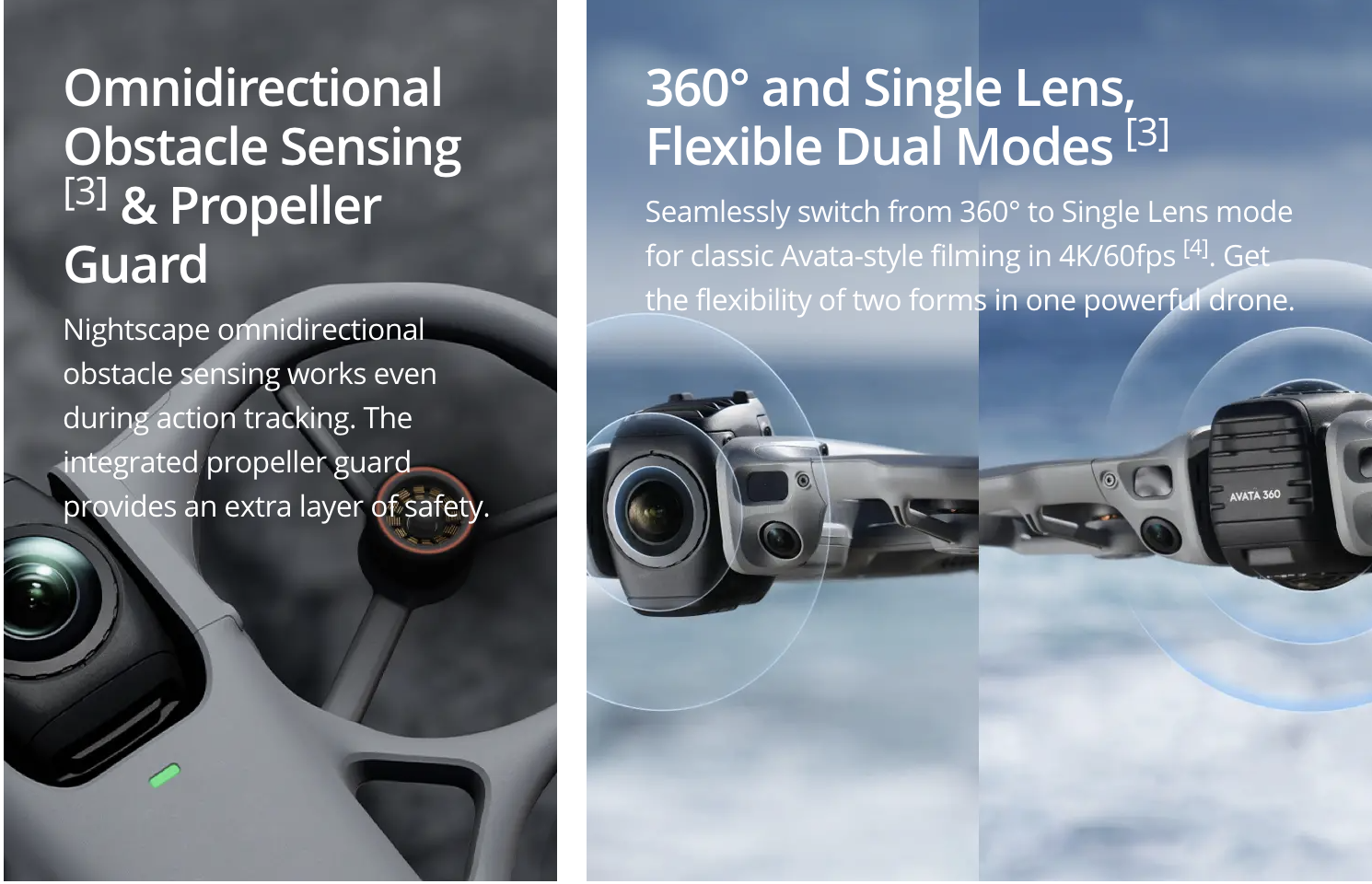
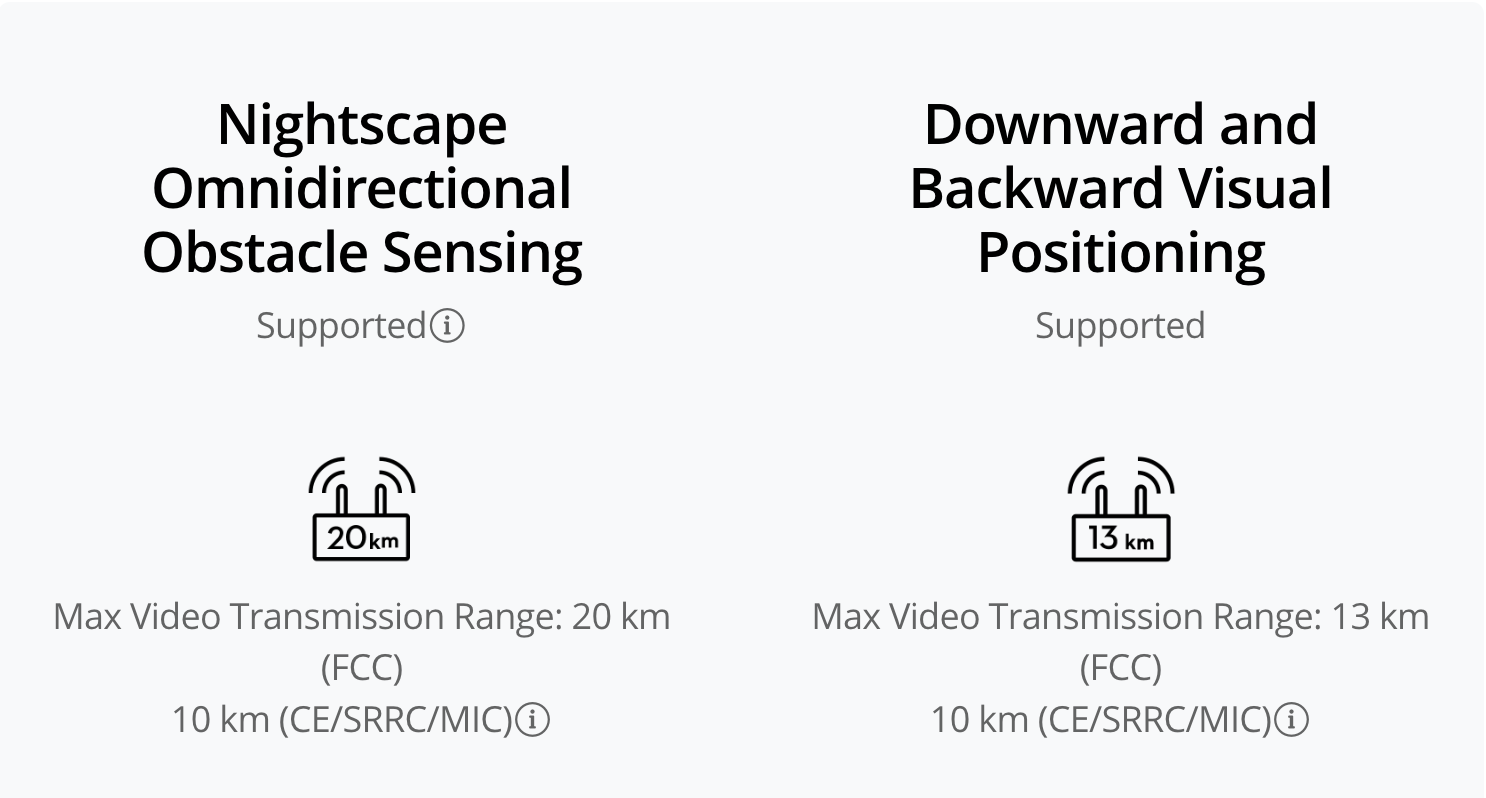
3. Conditions for enabling nightscape omnidirectional obstacle sensing: The drone's front, back, left, right, or top sides are within range of surfaces with discernible textures with illuminance that exceeds 1 lux. Similarly, the ground below is textured and diffusely reflective with a reflectivity above 20% (such as walls, trees, or people), also in lighting conditions with illuminance higher than 1 lux. DO NOT fly in severe weather conditions, such as in strong winds (wind speed of 10.7 m/s or more), snow, rain, lightning, or fog. DO NOT fly the aircraft 5,000 m (16,404 ft.) or higher above sea level. DO NOT fly the aircraft in environments where the temperature is below -10° C (14° F) or above 40° C (104° F). DO NOT take off from moving objects, such as cars or boats. DO NOT fly close to reflective surfaces such as water or snow. Otherwise, the vision system may not work correctly. The vision system may not work properly in dim environments. Always fly with caution and prevent the aircraft from entering Attitude mode. DO NOT fly near areas with magnetic or radio interference. Familiar magnetic or radio interference sources include Wi-Fi hotspots, routers, Bluetooth devices, high-voltage lines, large-scale power transmission stations, radar stations, mobile base stations, and broadcasting towers. Avoid sand entering the aircraft when taking off in desert or beach areas. Fly the aircraft in open areas away from crowds. Buildings, mountains, and trees may block the GNSS signal and affect the onboard compass. Omnidirectional Obstacle Sensing is effective only in 360° mode on surfaces with discernible textures and in lighting conditions of 1 lux or greater, and is not available when entering the playback interface. In Single Lens mode, only forward obstacle sensing is supported.
4. In Single Lens mode, 4:3 aspect ratio video recording is only supported when used with Goggles 3/N3 paired with RC Motion 3 or FPV Remote Controller 3.
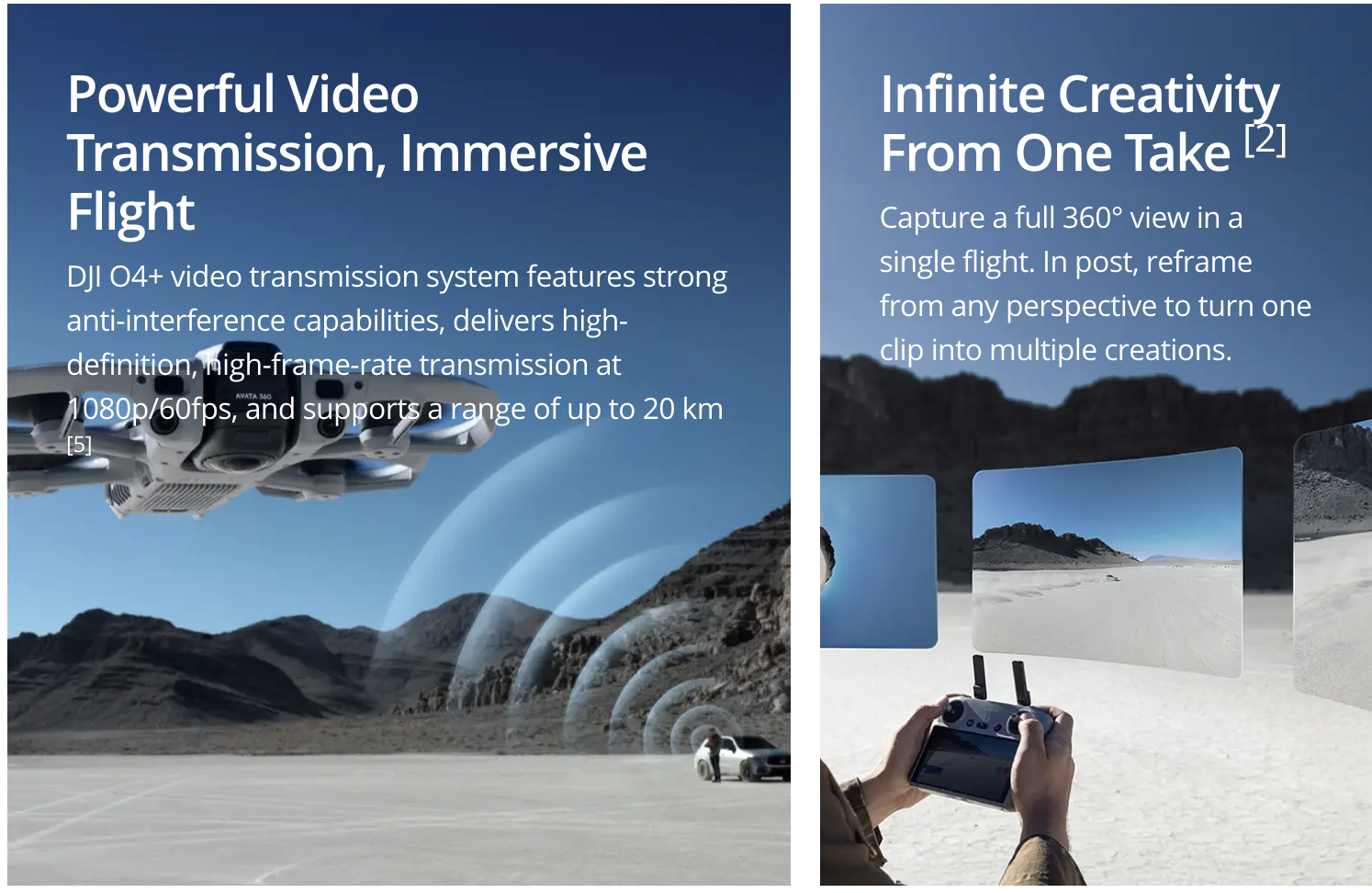
5. Measured in an outdoor, open environment, without interference, and with FCC compliance. The 20 km transmission distance is only achievable under FCC standards; in mainland China, the SRRC standard is adopted, with a maximum transmission distance of 10 km. The above data shows the farthest communication range for one-way, non-return flights. Always pay attention to reminders in the app during your flight.


