
Showing 13–24 of 36 resultsSorted by latest
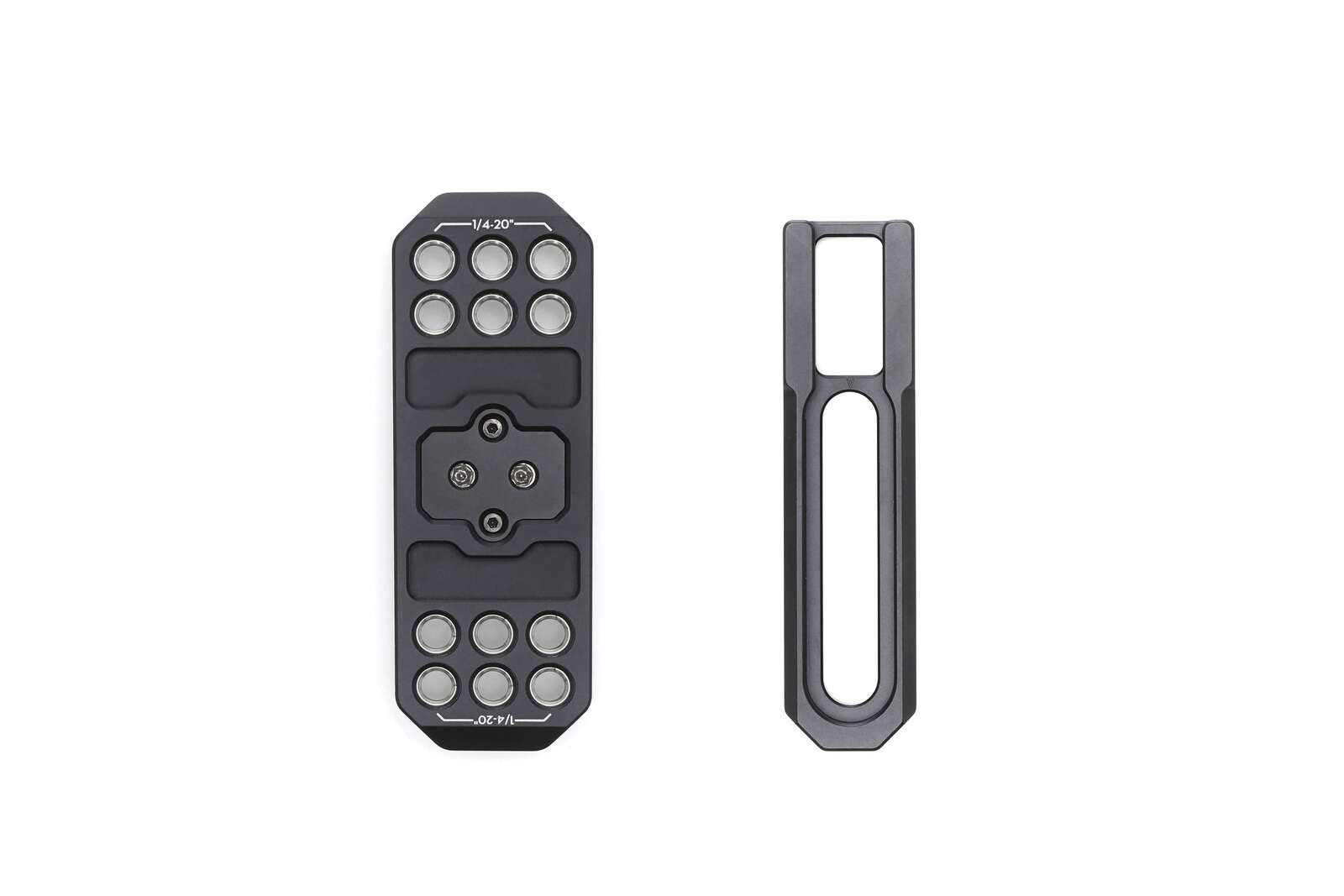
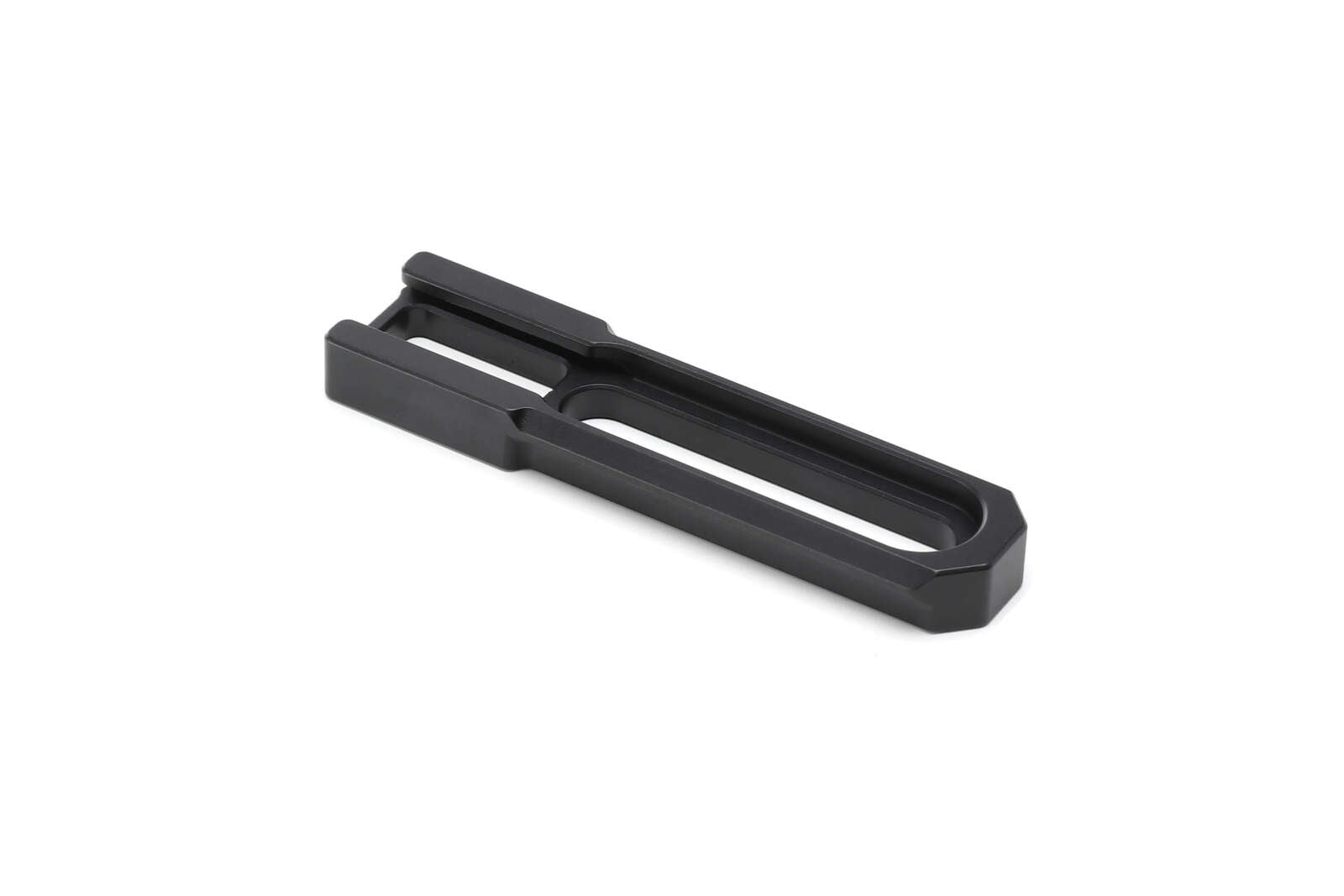
Overview Mount the Top Accessory Mounting Plate and Camera Top Cross Bar to the top of the camera to attach
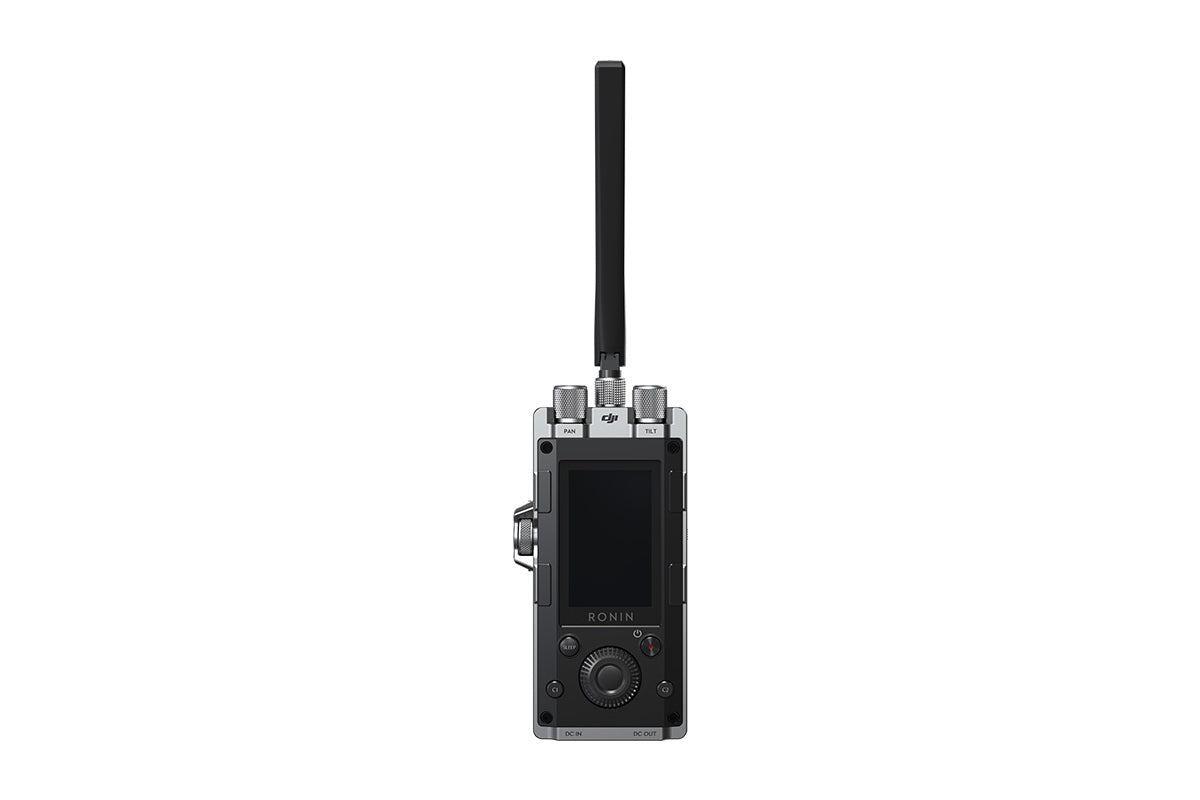
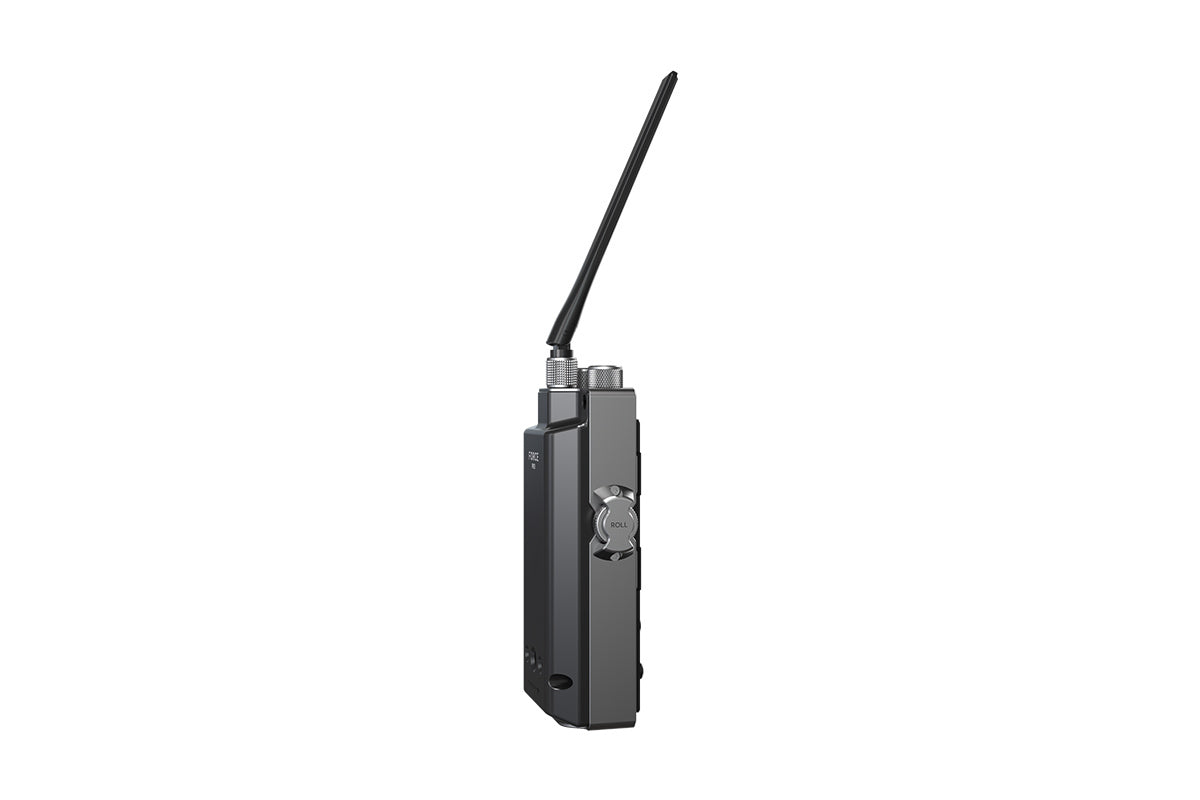
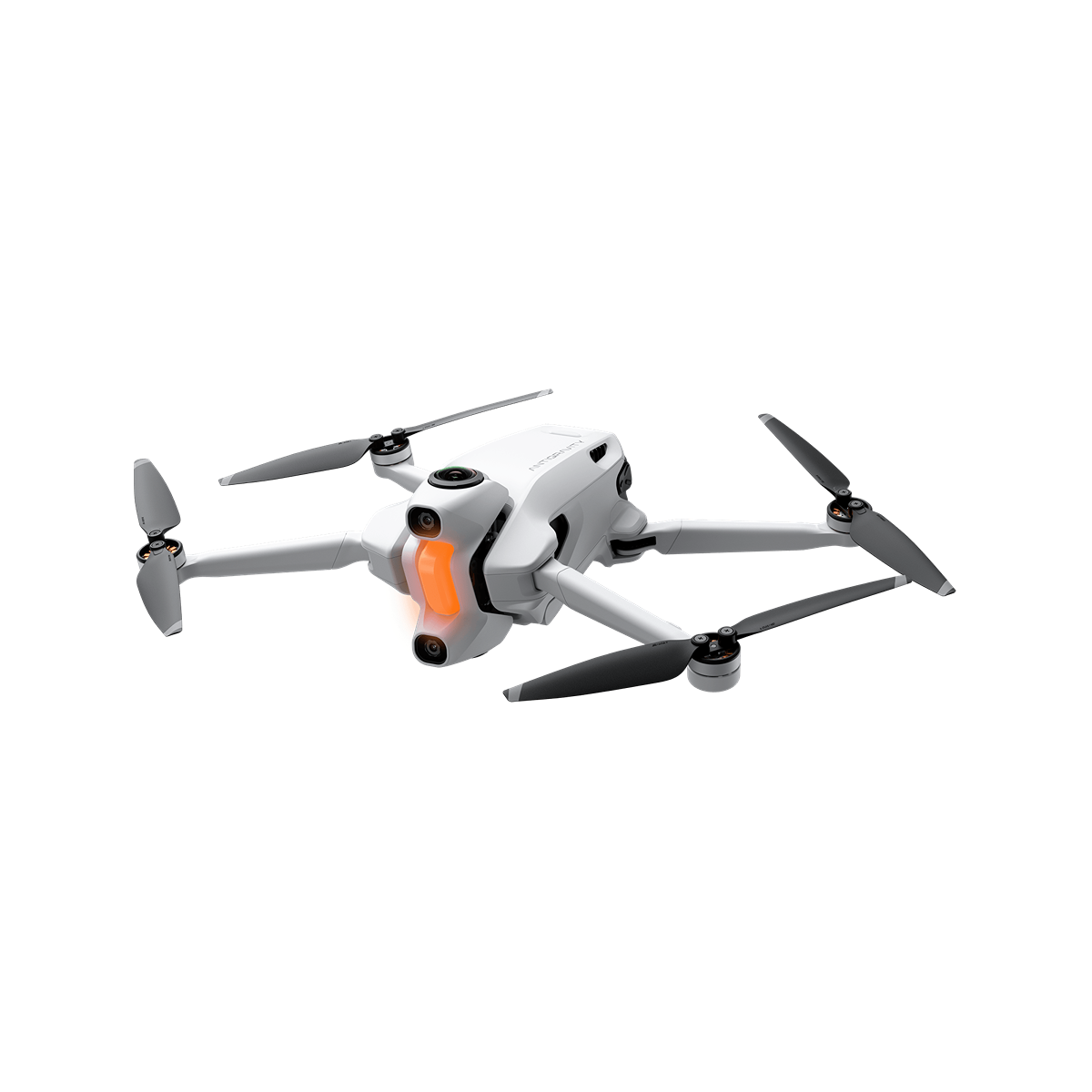
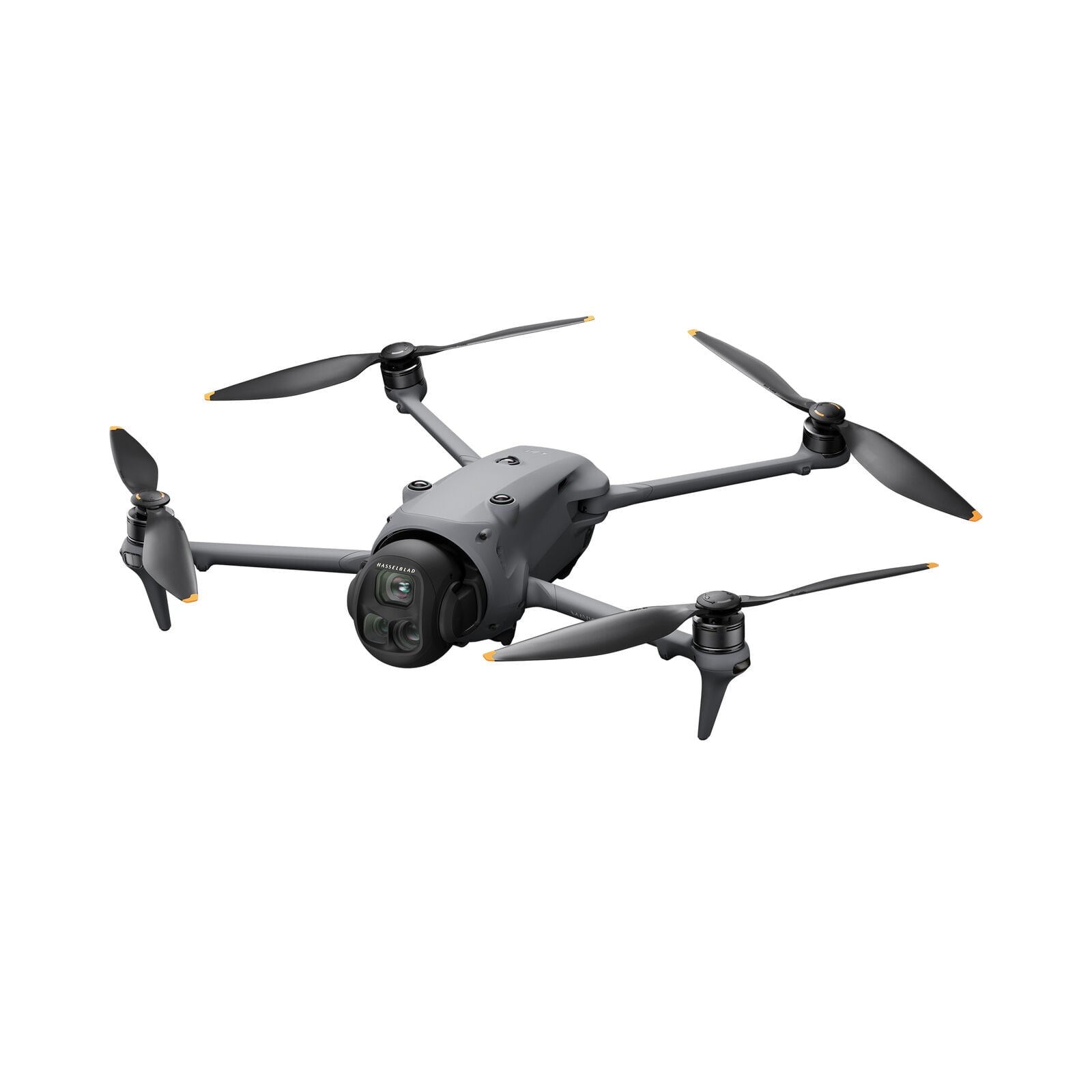
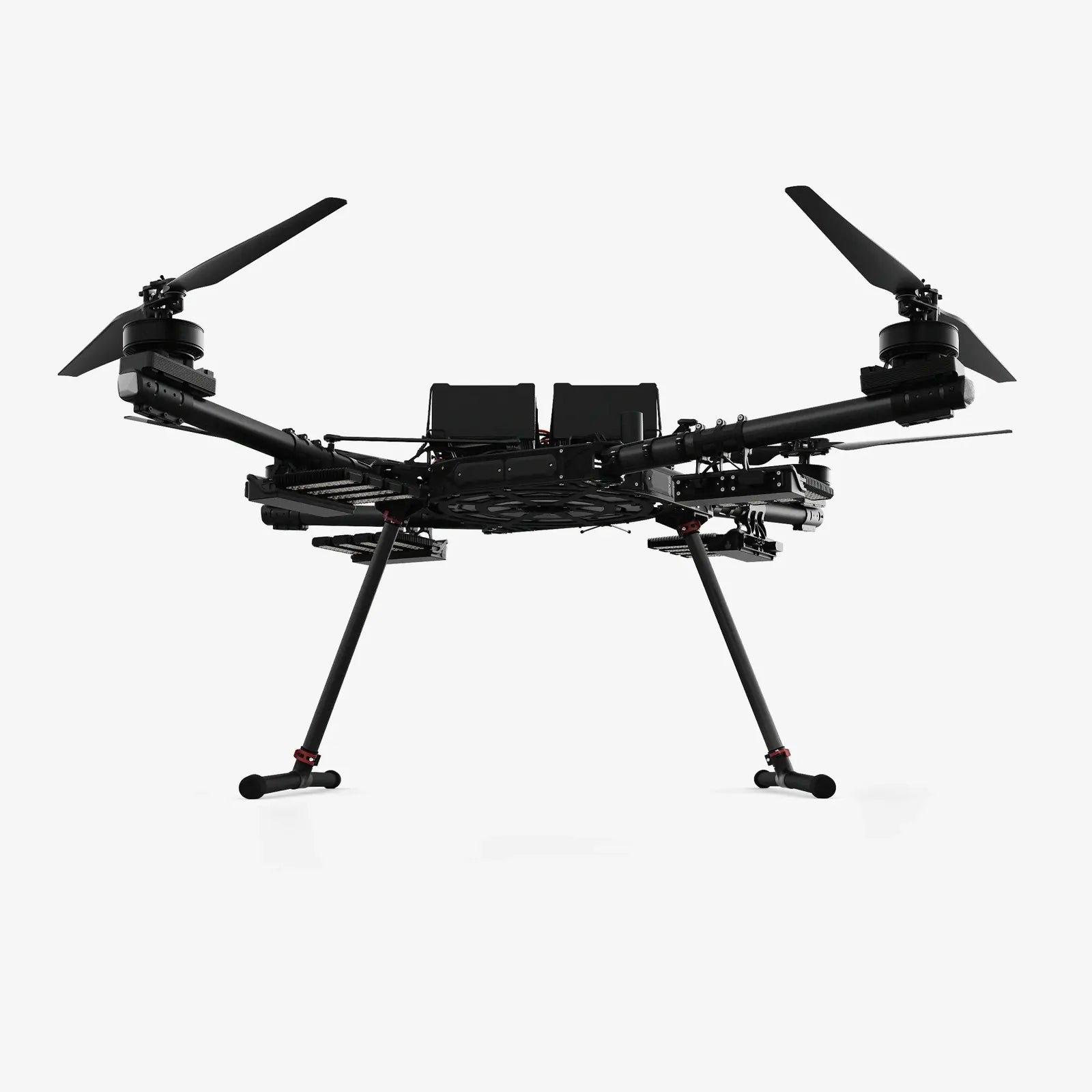
When you buy the DJI Force Pro from Camzilla – the drone experts – you can rest assured that you’re ordering from the industry experts
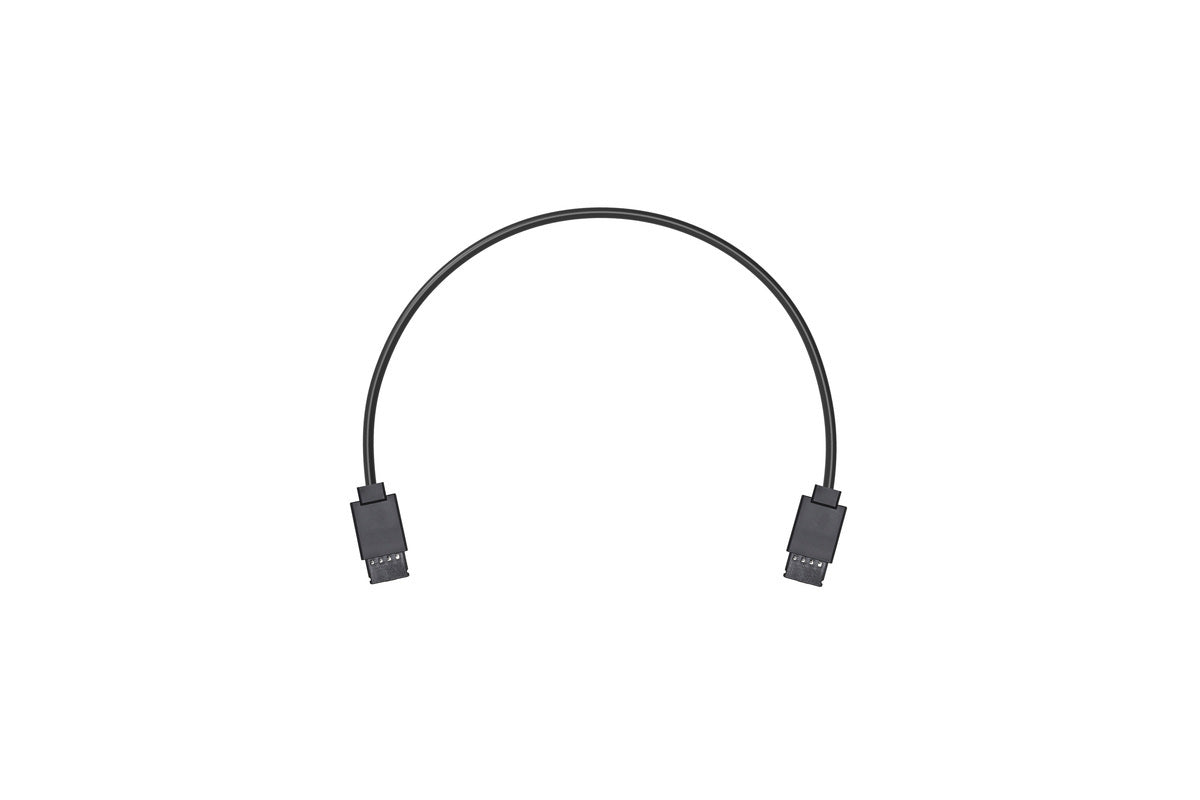
Connects the DJI Wireless receiver to the Ronin-S via the CAN cable to enable control of the Ronin-S through DJI
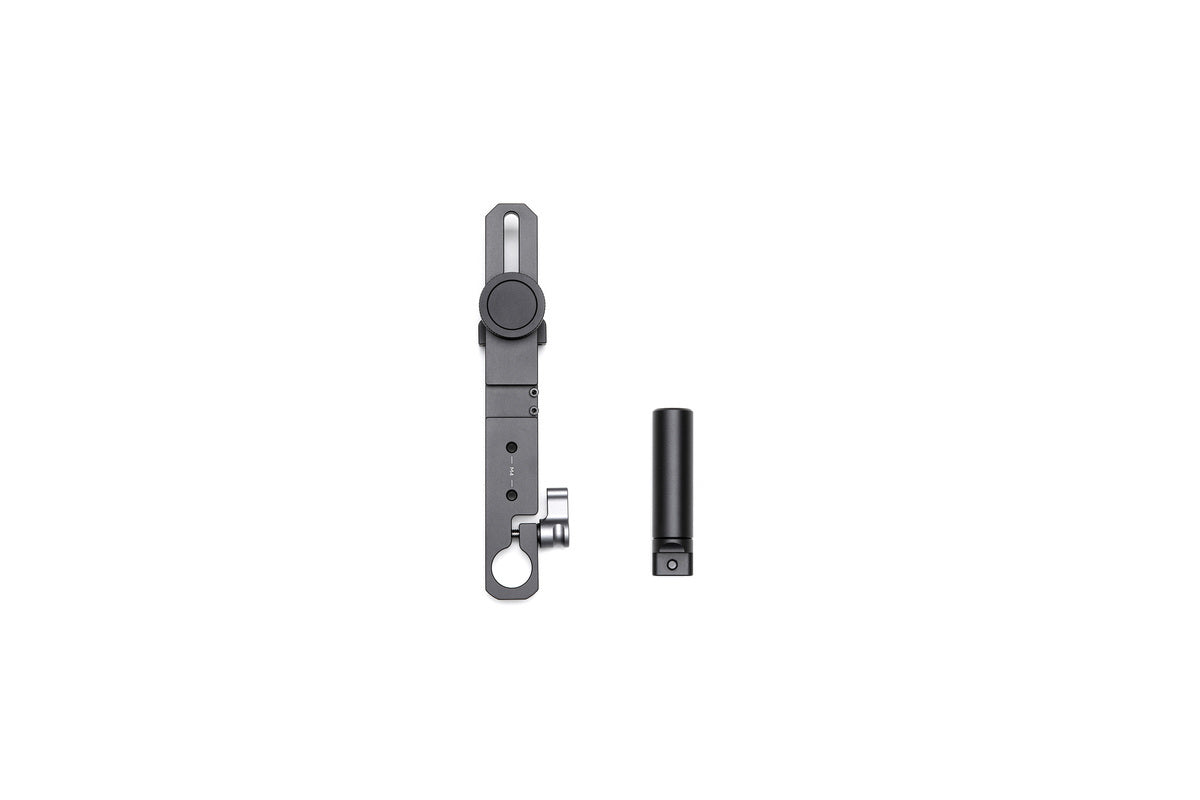
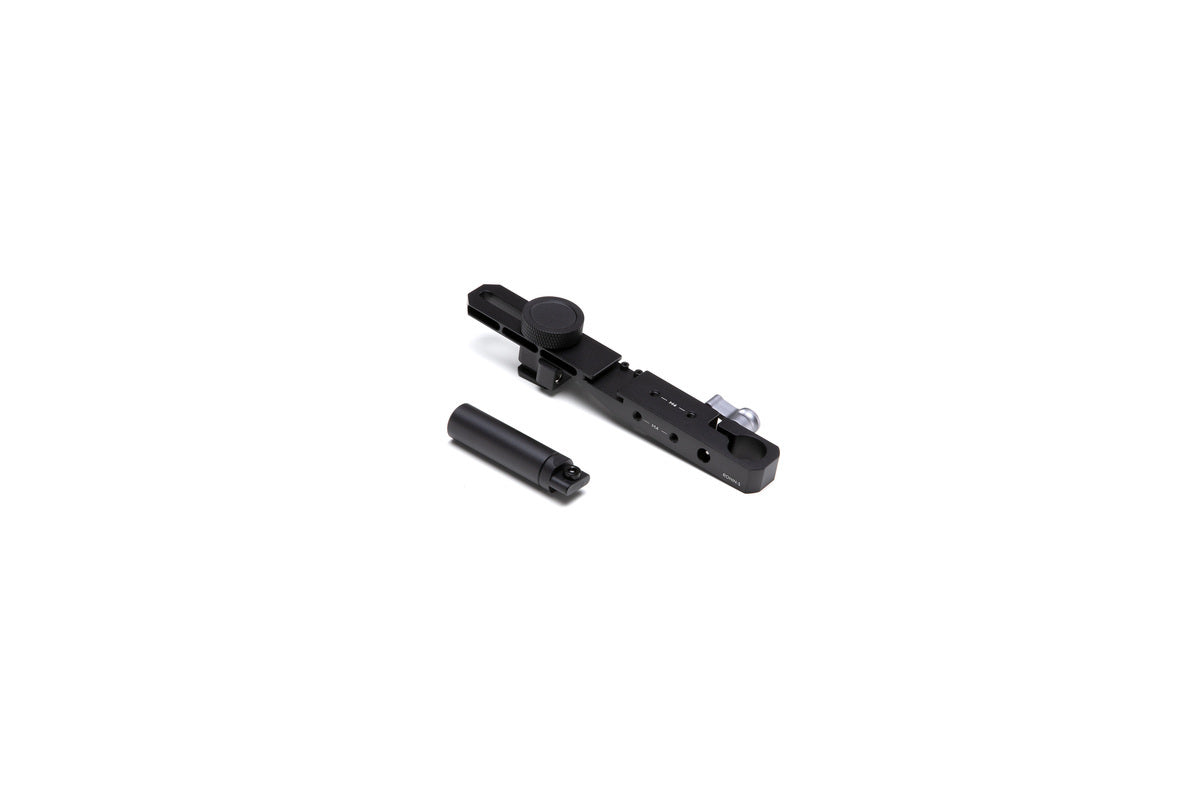
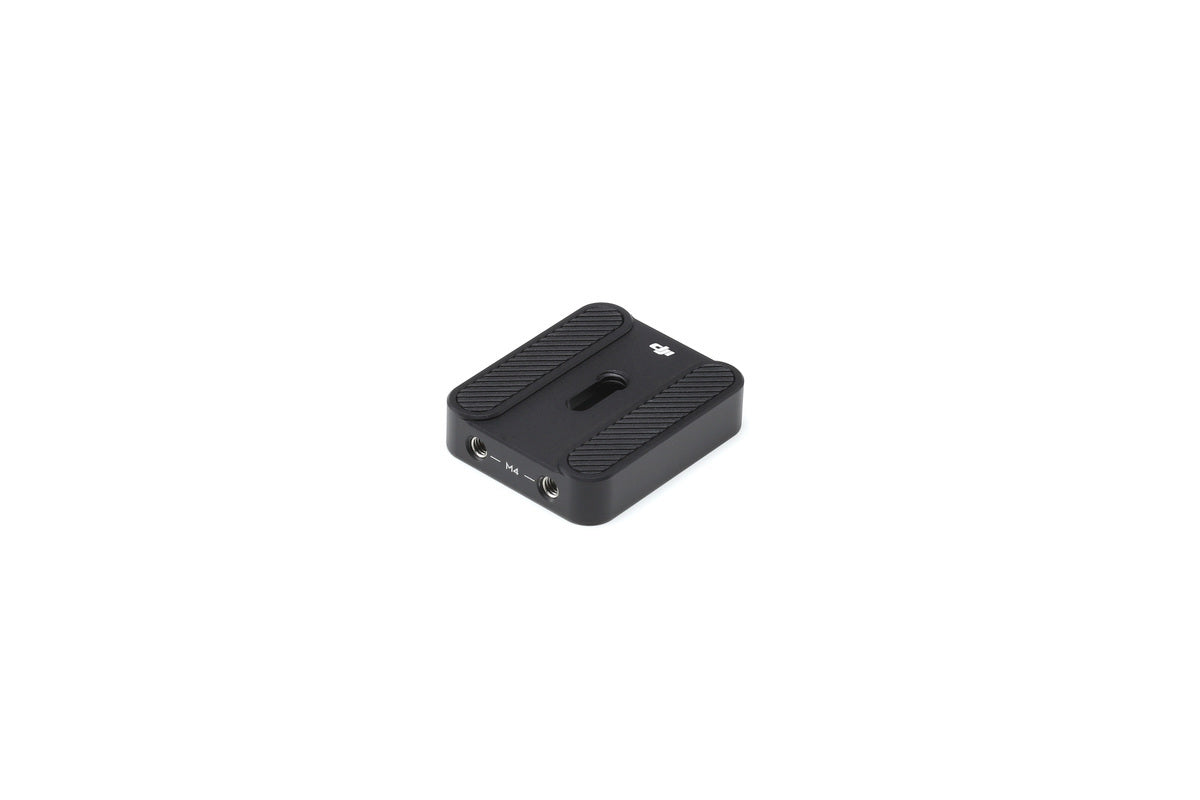
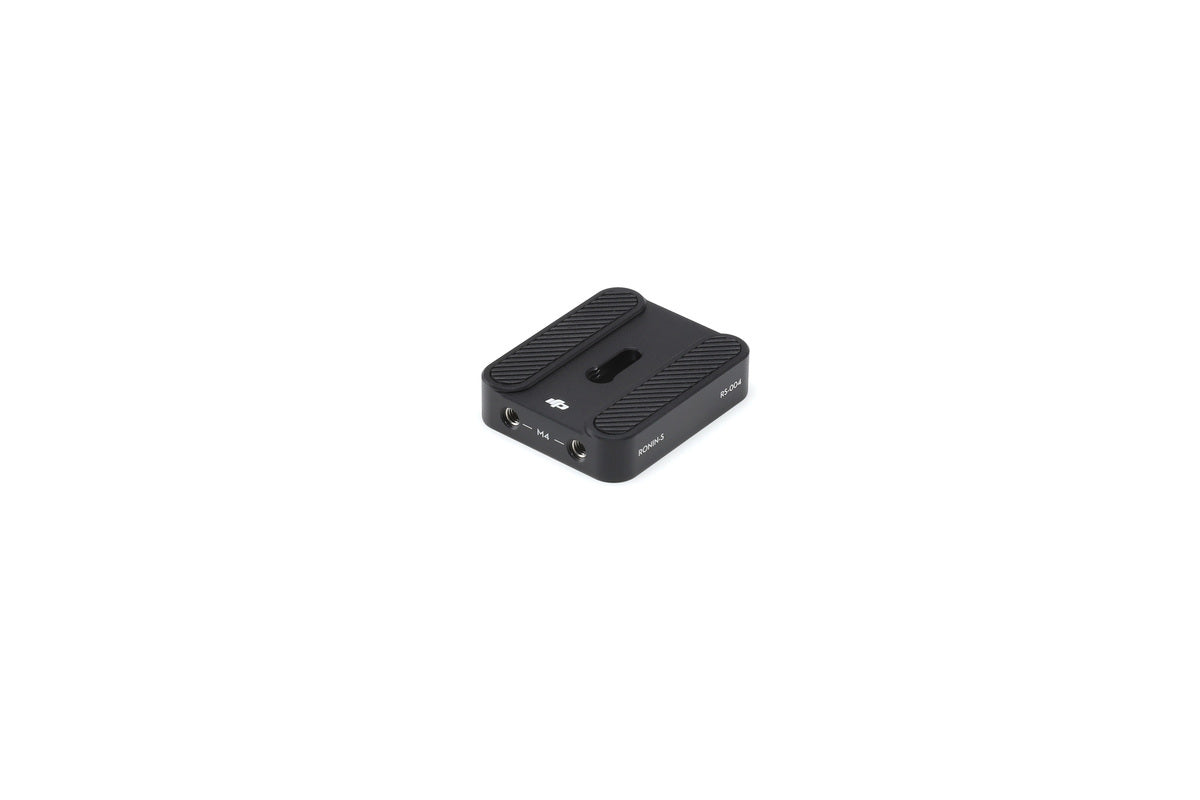
Overview Ronin-S Top Hotshoe Bracket is used to more securely mount a DLSR camera to the Ronin-S. It is recommended
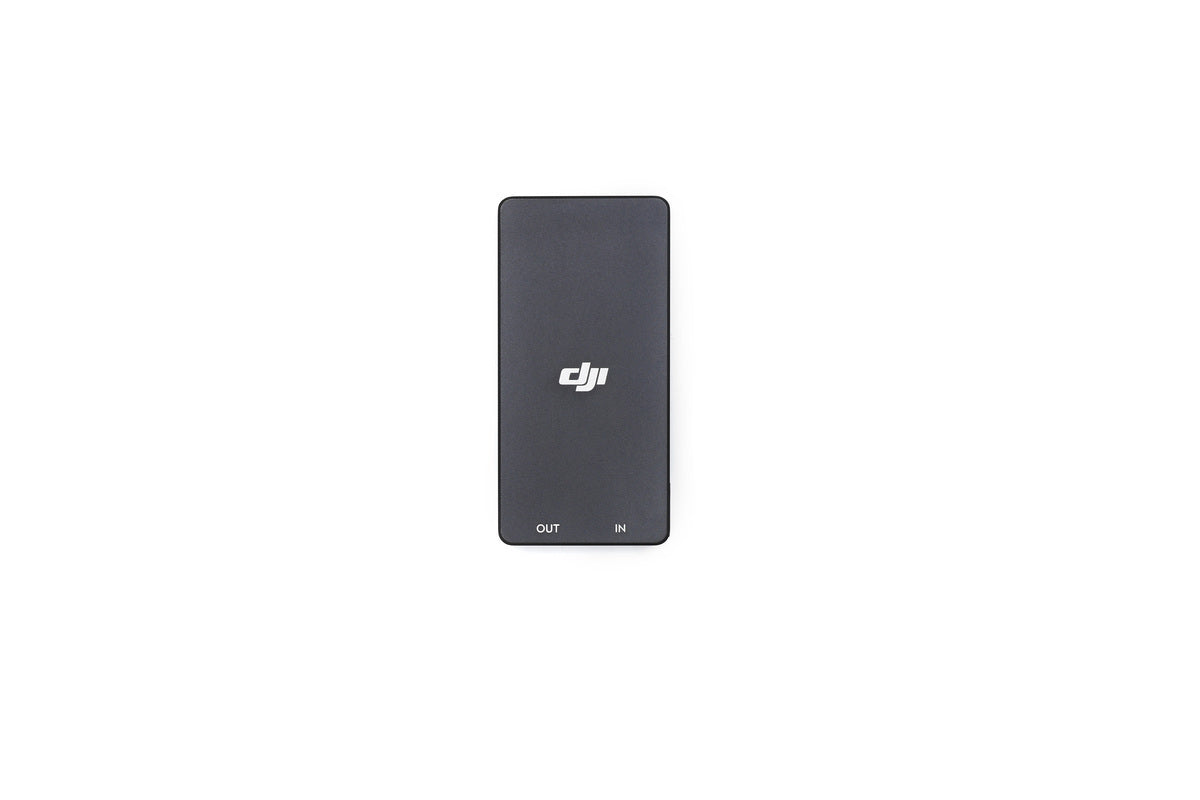
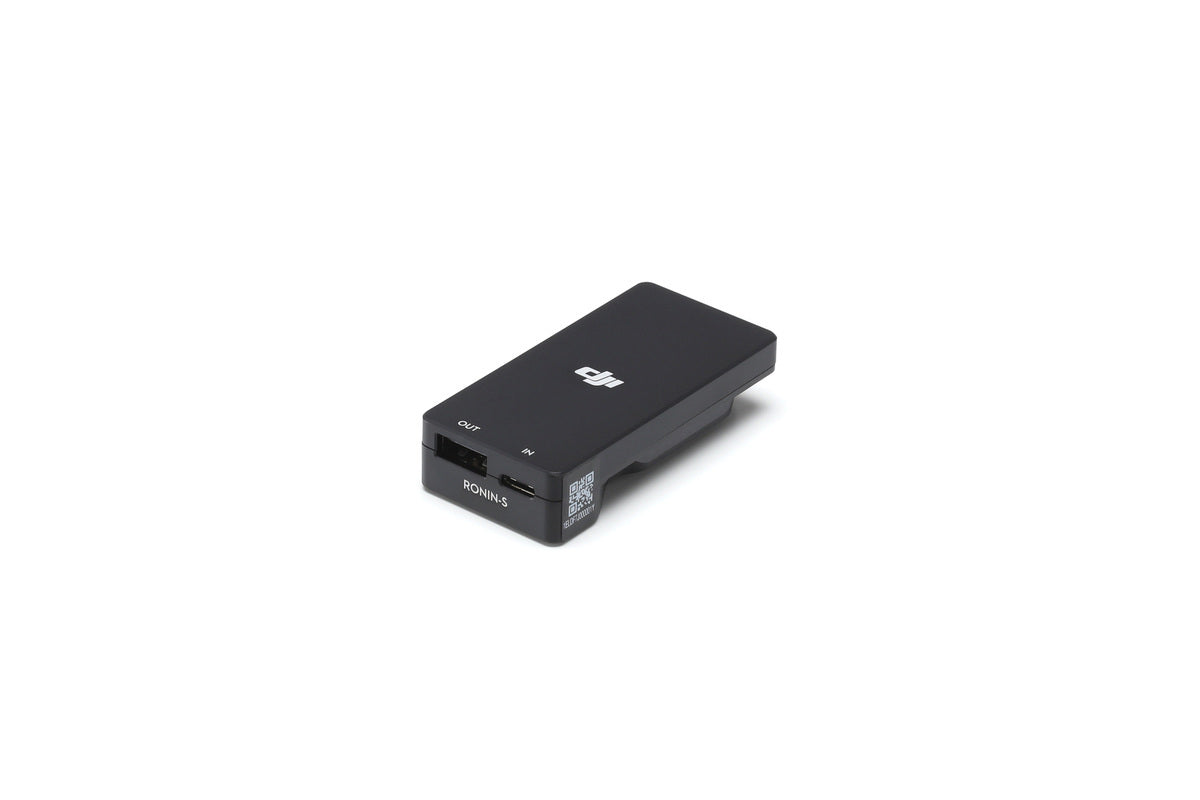
Overview The Ronin-S Battery Adapter is designed to charge the Ronin-S Grip without being attached to the gimbal by connecting
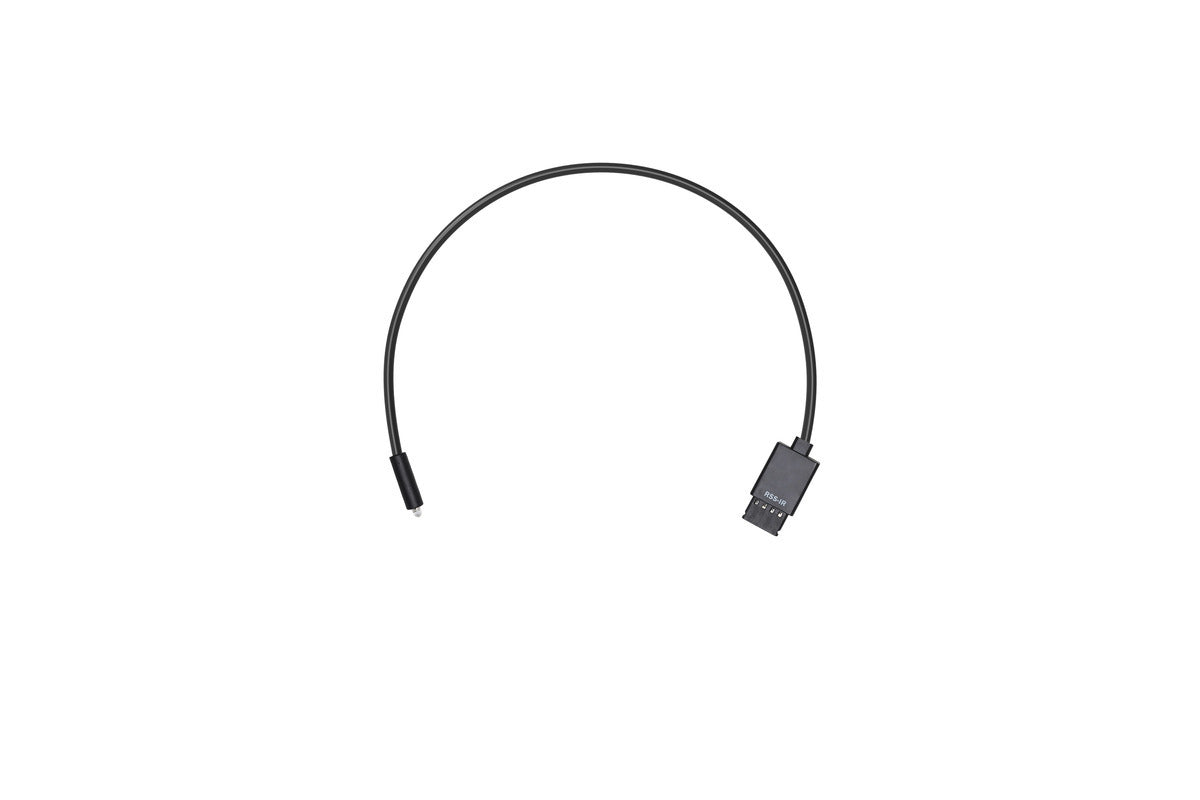
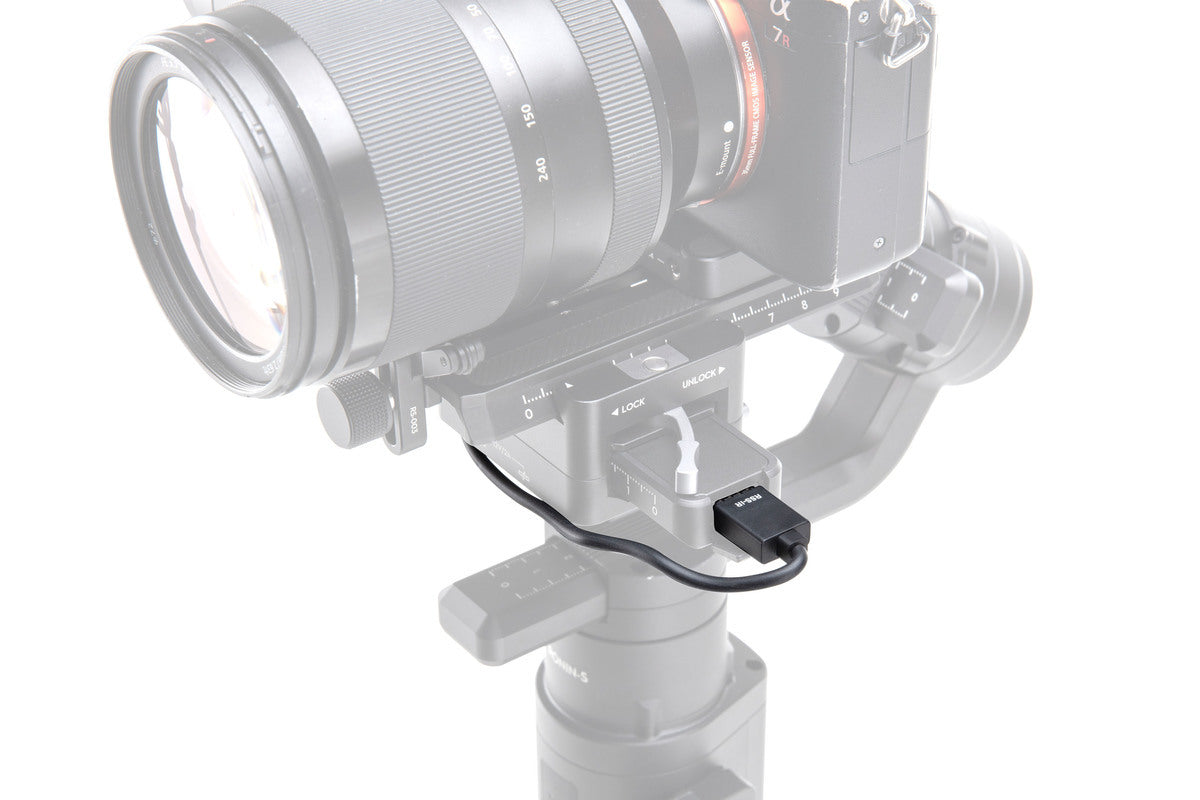
Overview This RSS IR Control Cable can be used with cameras that feature an infrared receiver. Insert one end of
Overview Ronin-S Camera Riser is attached under the camera to mount and balance onto the Ronin-S. Please click here to
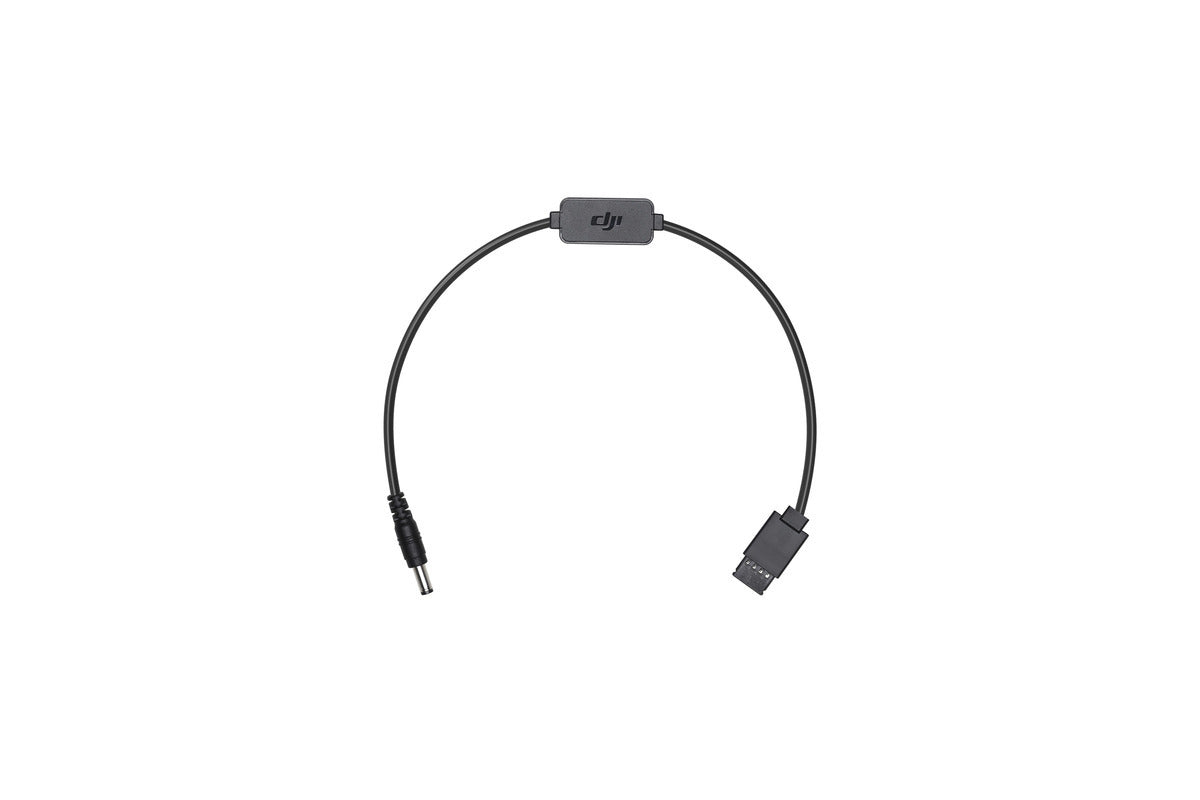
Overview The Ronin-S DC Power Cable connects a camera to the 12V accessory power port on the Ronin-S. The other
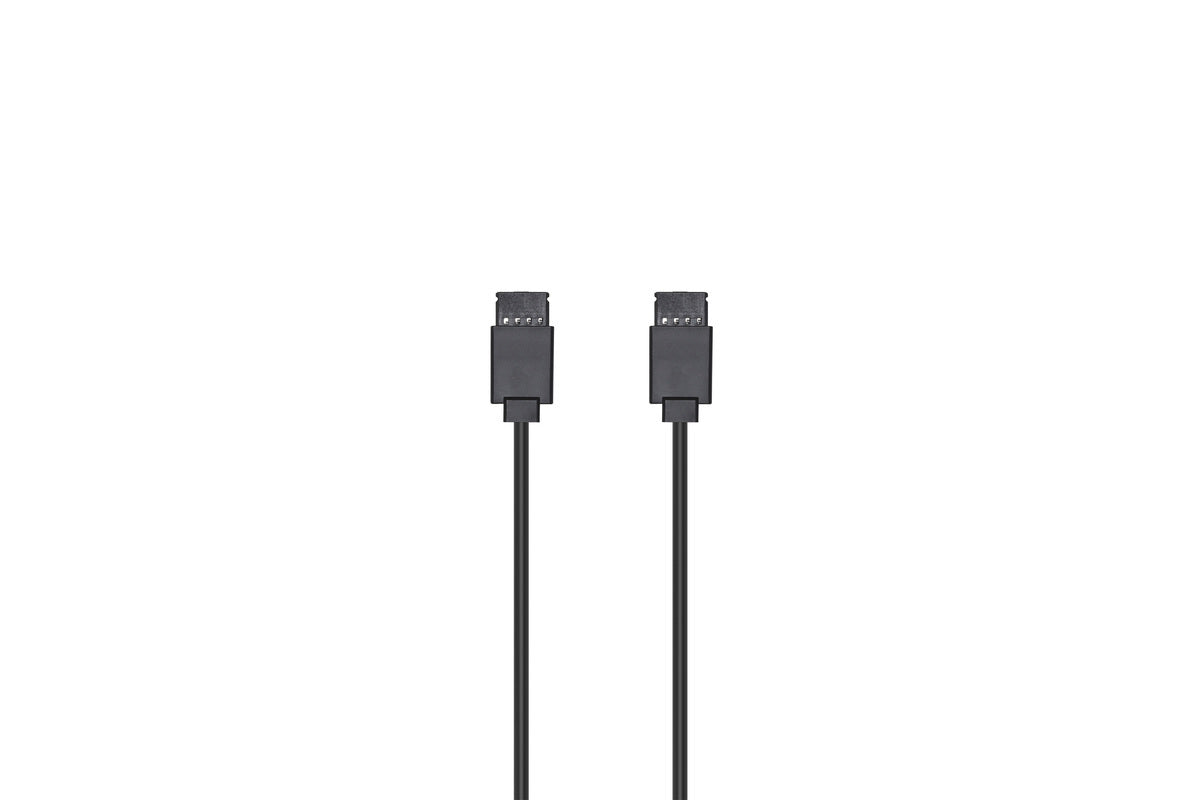
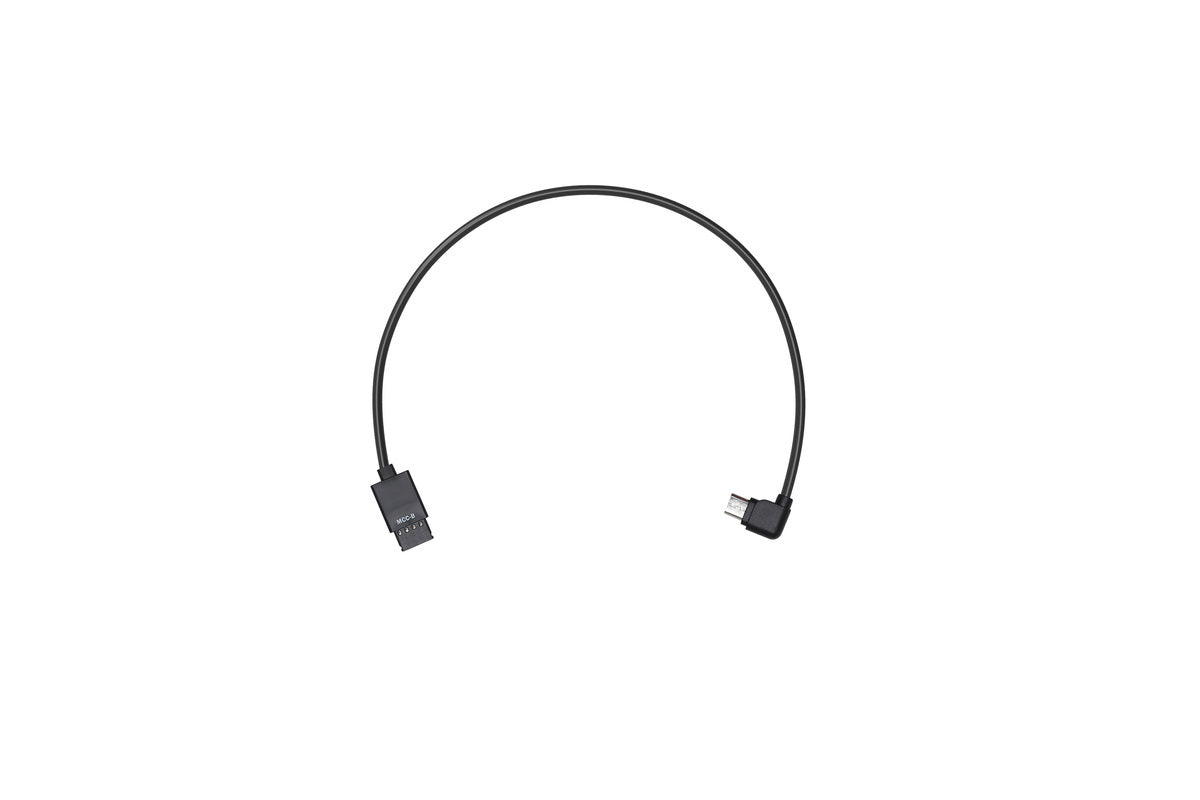
Overview The Multi-Camera Control Cable (Type-B) connects a camera with a Type-B port to the Camera Control Port (RSS Port)
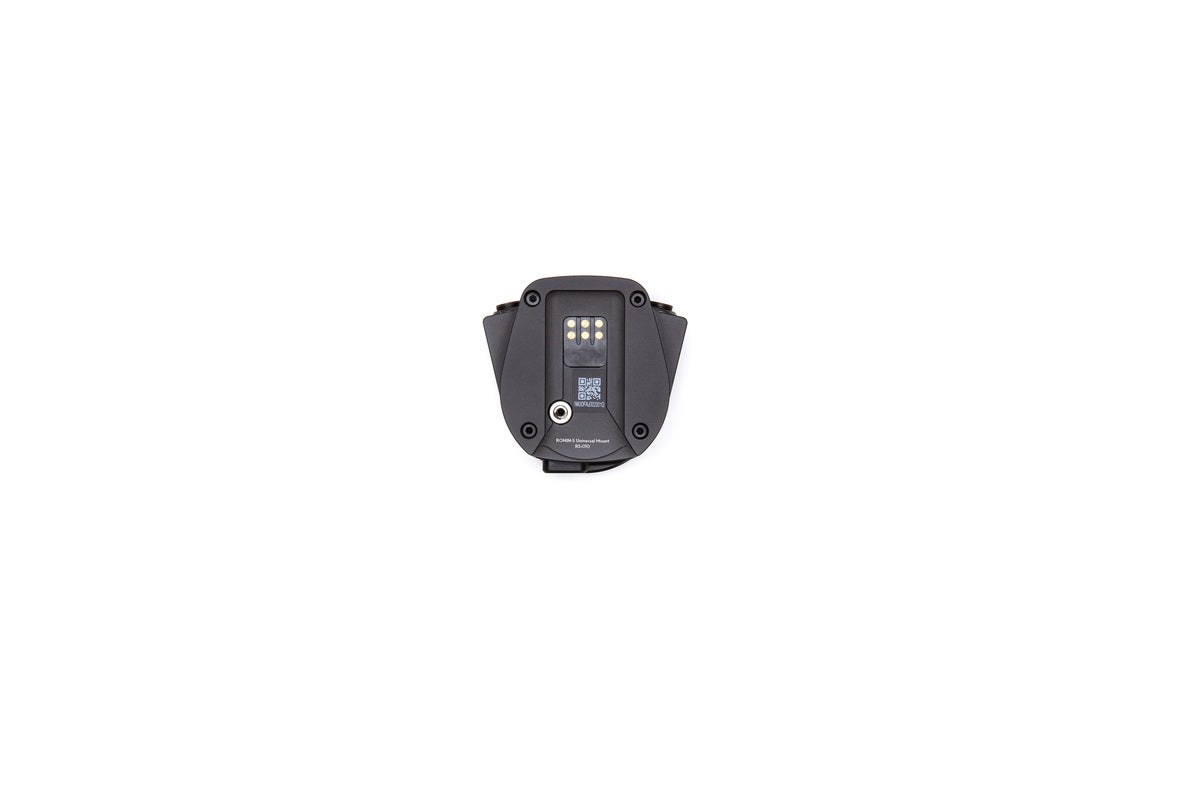
Overview Use the Ronin-S Universal Mount to install the Ronin-S to a carrier with 1/4″-20 holes. With a Universal Mount,
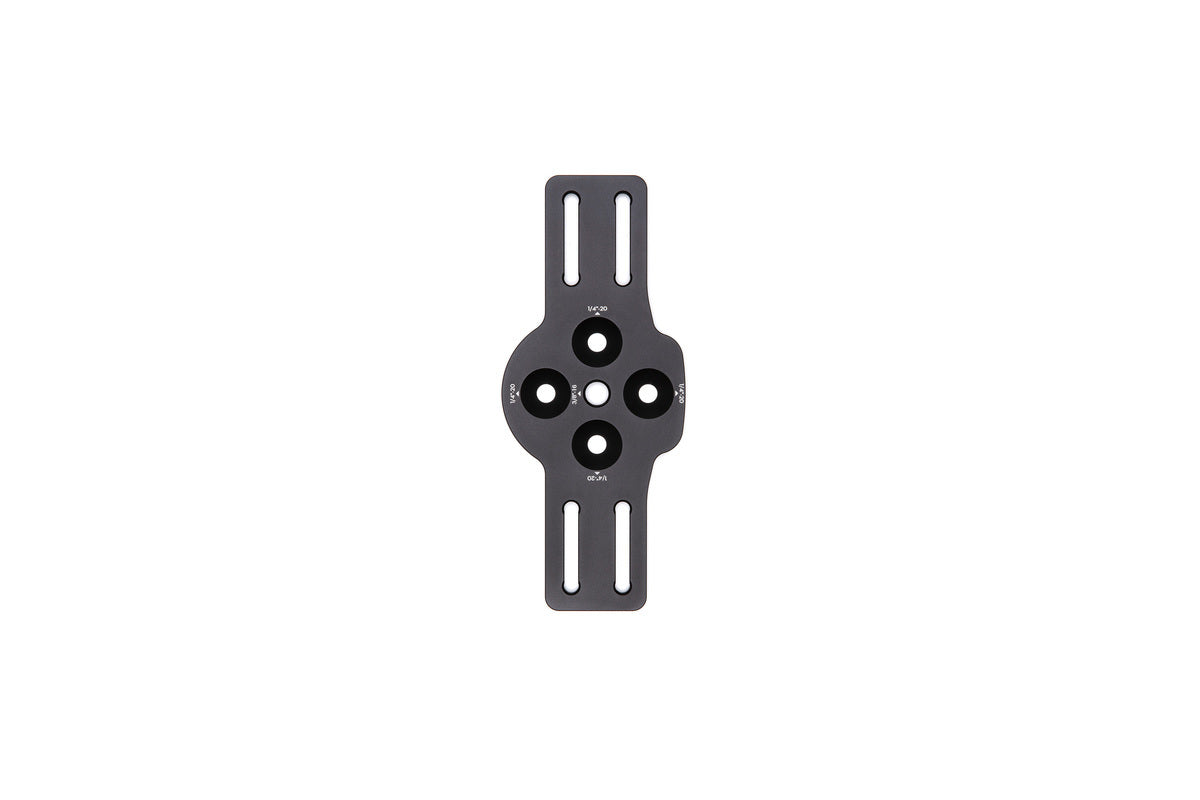
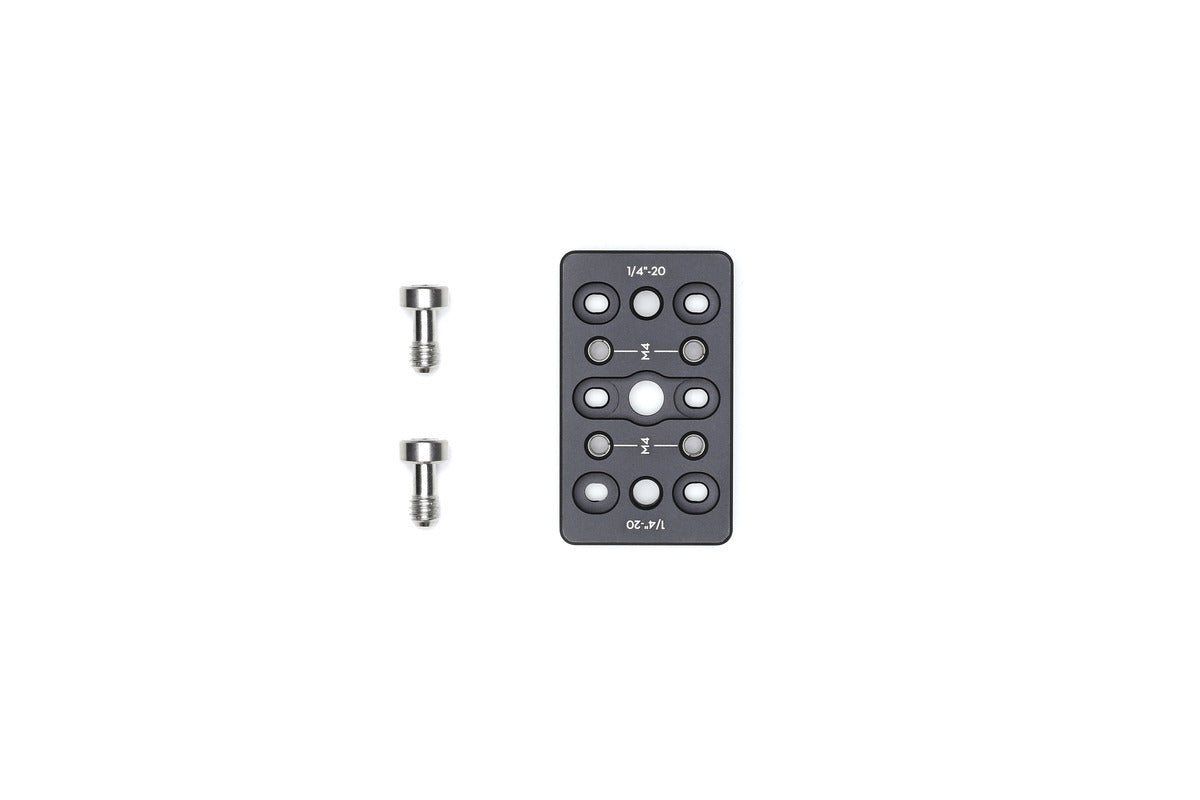
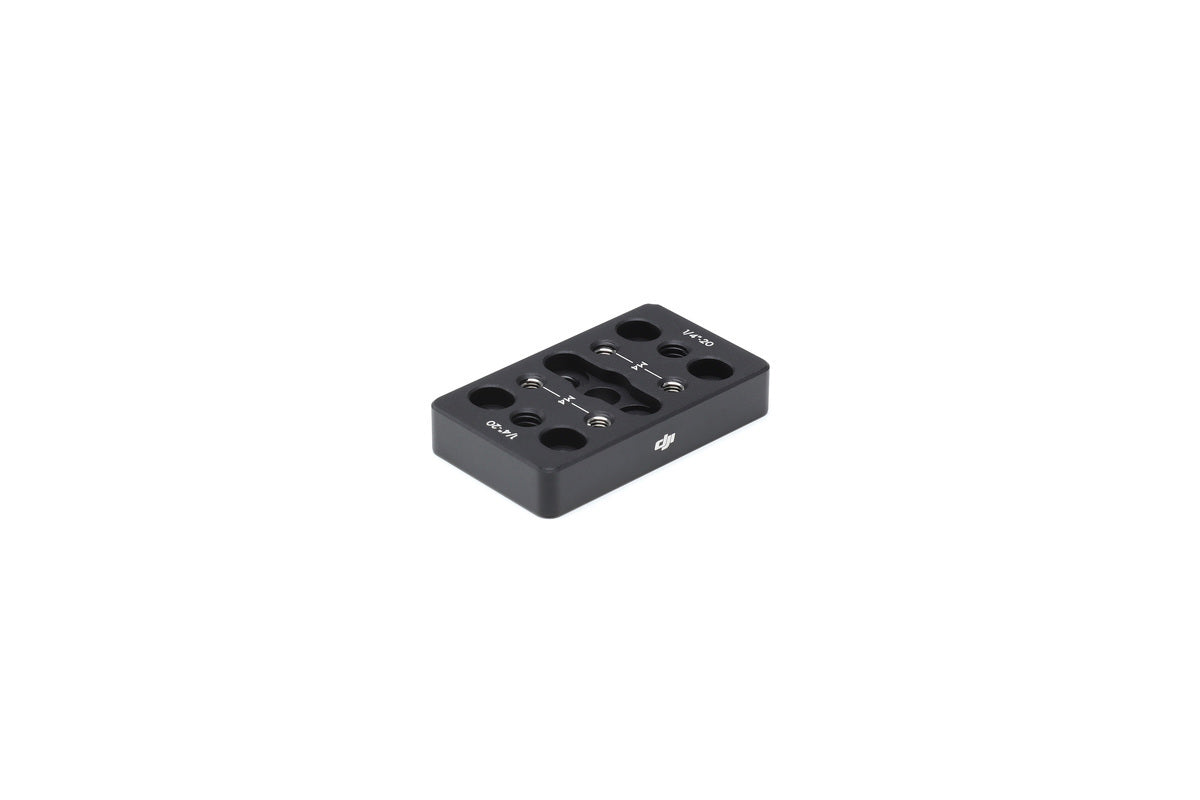
Overview The Ronin-S Cheese Plate is equipped with 1/4″-20 tapped holes. Mount the Cheese Plate onto the top hotshoe bracket
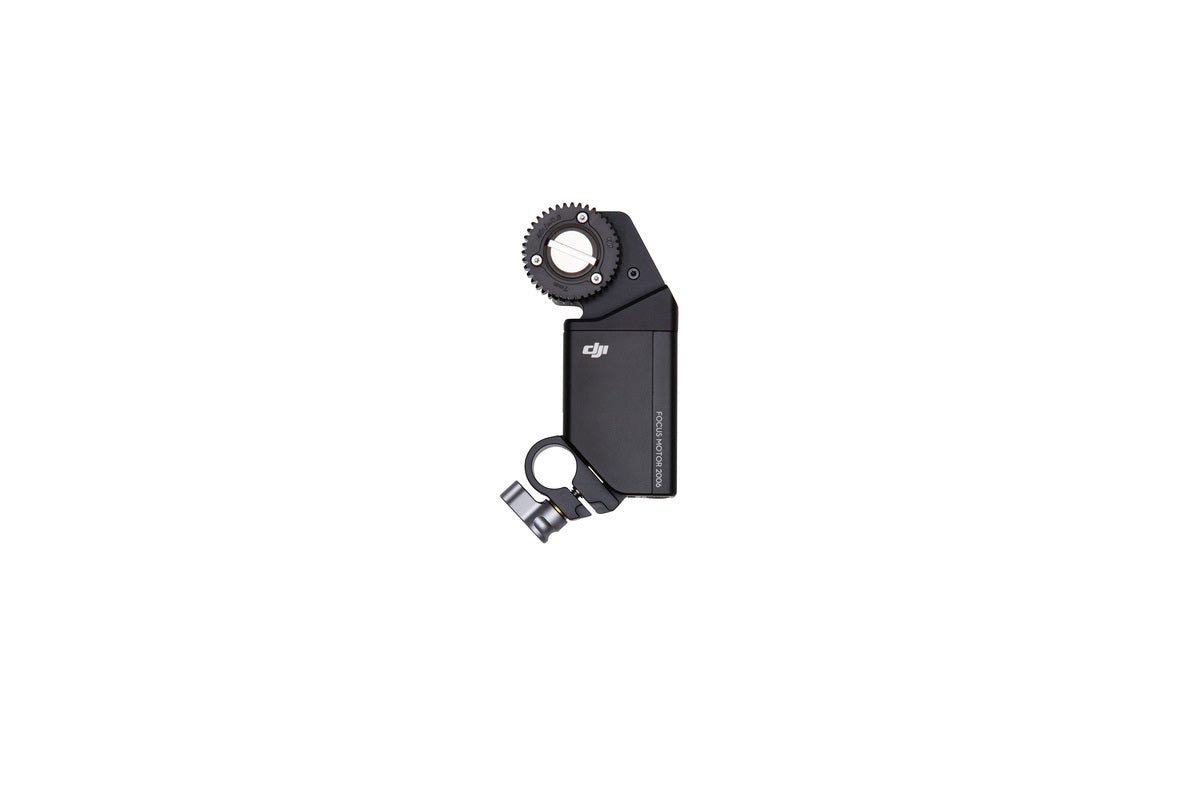
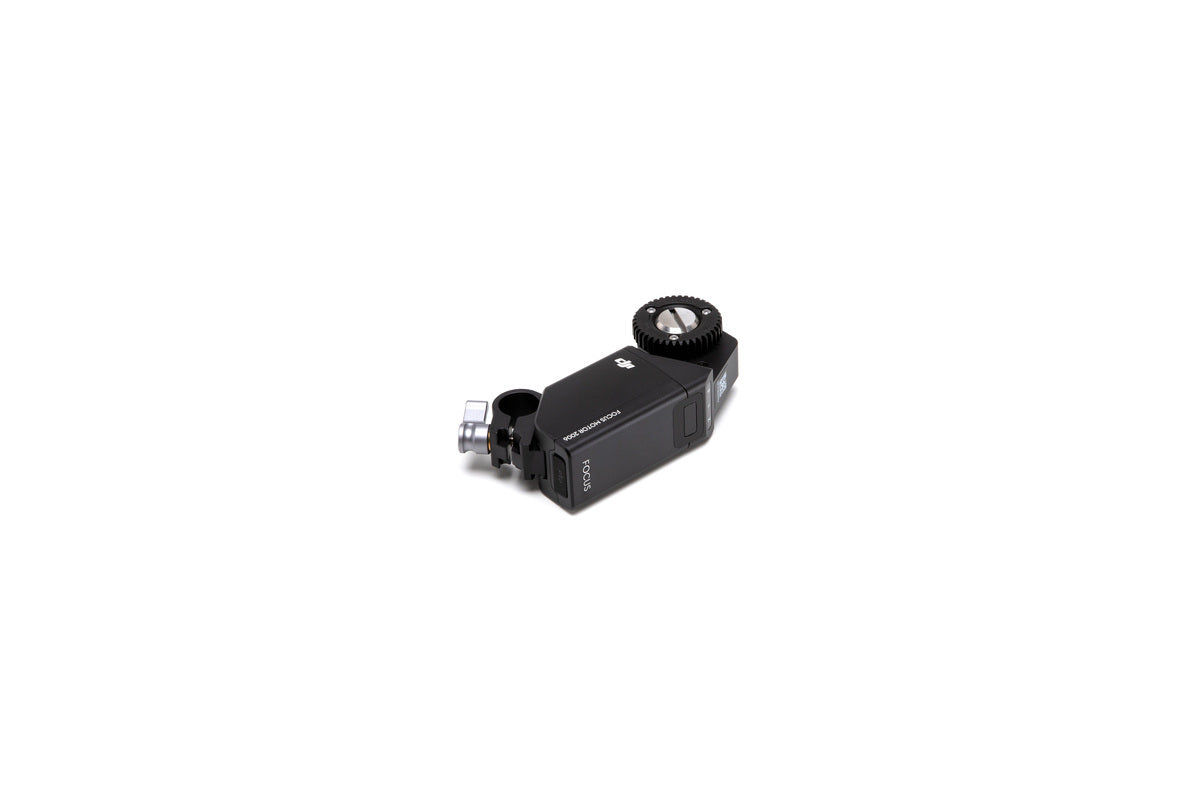
NO LONGER AVAILABLE. PLEASE DO NOT ORDER Overview The Ronin-S Focus Motor is used with the Ronin-S Focus Wheel to
Username or email address *Required
Password *Required
Log in
Lost your password? Remember me
No account yet?