
Showing 1–12 of 36 resultsSorted by price: low to high
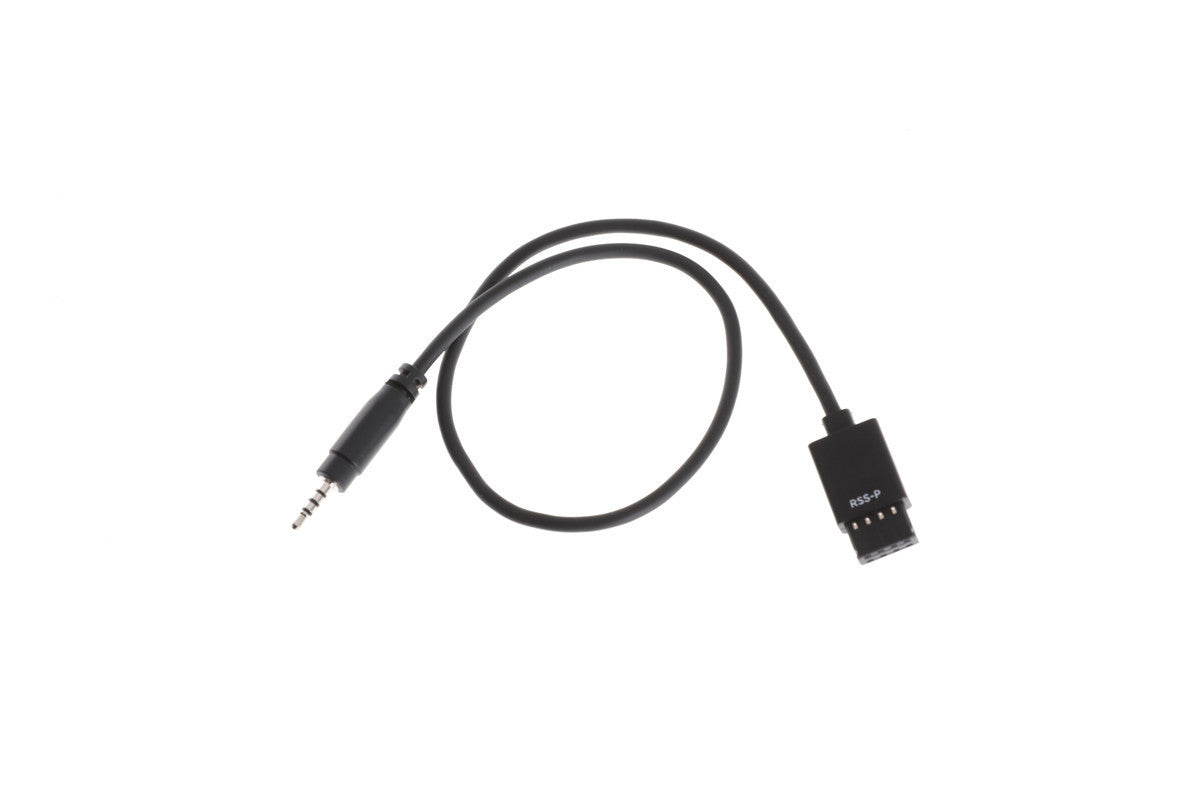
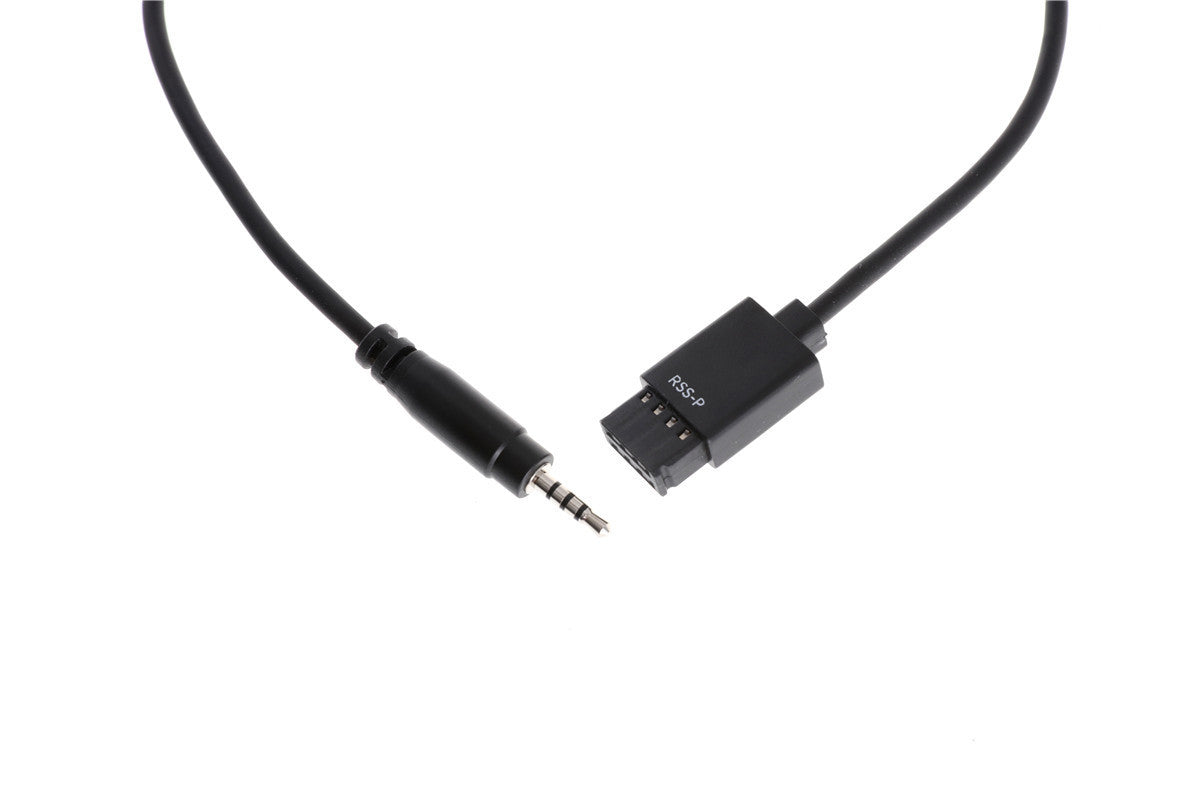
RSS Control Cable for Panasonic is used to connect Remote Start/Stop Camera Port to Panasonic cameras.
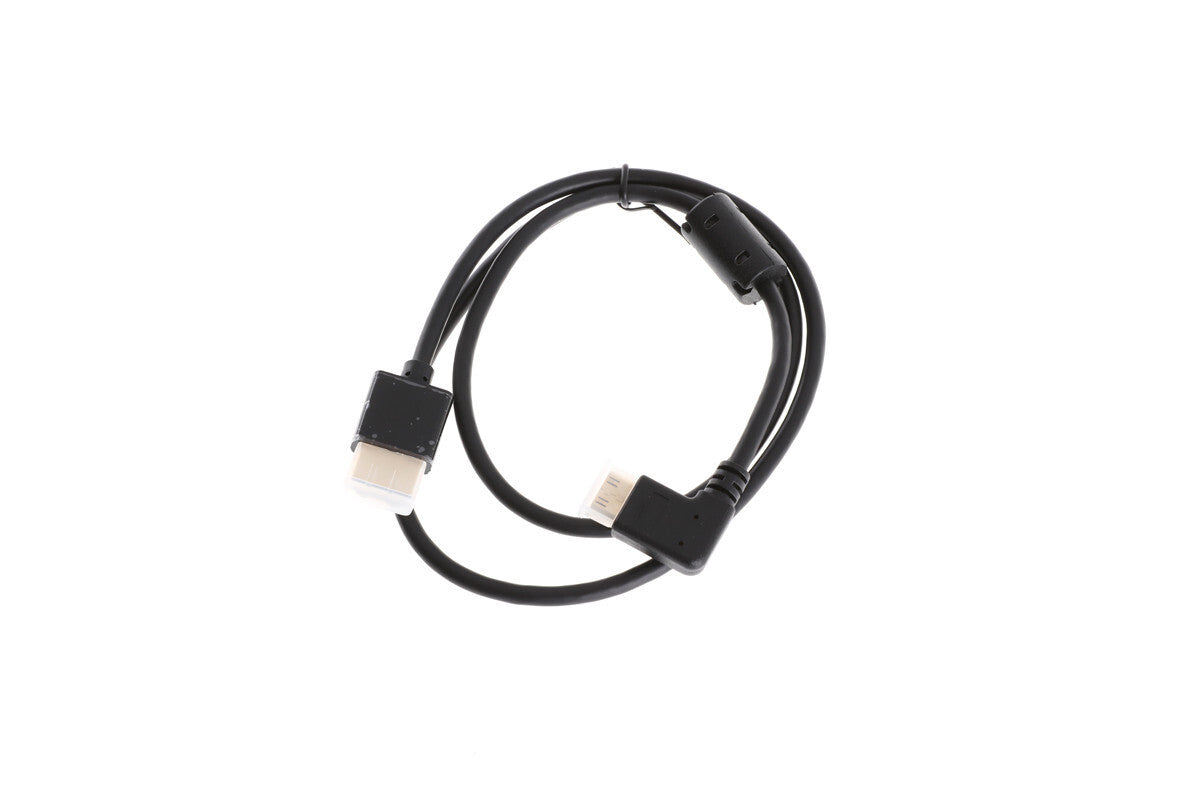
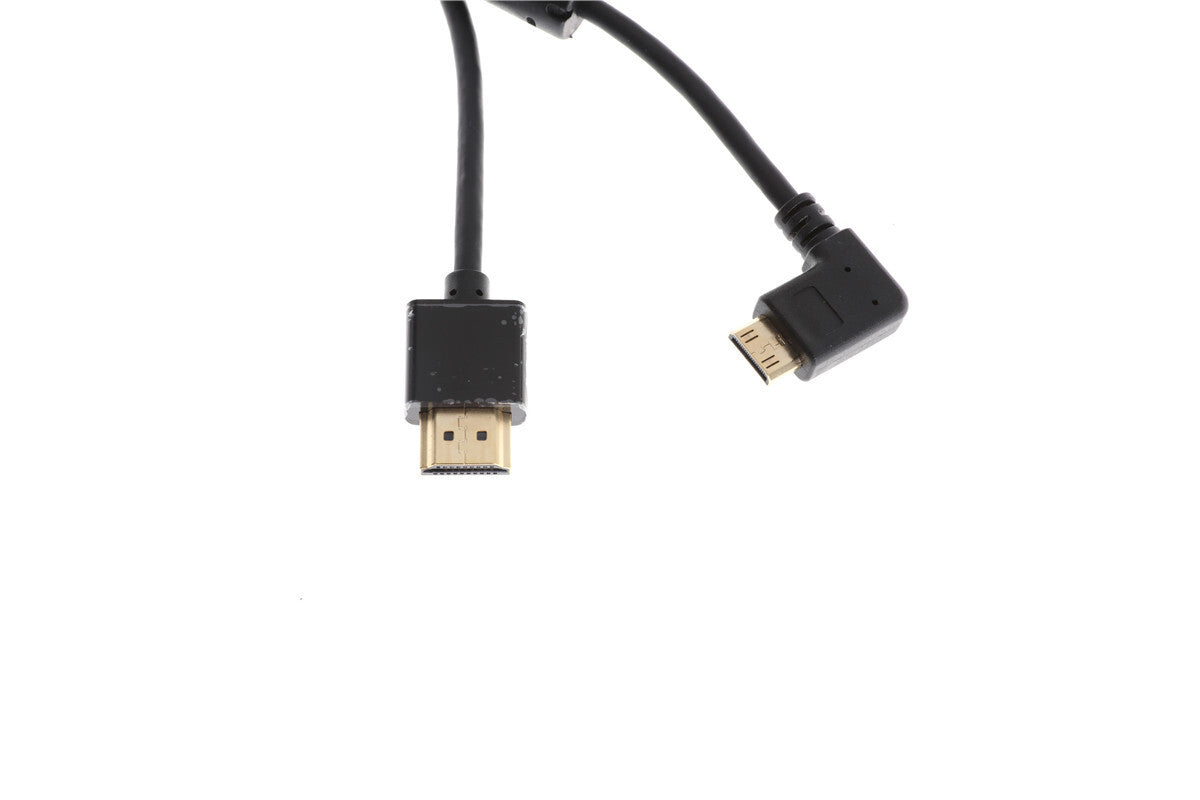
One end features straight HDMI A plug and the other an angled HDMI C plug. It is used to connect
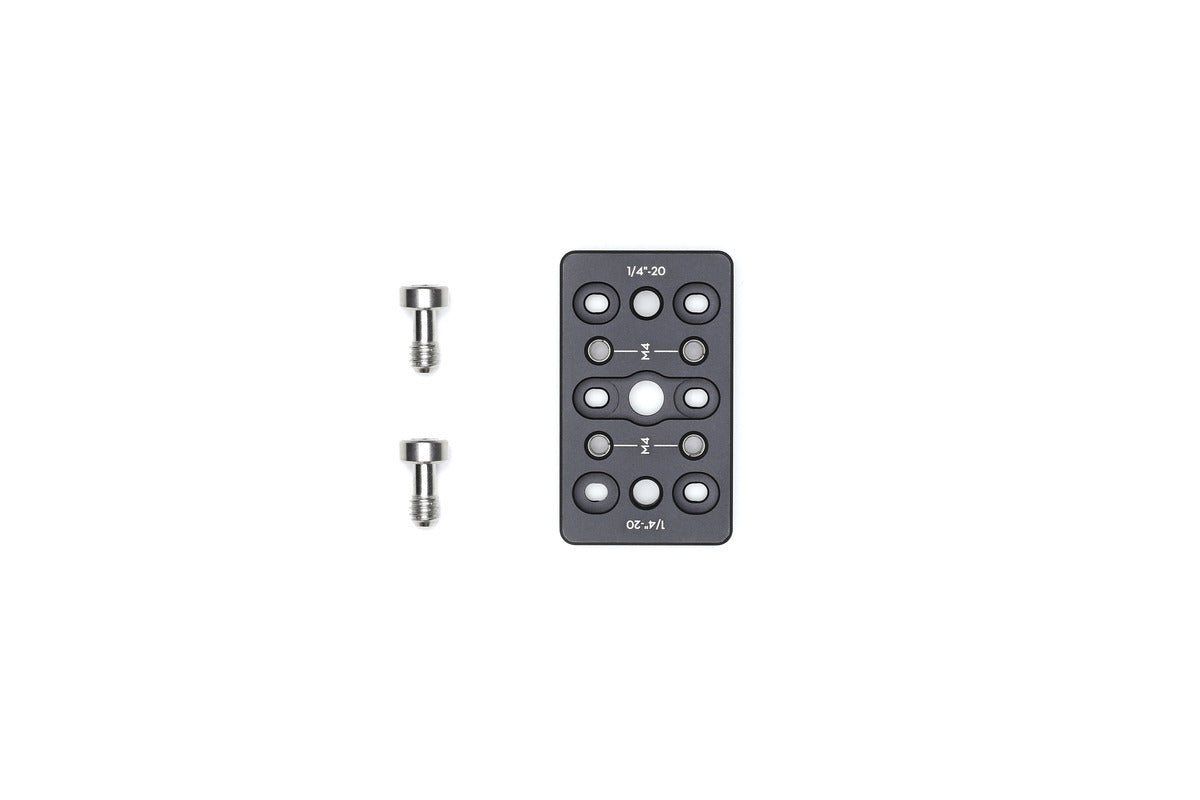
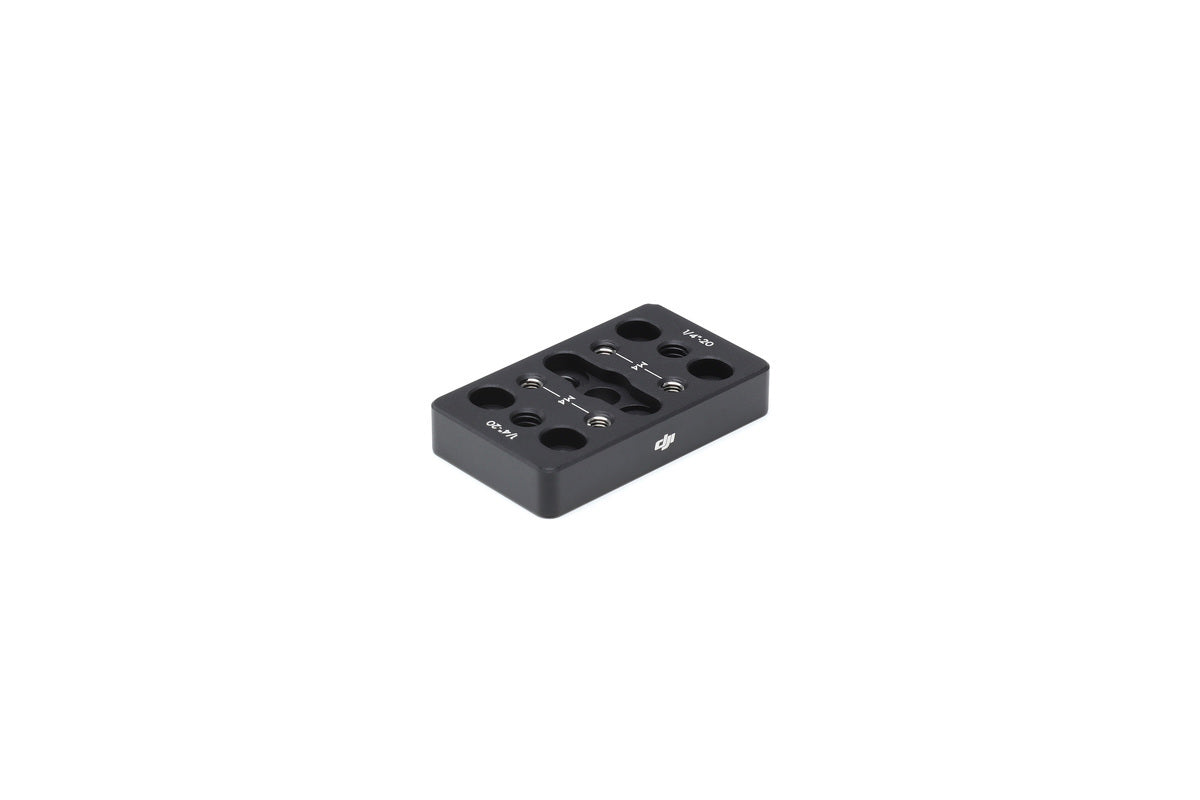
Overview The Ronin-S Cheese Plate is equipped with 1/4″-20 tapped holes. Mount the Cheese Plate onto the top hotshoe bracket
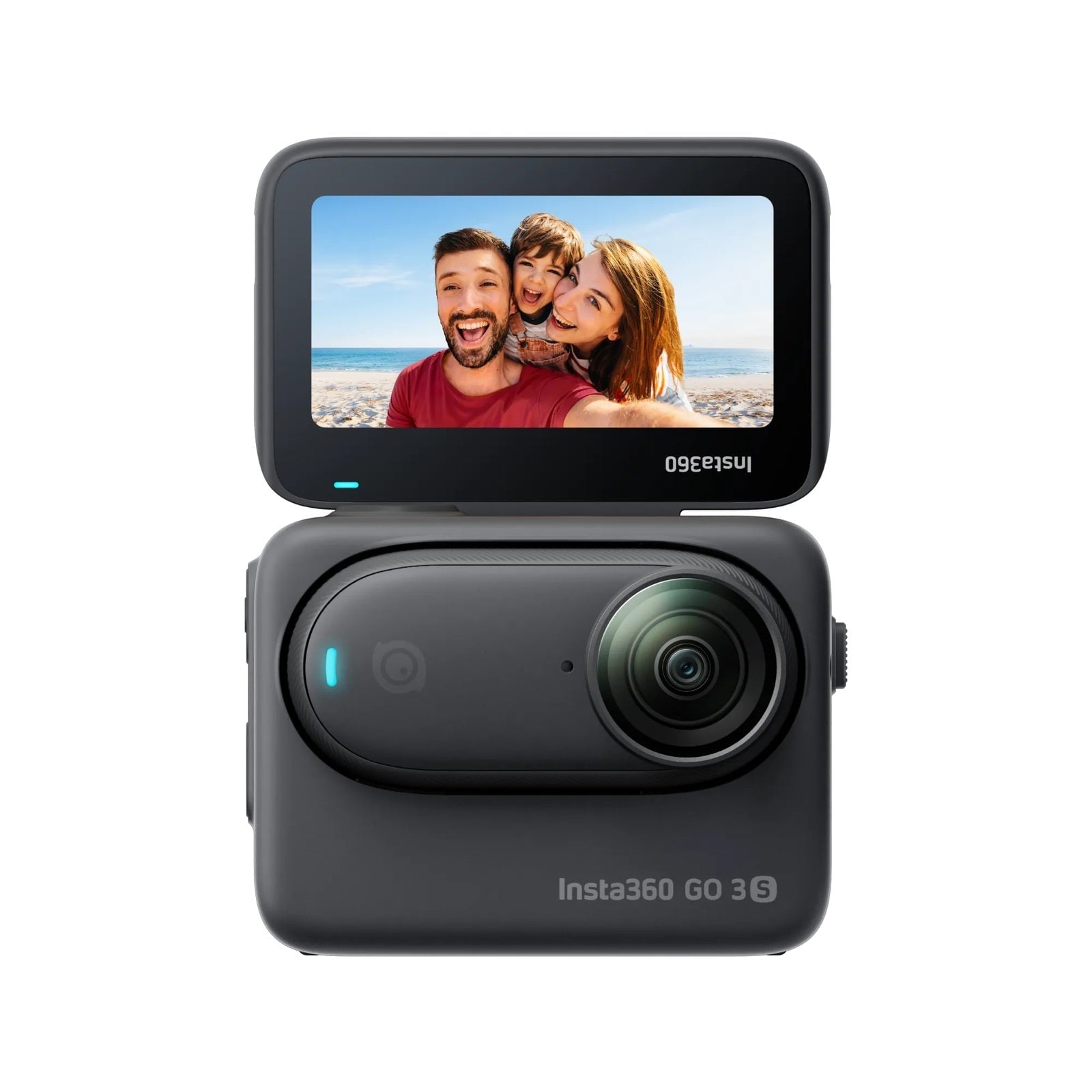
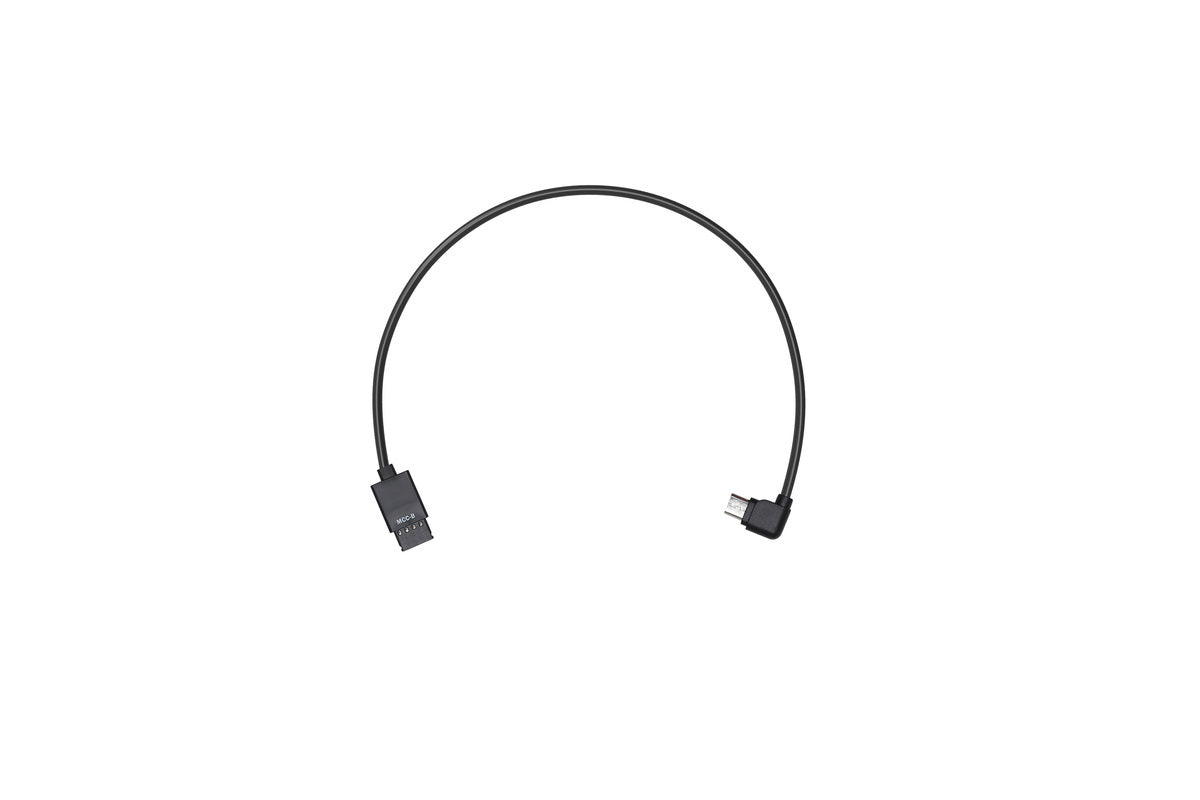
Overview The Multi-Camera Control Cable (Type-B) connects a camera with a Type-B port to the Camera Control Port (RSS Port)
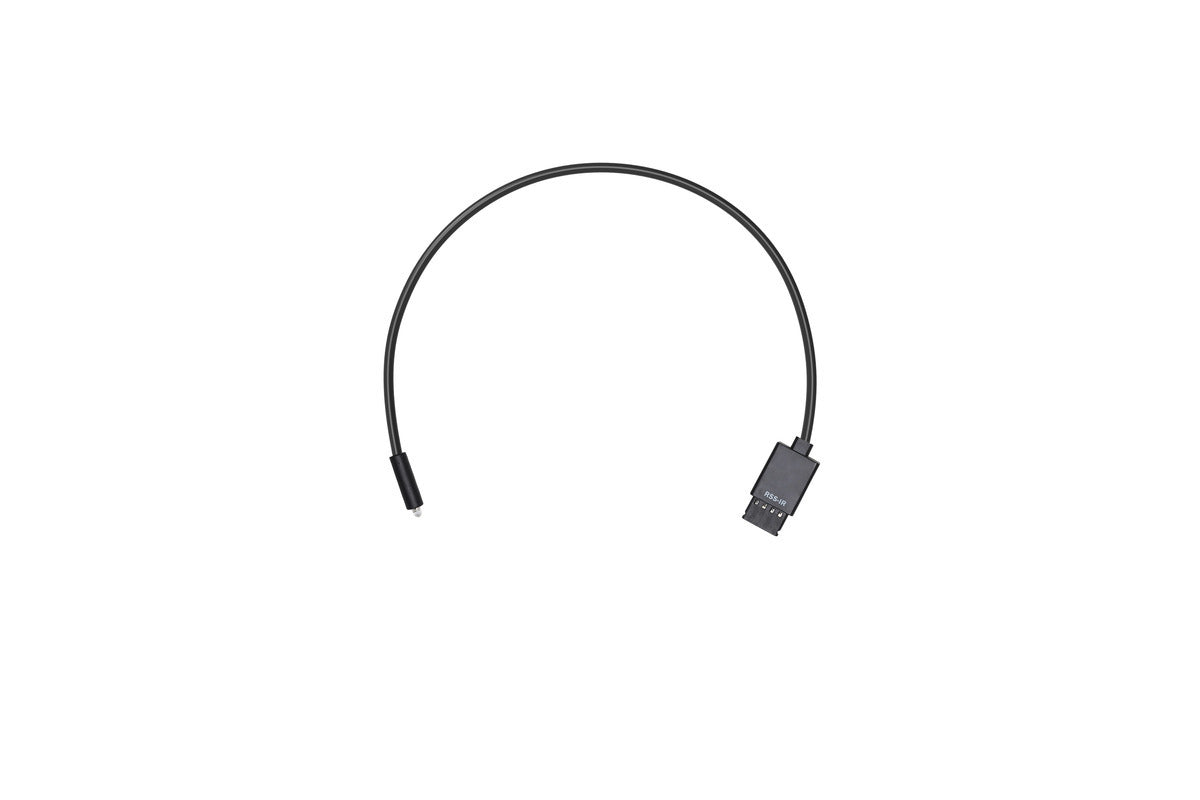
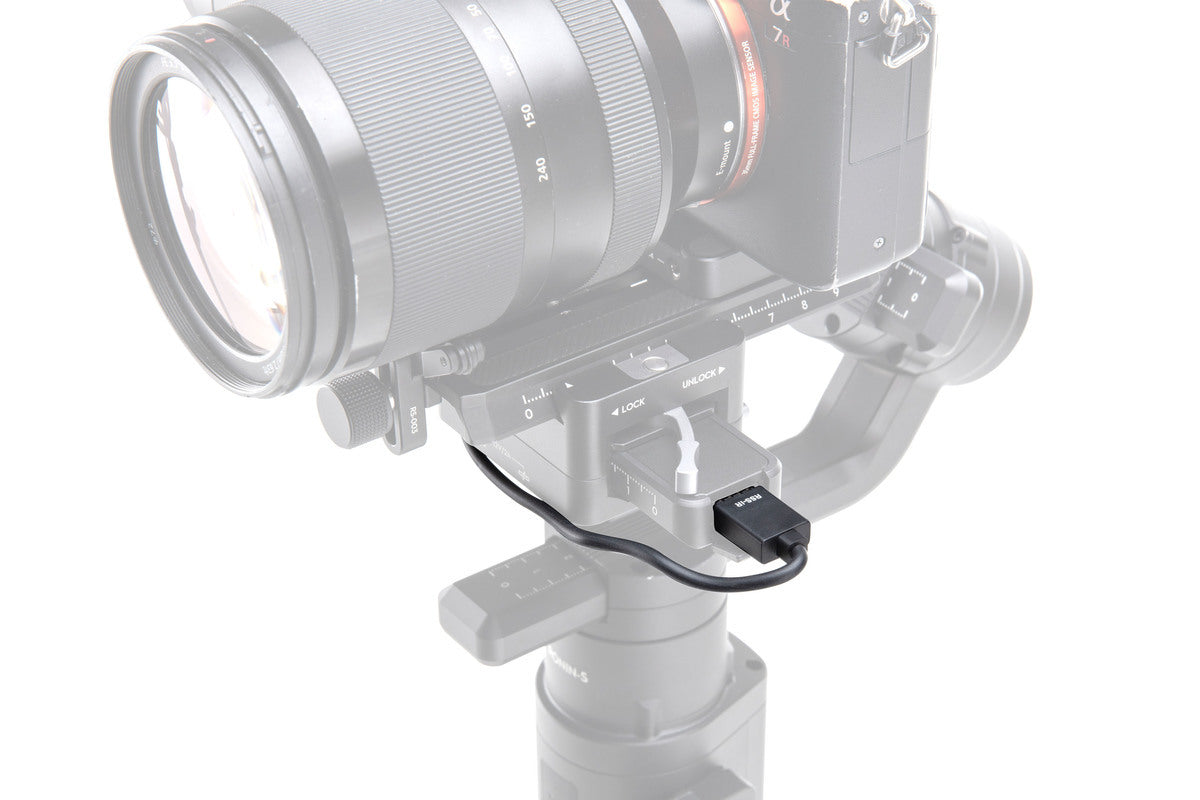
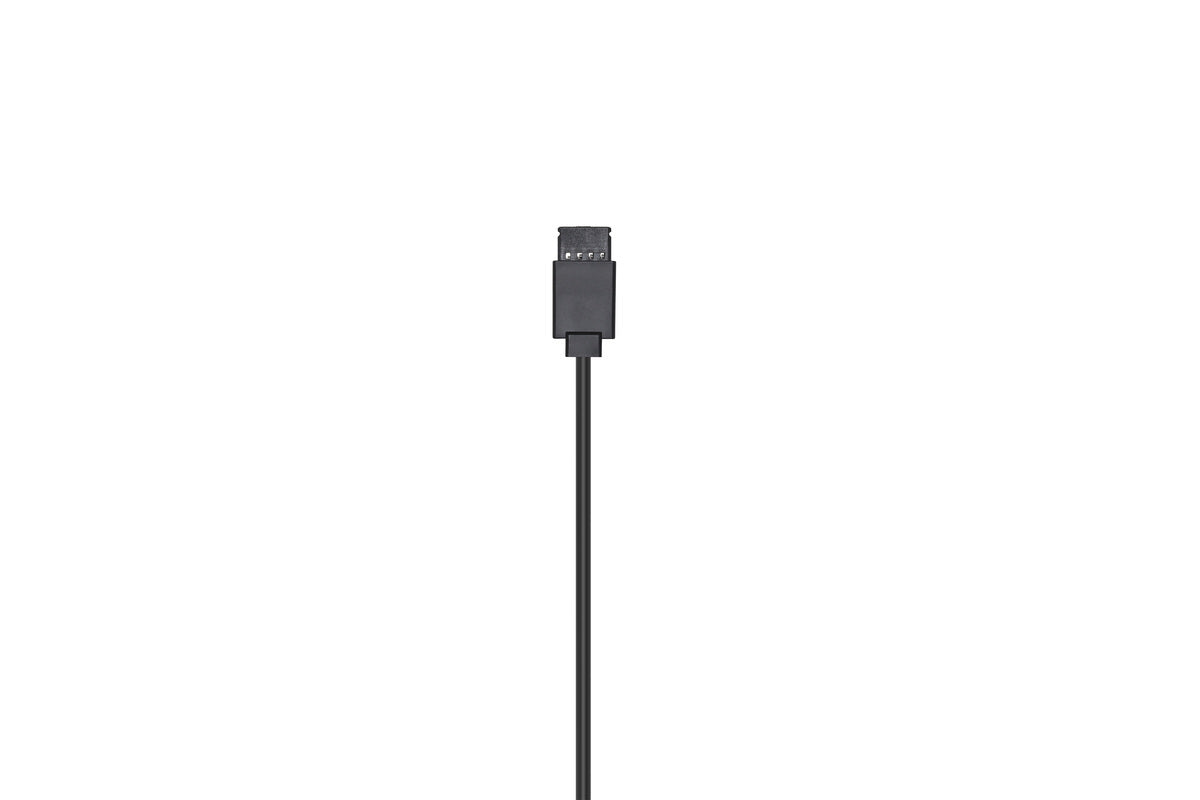
Overview This RSS IR Control Cable can be used with cameras that feature an infrared receiver. Insert one end of
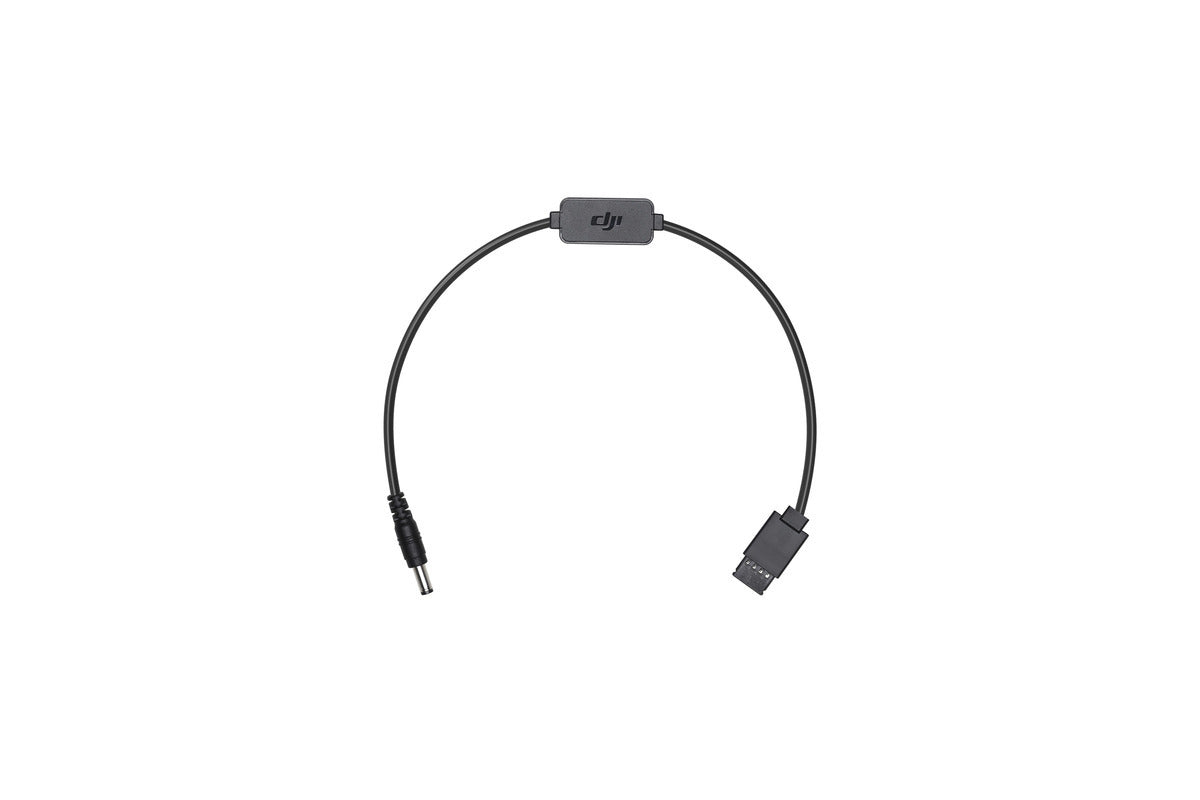
Overview The Ronin-S DC Power Cable connects a camera to the 12V accessory power port on the Ronin-S. The other
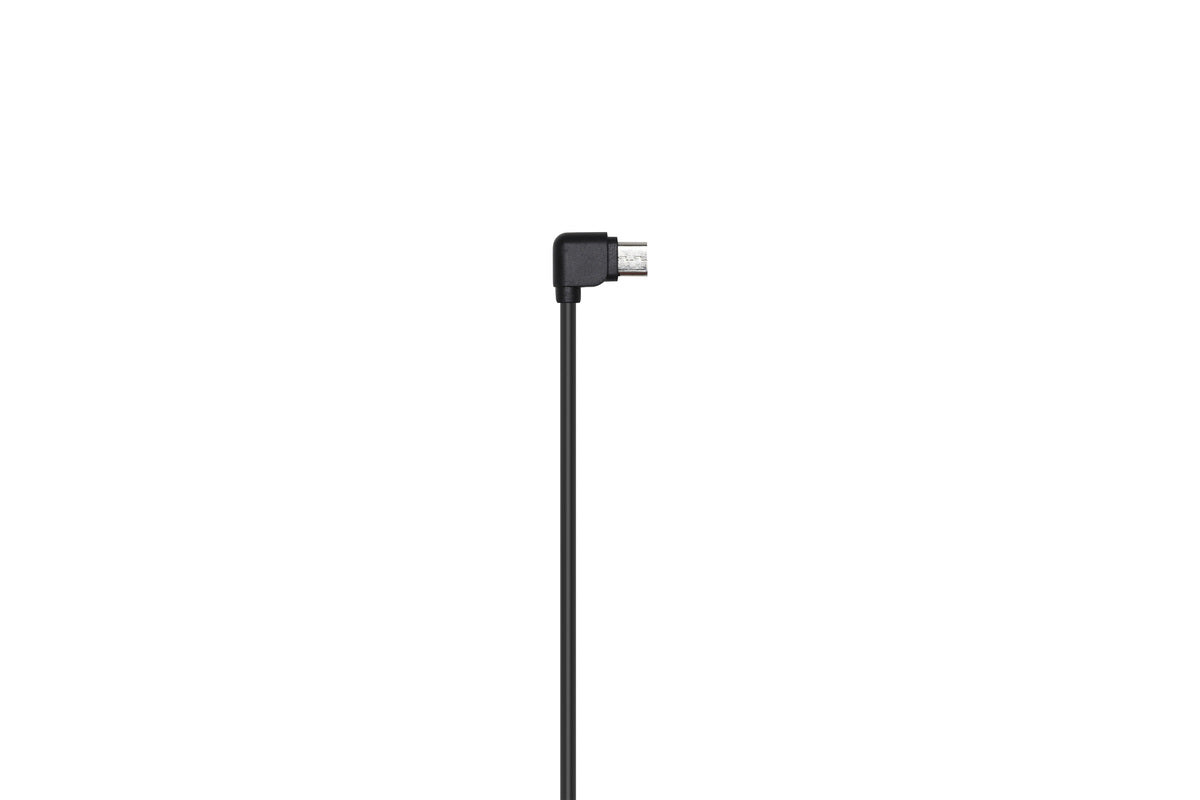
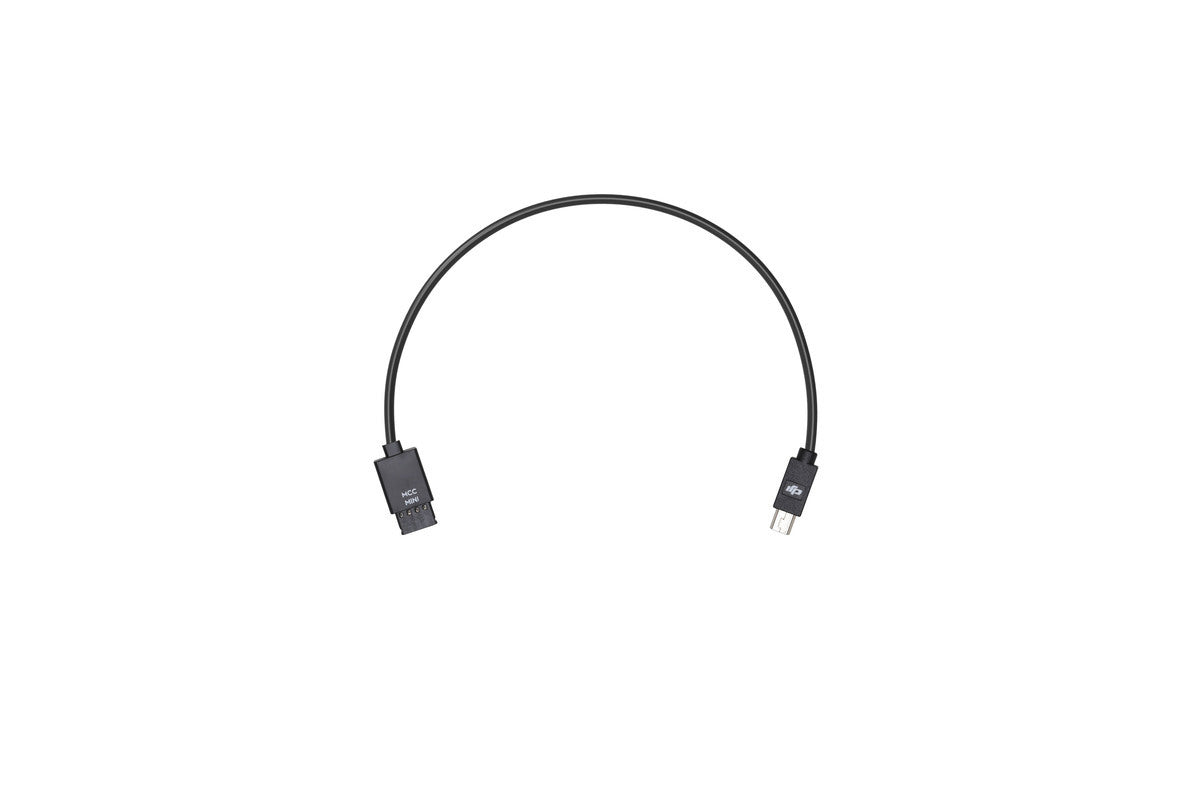
In order to control your camera with the Ronin-S Camera Control Button, use the Multi-Camera Control Cable (Mini USB) to
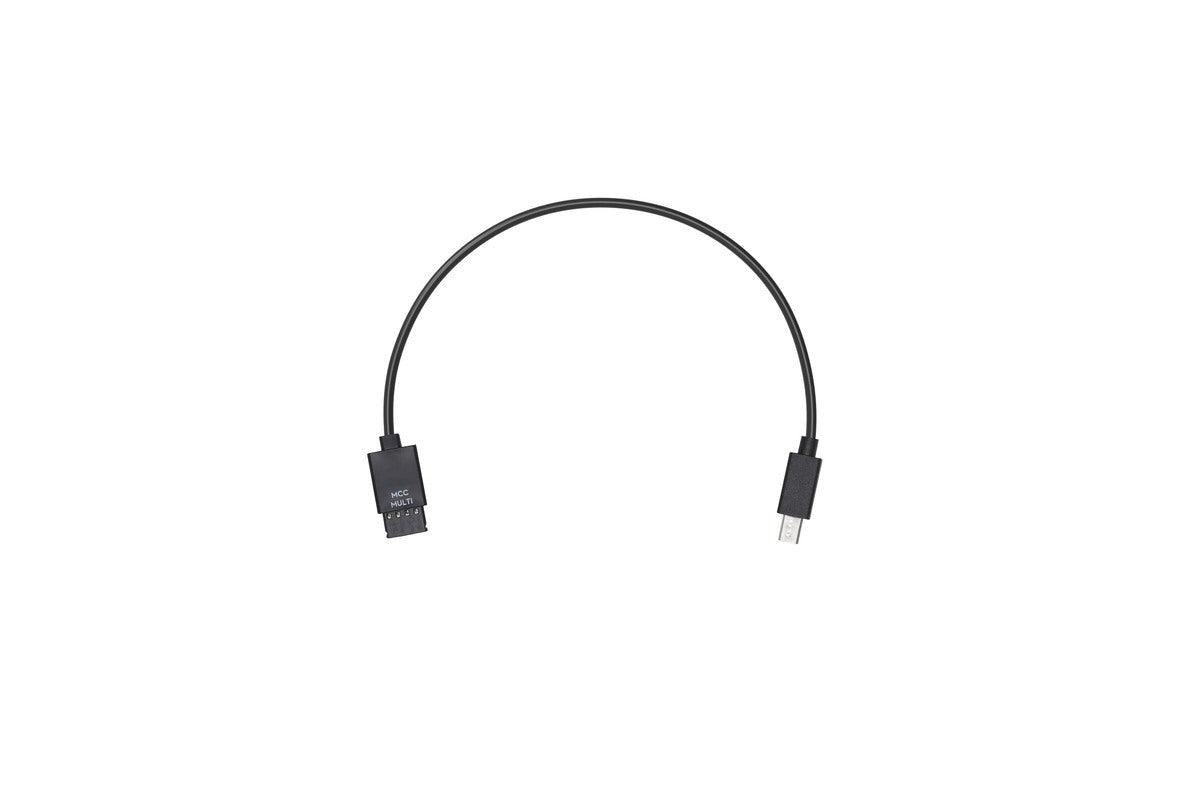
Use the Multi-Camera Control Cable (Multi-USB) to connect your Sony camera to the Ronin-S Camera Control Port. The Ronin-S Camera
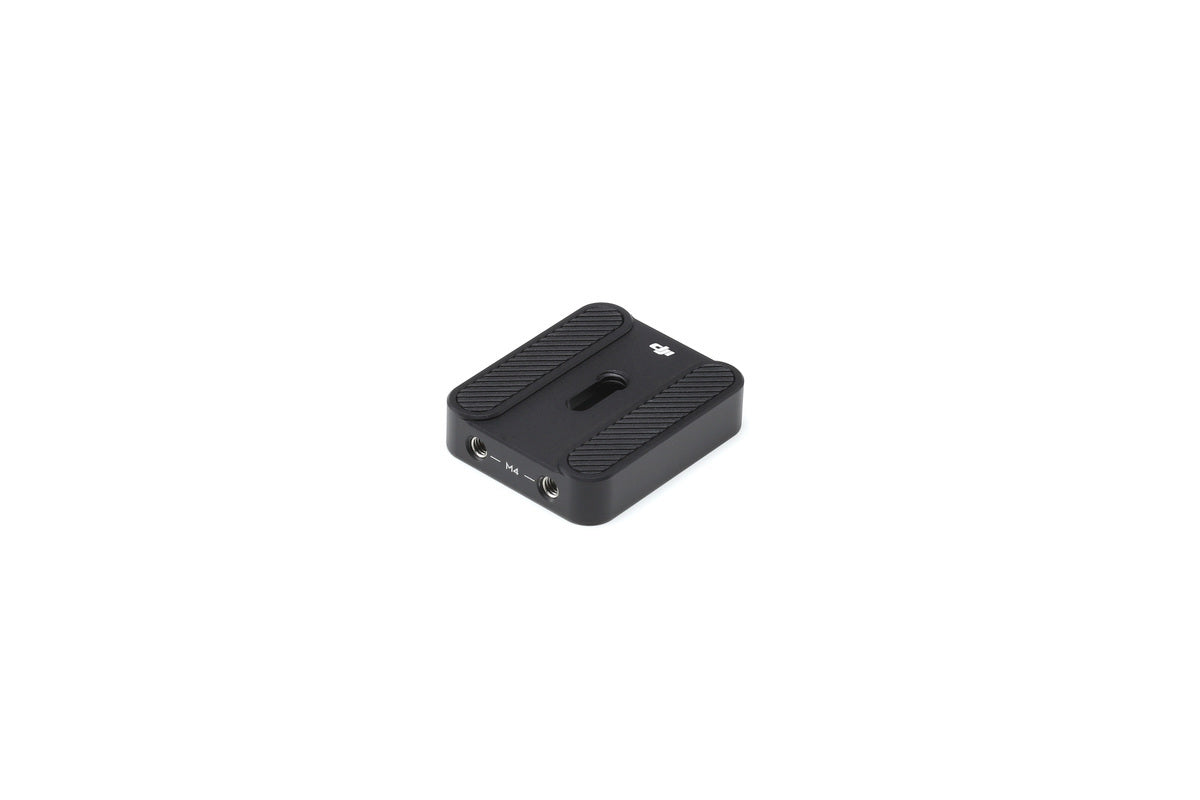
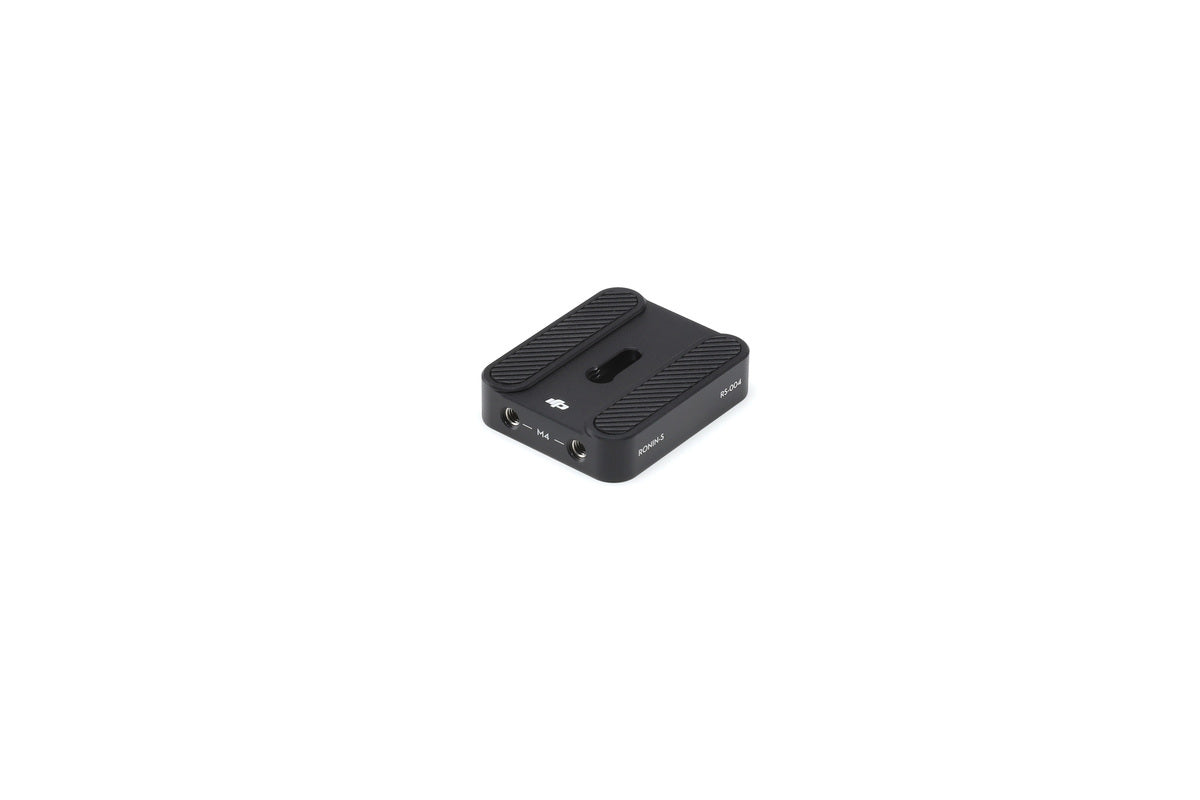
Overview Ronin-S Camera Riser is attached under the camera to mount and balance onto the Ronin-S. Please click here to
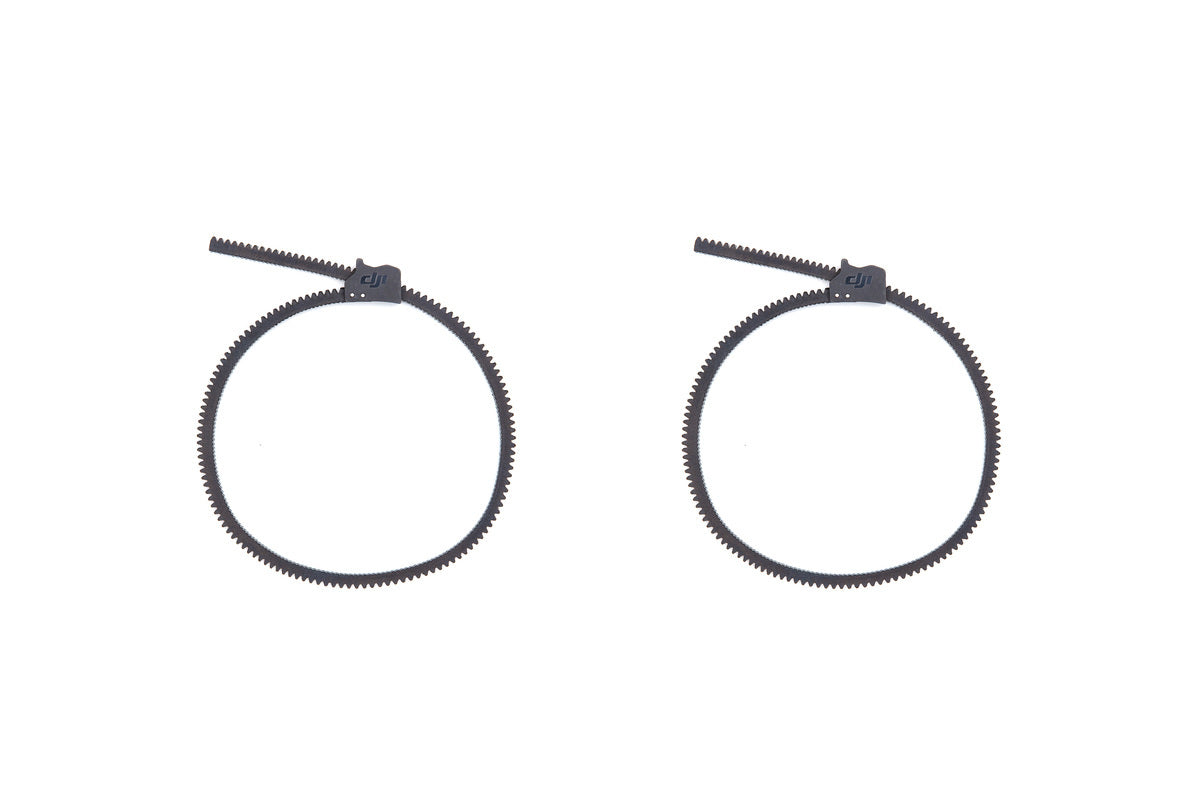
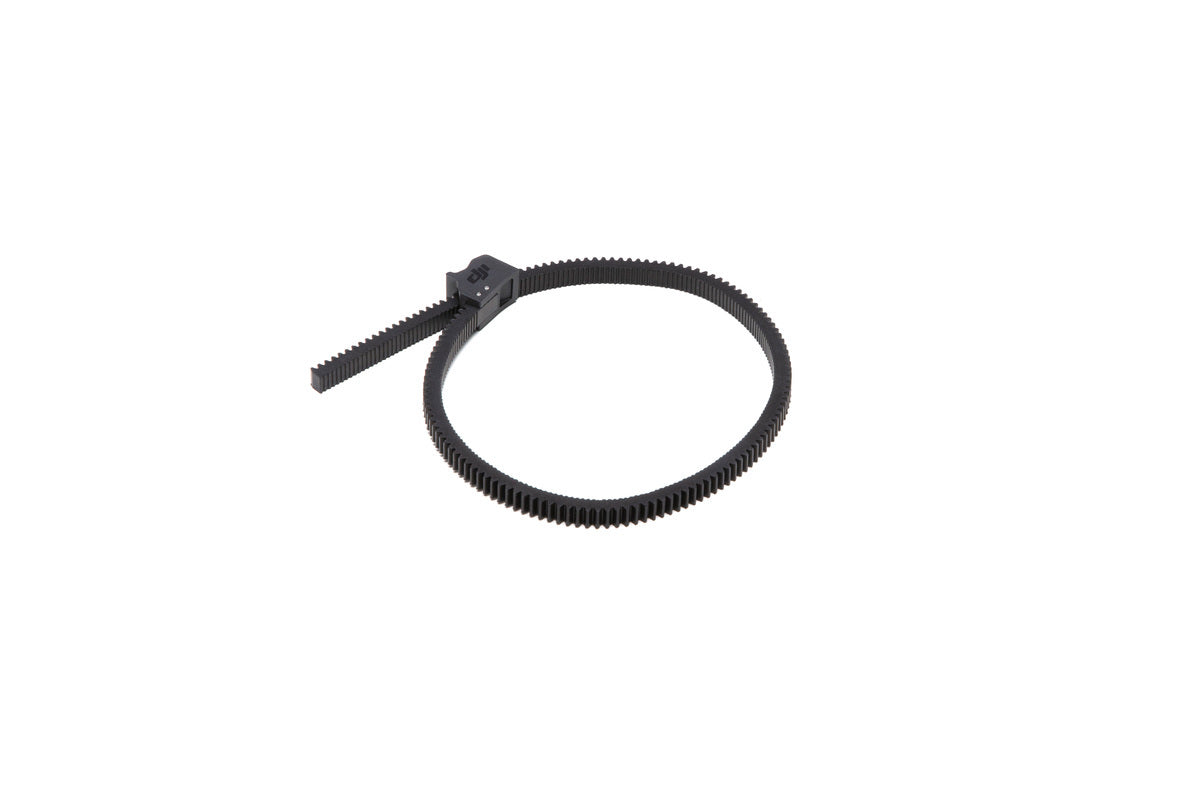
Overview The DJI Focus Gear Strip enables users to adjust the focus and zoom of a camera lens with the
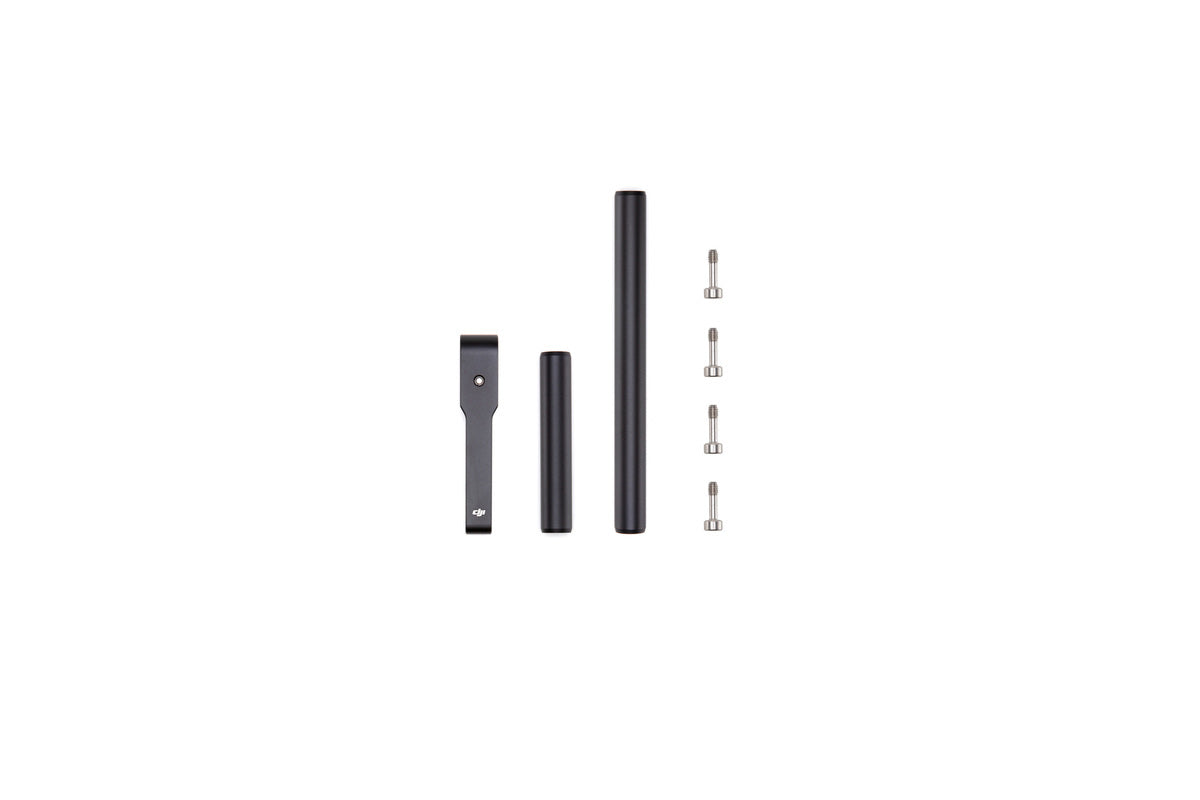
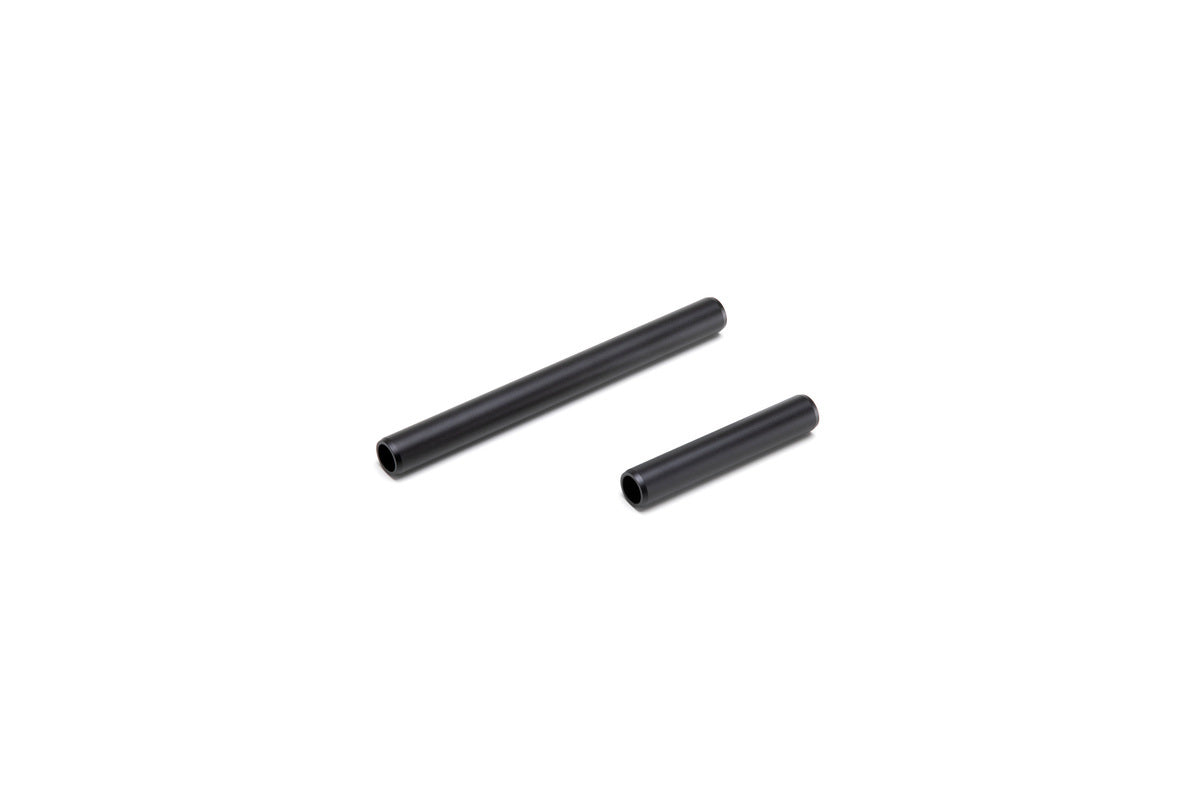
Overview The DJI Focus Motor Rod Mount is used to attach the Focus Motor to the Ronin-S. Please click here
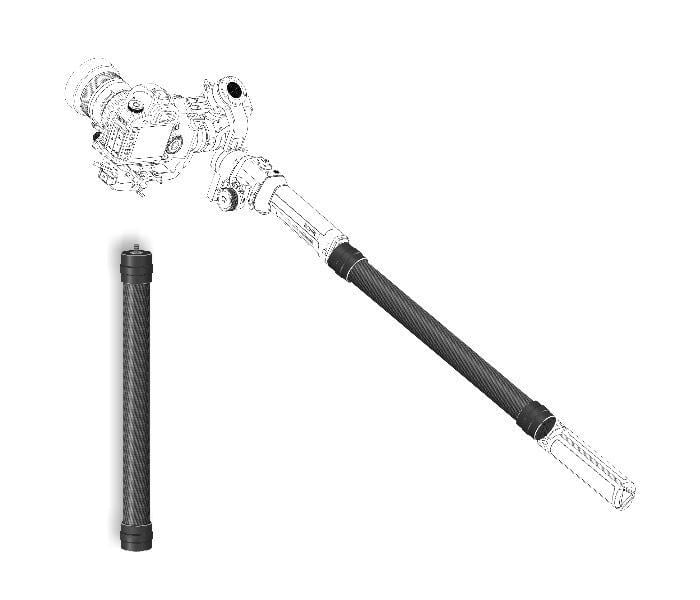
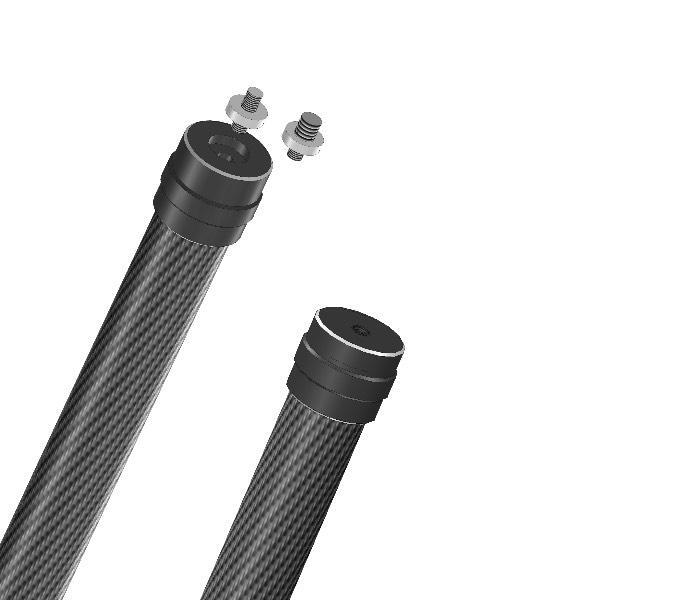
Give yourself that bit of extra reach with the carbon fibre extension Materials: Carbon Fibre + Aluminum Alloy Length: 350mm
Username or email address *Required
Password *Required
Log in
Lost your password? Remember me
No account yet?