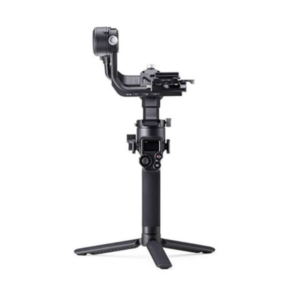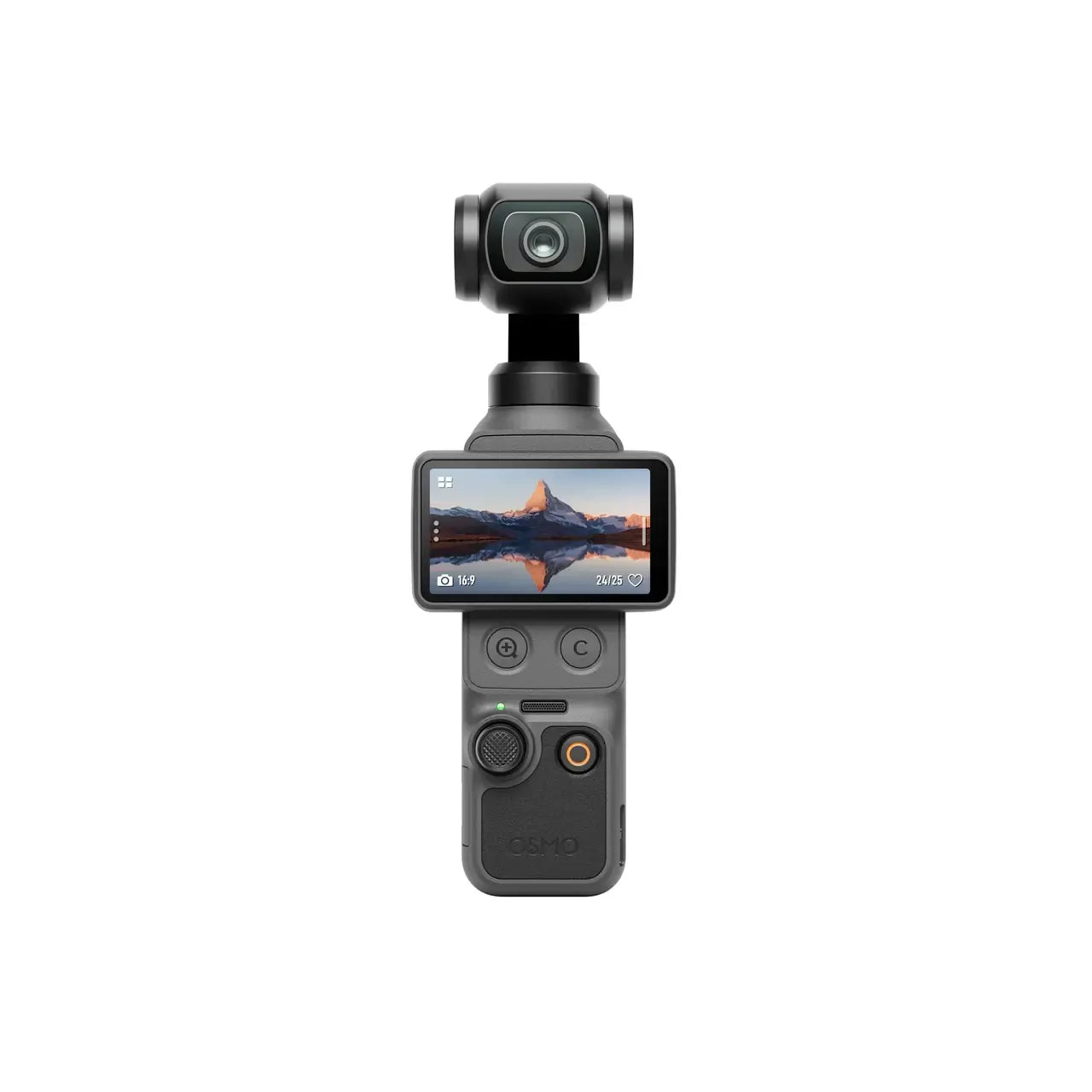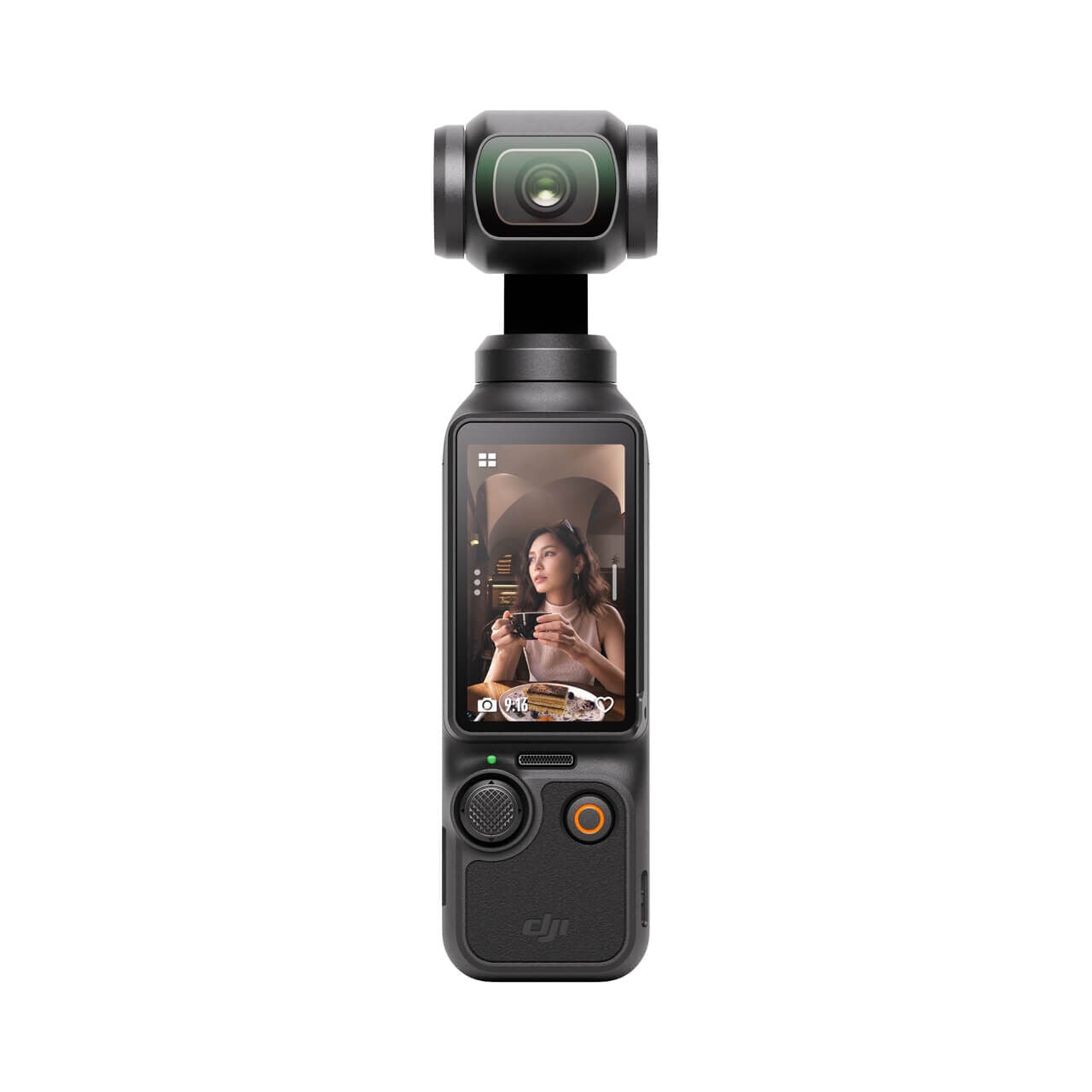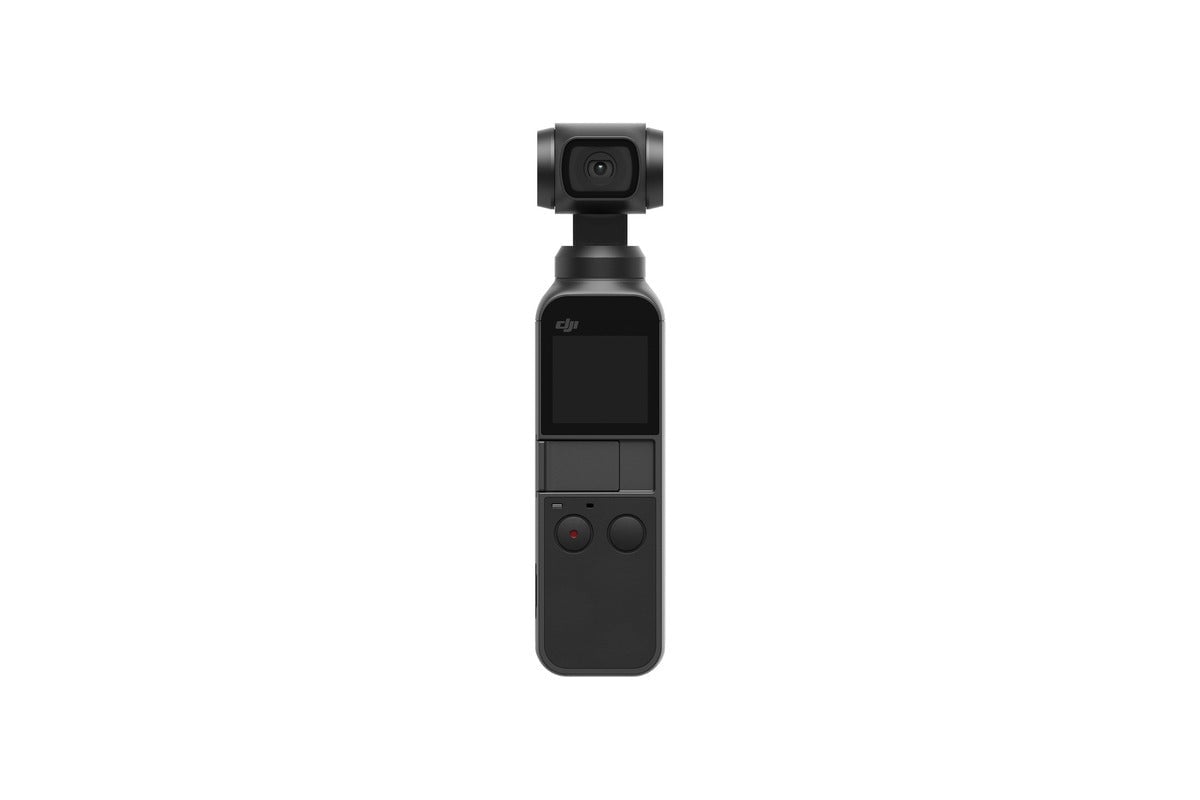
Showing 13–24 of 51 resultsSorted by price: low to high
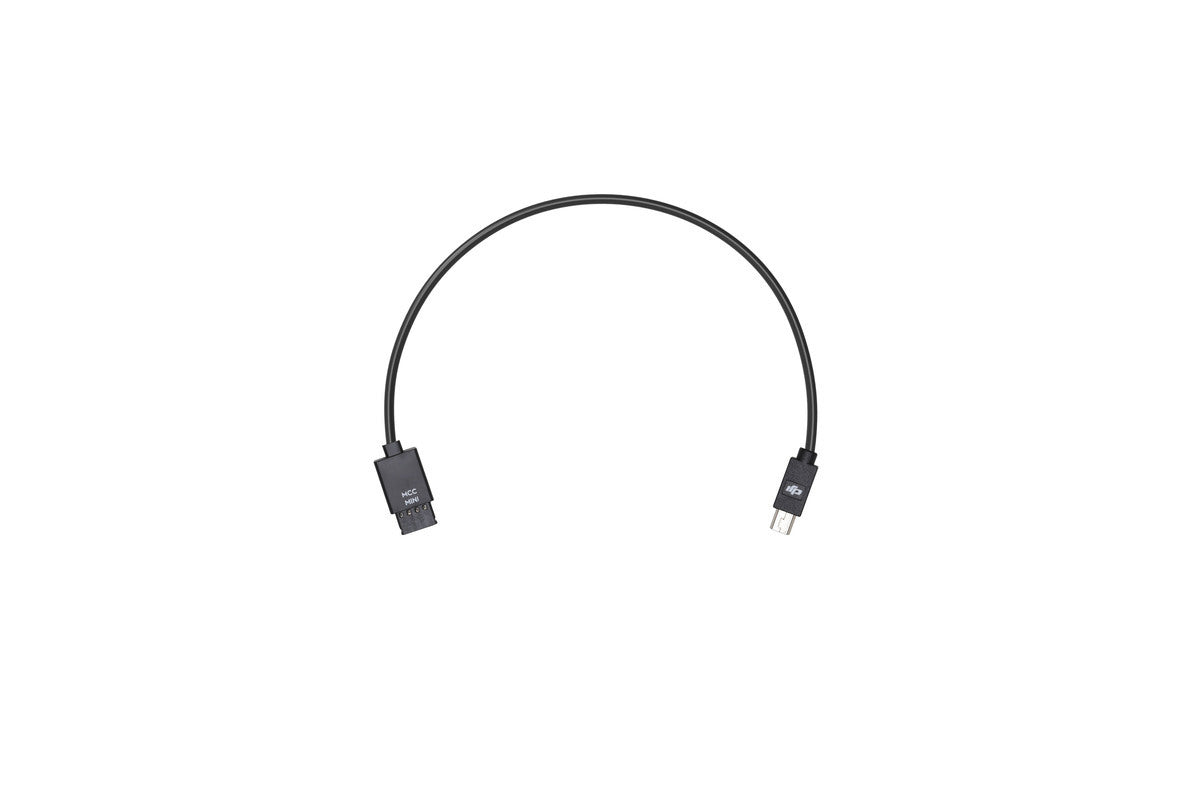
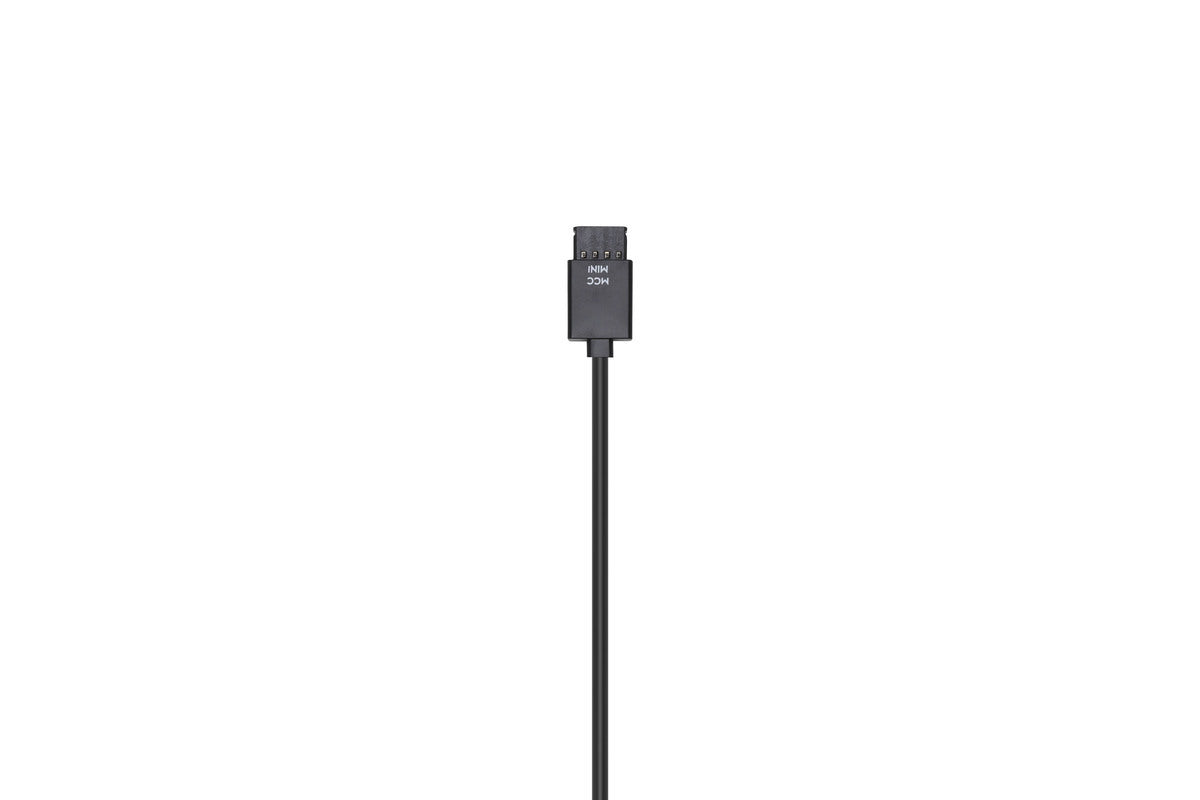
In order to control your camera with the Ronin-S Camera Control Button, use the Multi-Camera Control Cable (Mini USB) to
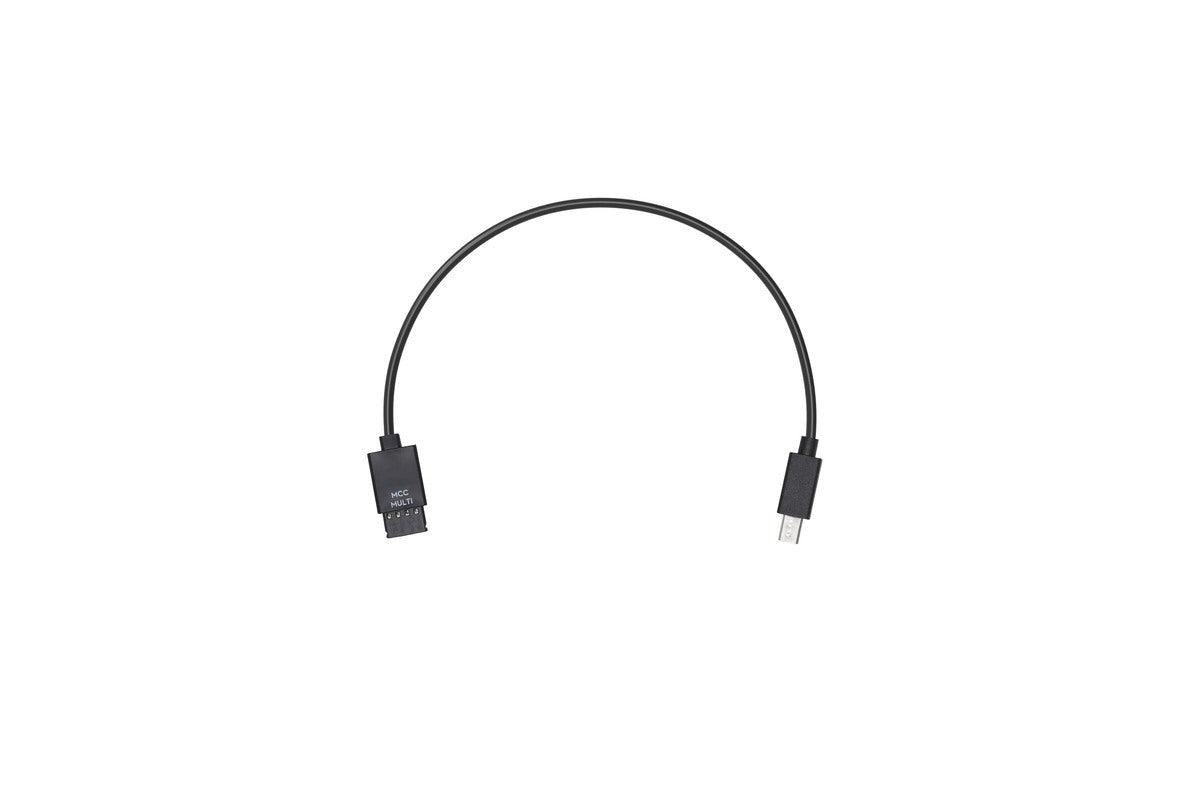
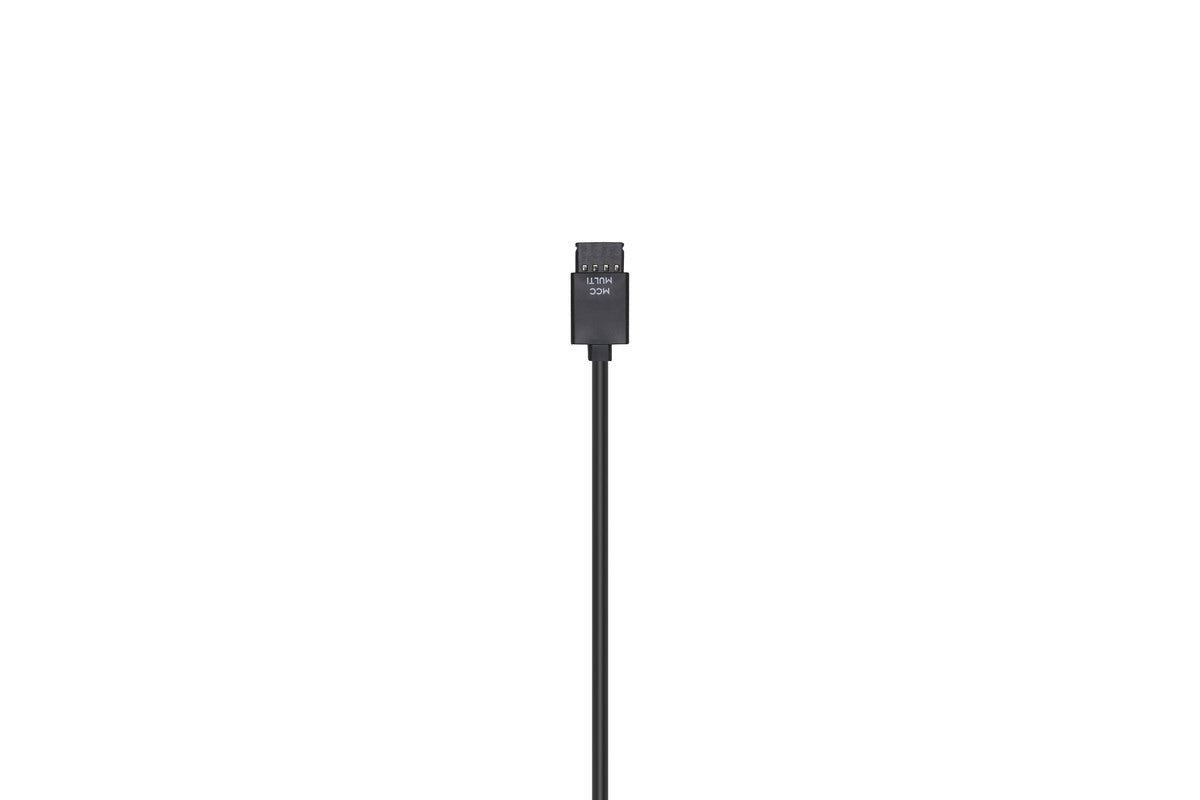
Use the Multi-Camera Control Cable (Multi-USB) to connect your Sony camera to the Ronin-S Camera Control Port. The Ronin-S Camera
Overview Ronin-S Camera Riser is attached under the camera to mount and balance onto the Ronin-S. Please click here to
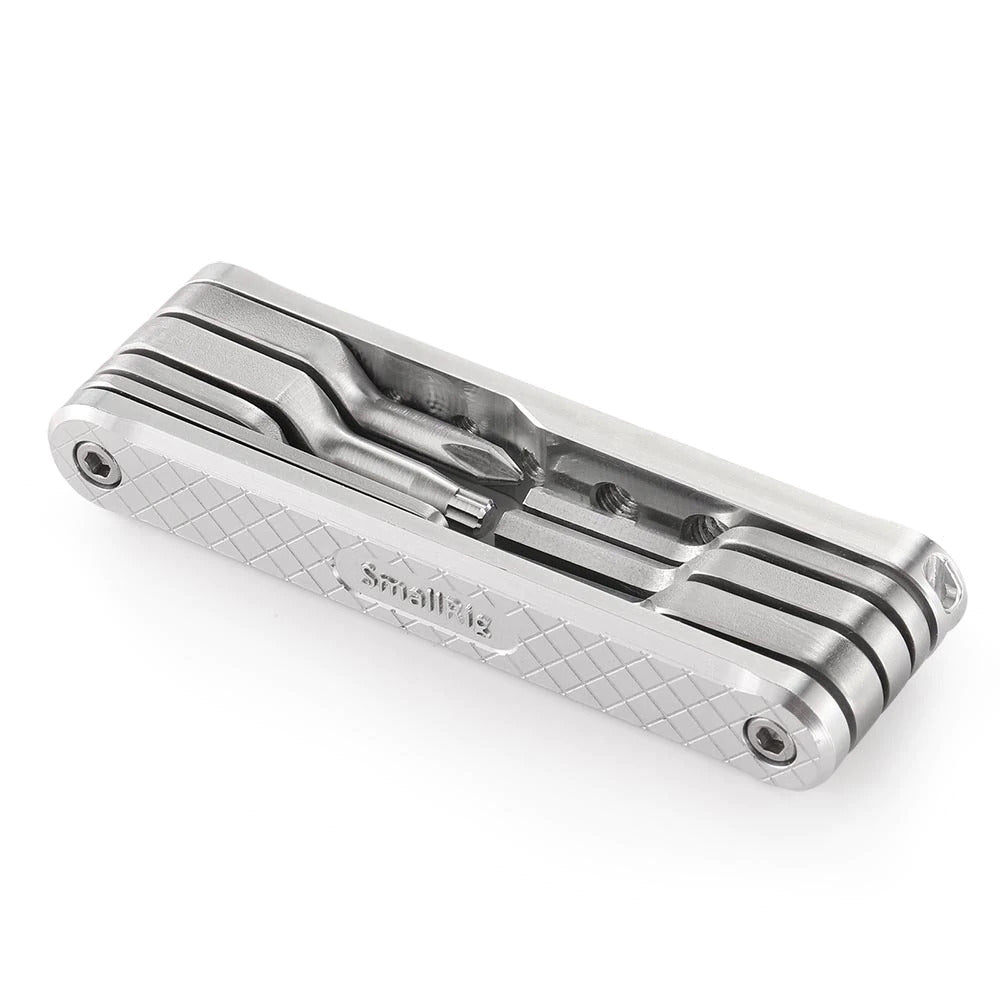
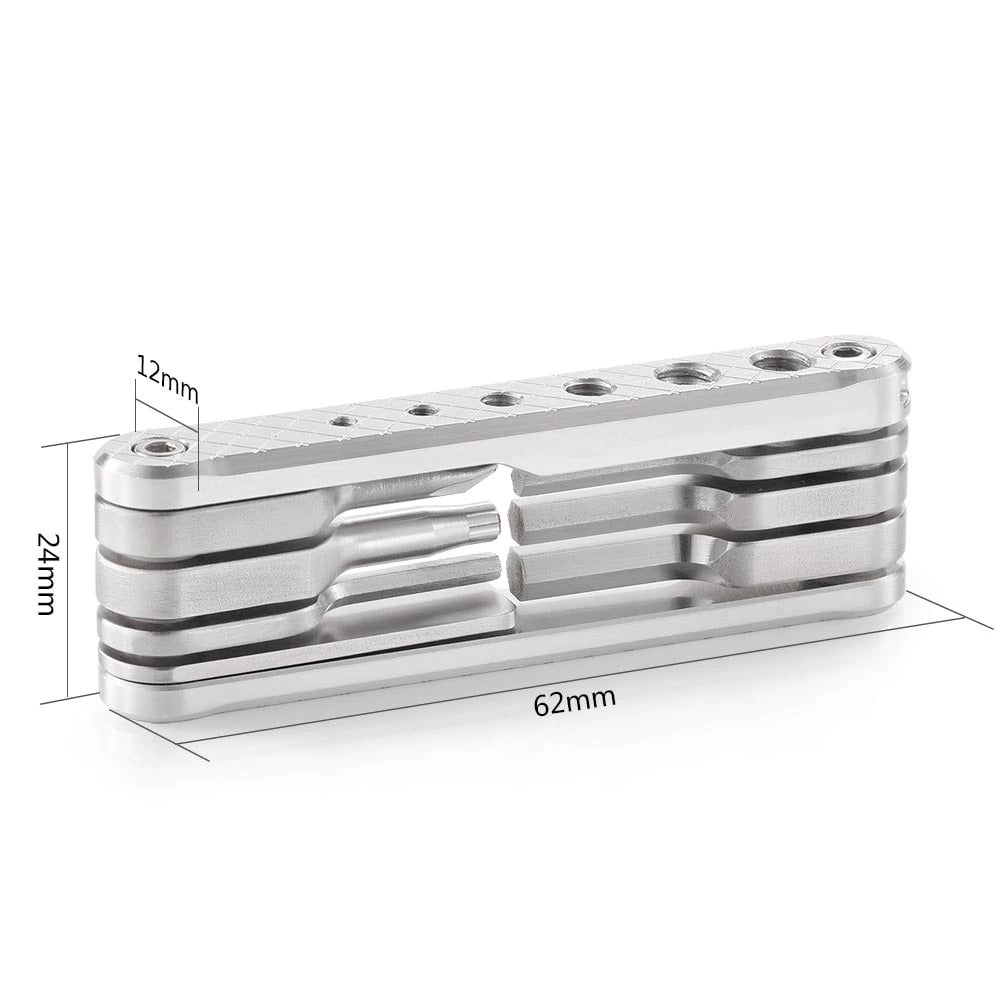
1. 7 functional tools included: 4 Allen Wrenches (2. 5, 3, 4, 3/16), 1 slotted screwdriver, 1 Phillips screwdriver and 1
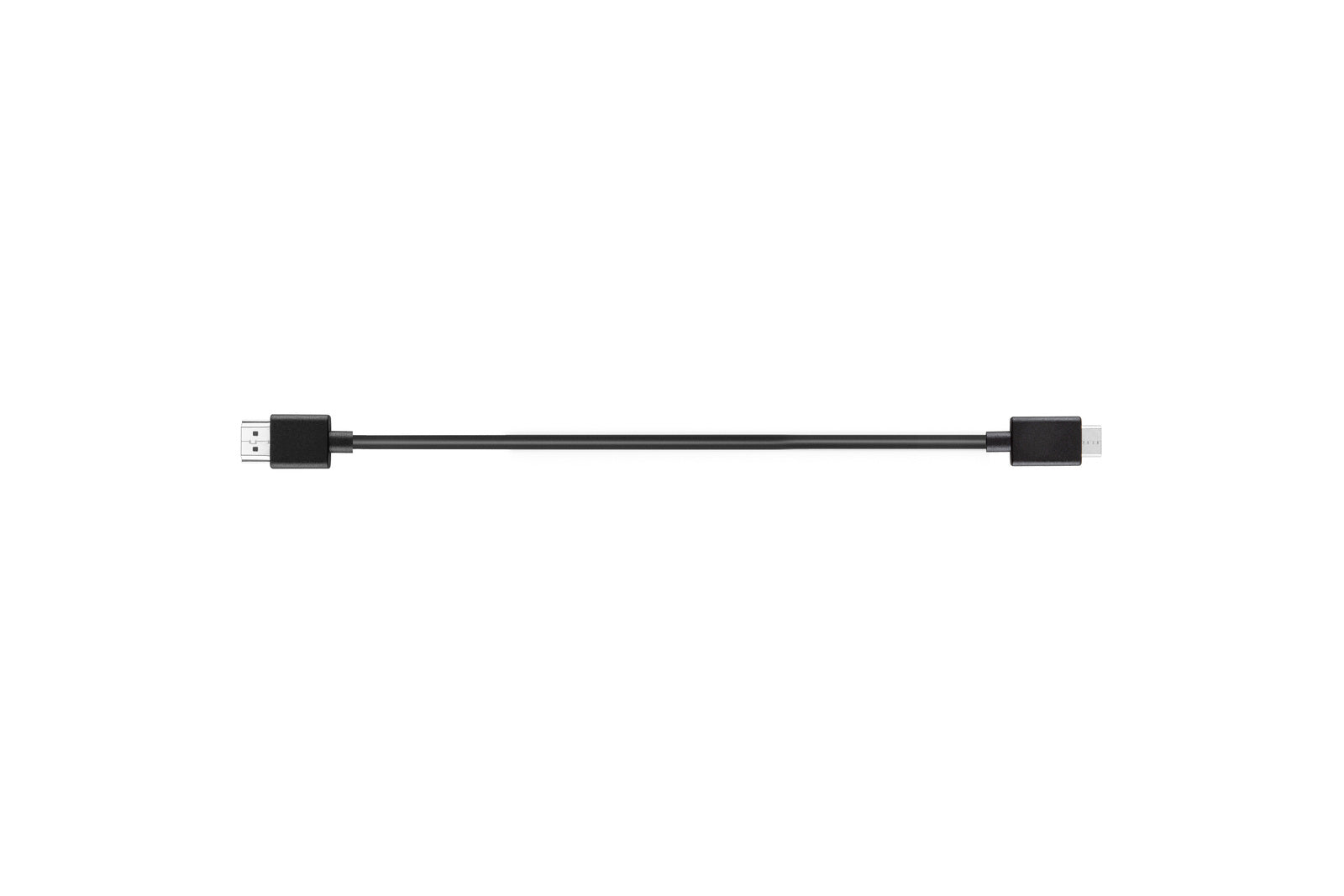
DJI R Mini-HDMI to HDMI Cable (20 cm) Overview The DJI R Mini-HDMI to HDMI Cable (20 cm) connects the
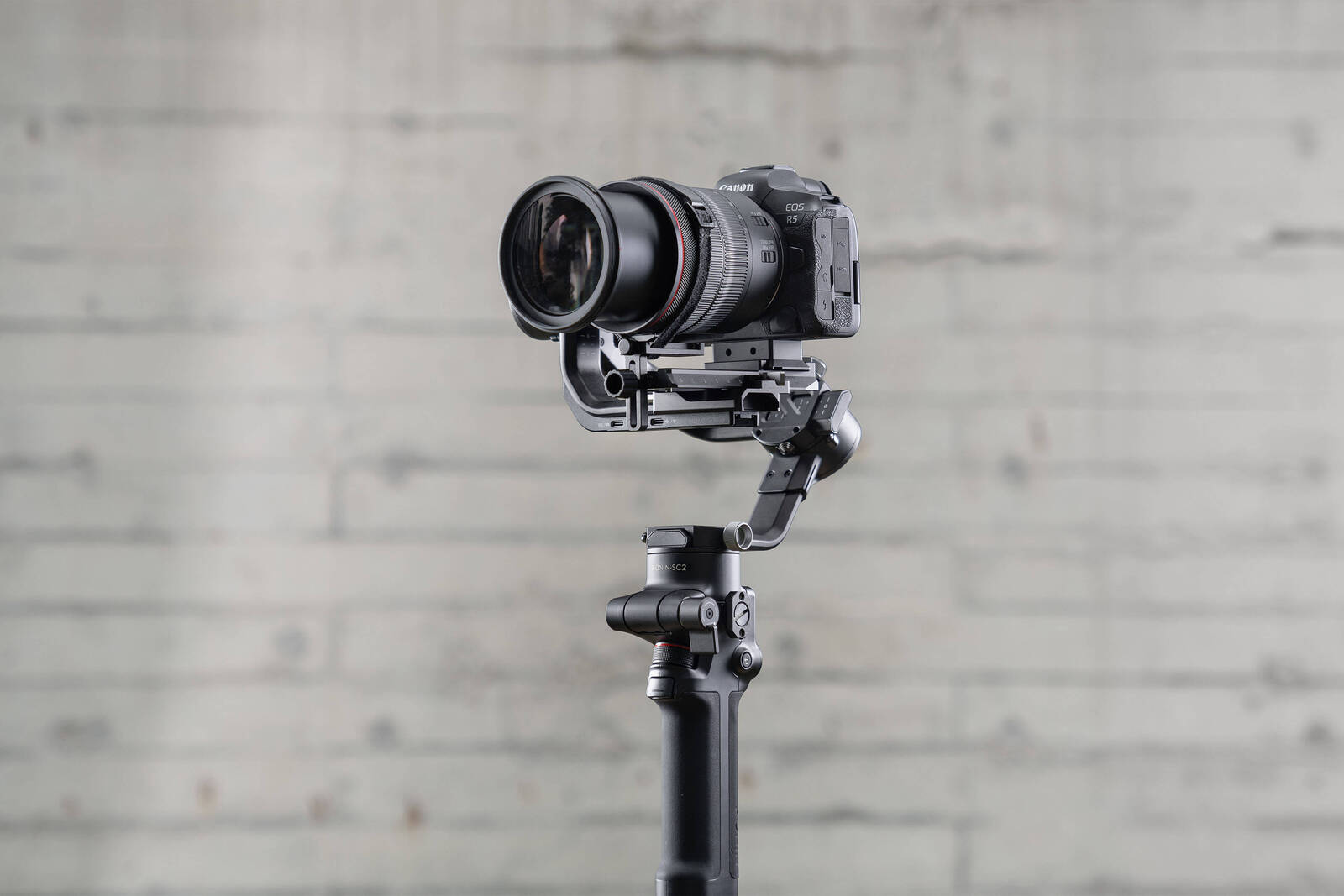
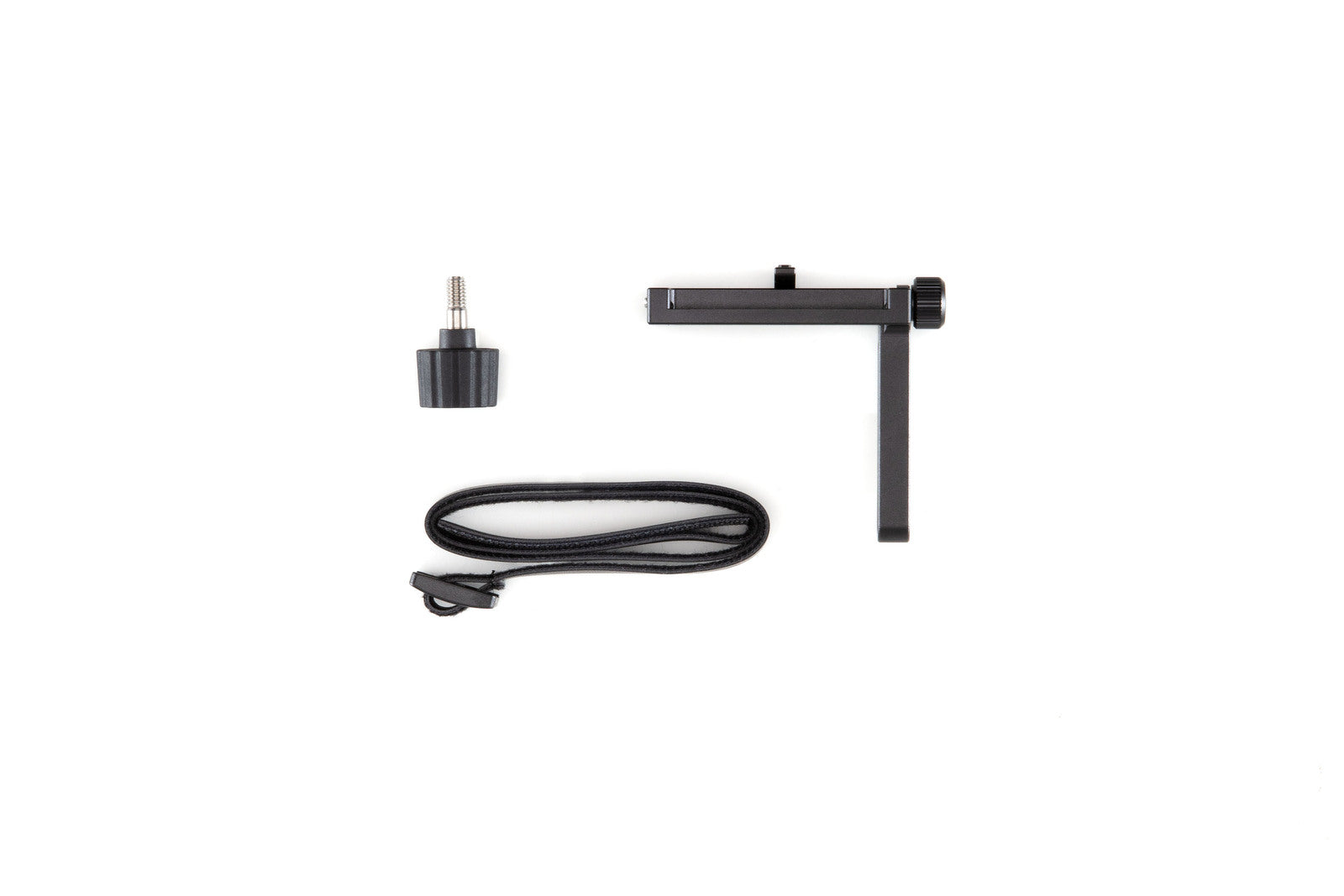
Overview Use the DJI R Lens-Fastening Strap to support and fix camera and lens for a more stable shooting experience.
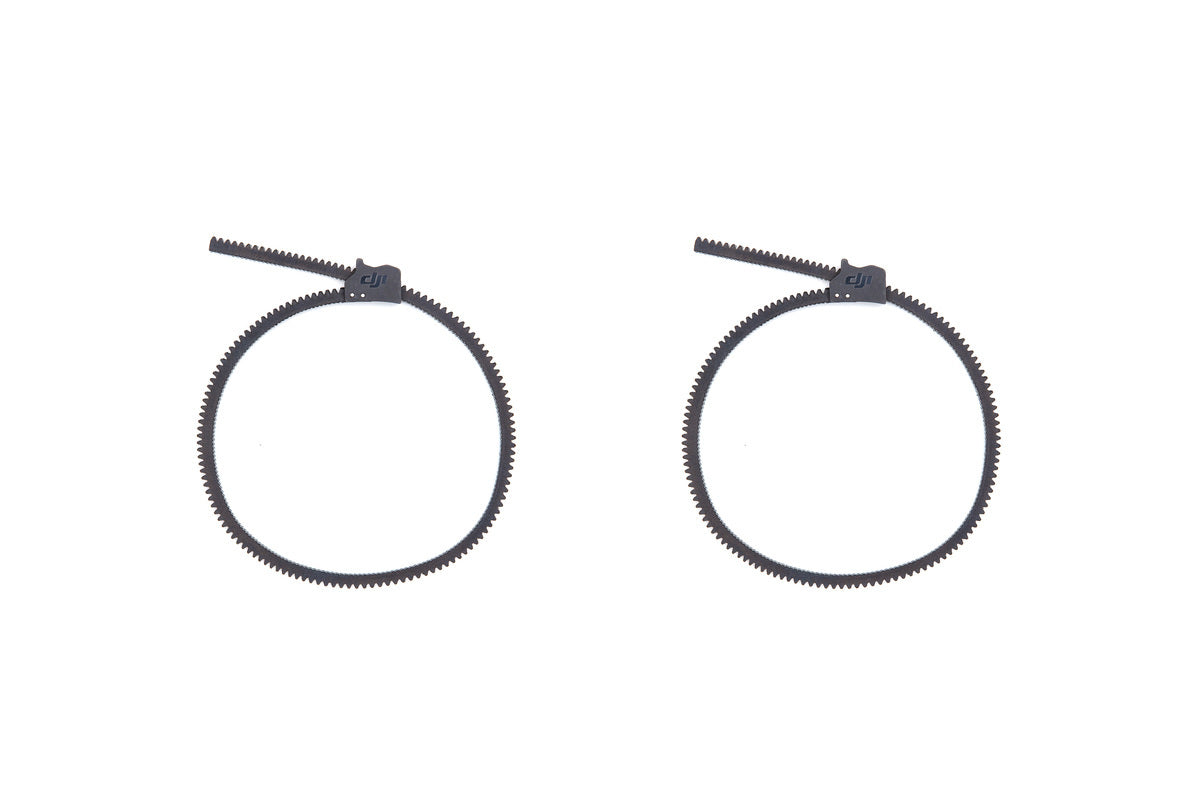
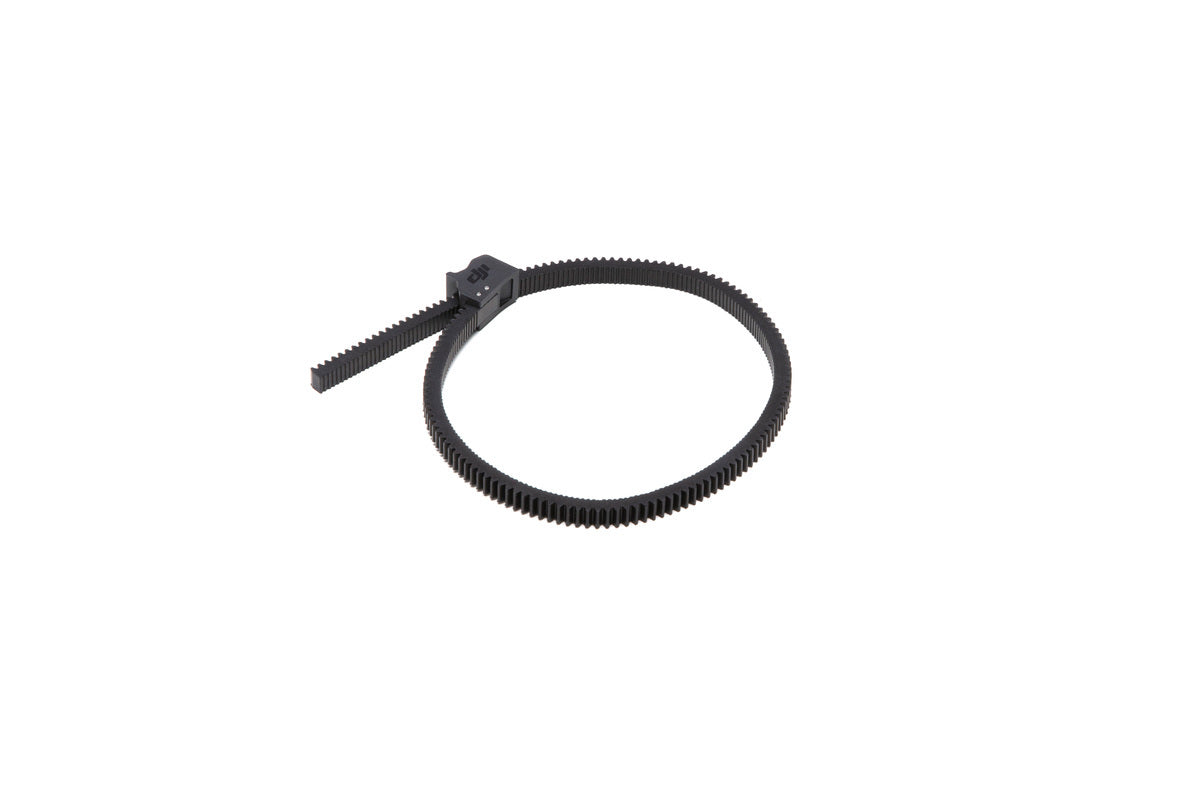
Overview The DJI Focus Gear Strip enables users to adjust the focus and zoom of a camera lens with the
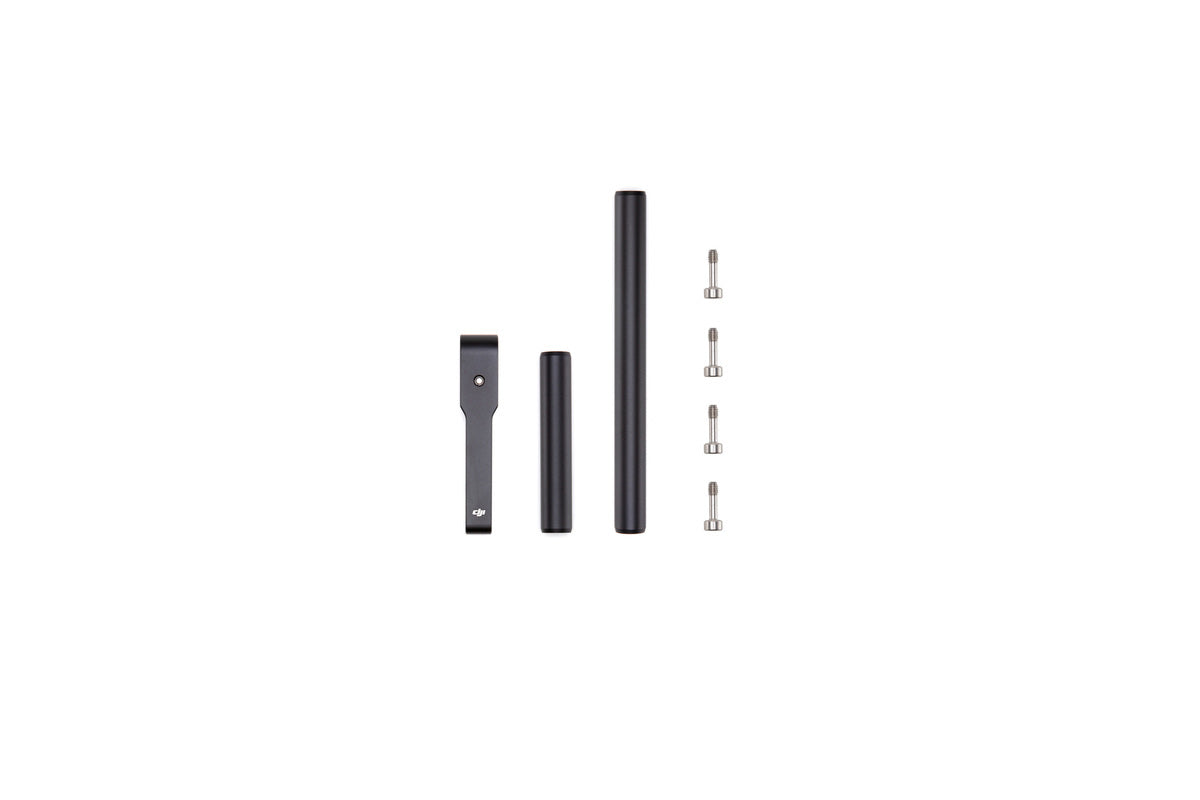
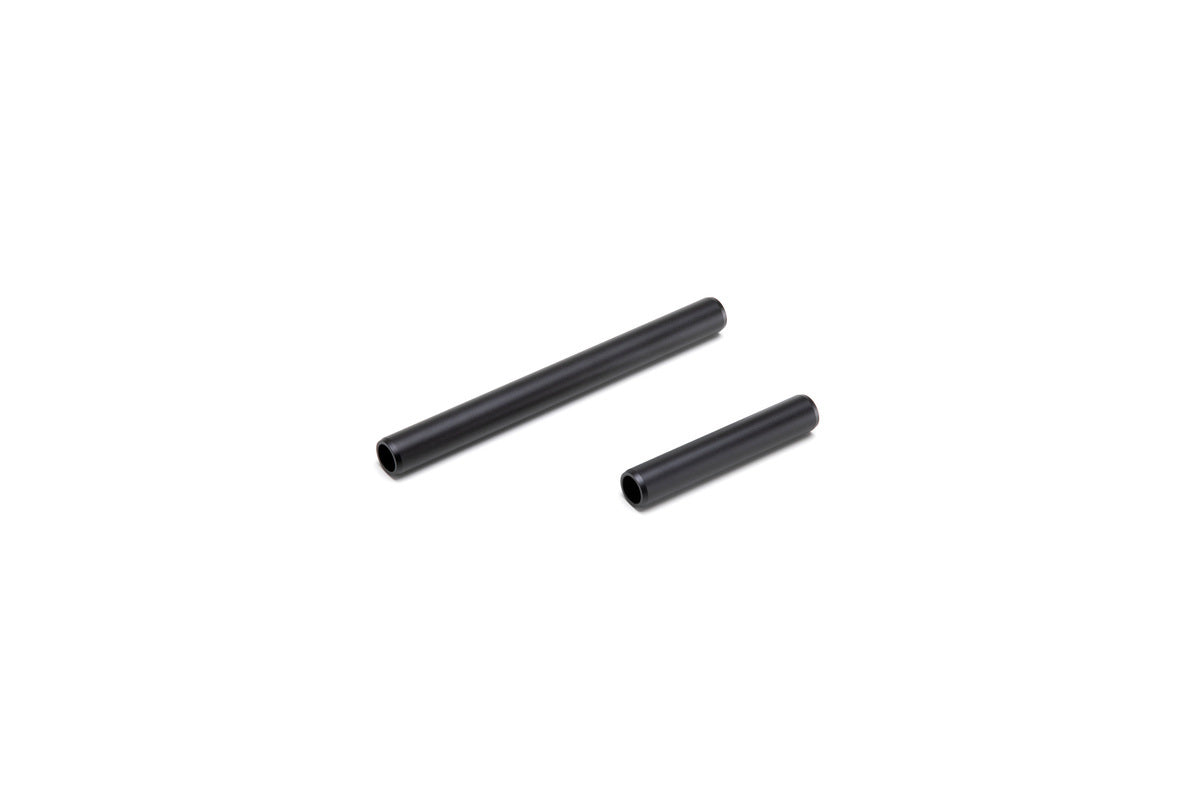
Overview The DJI Focus Motor Rod Mount is used to attach the Focus Motor to the Ronin-S. Please click here
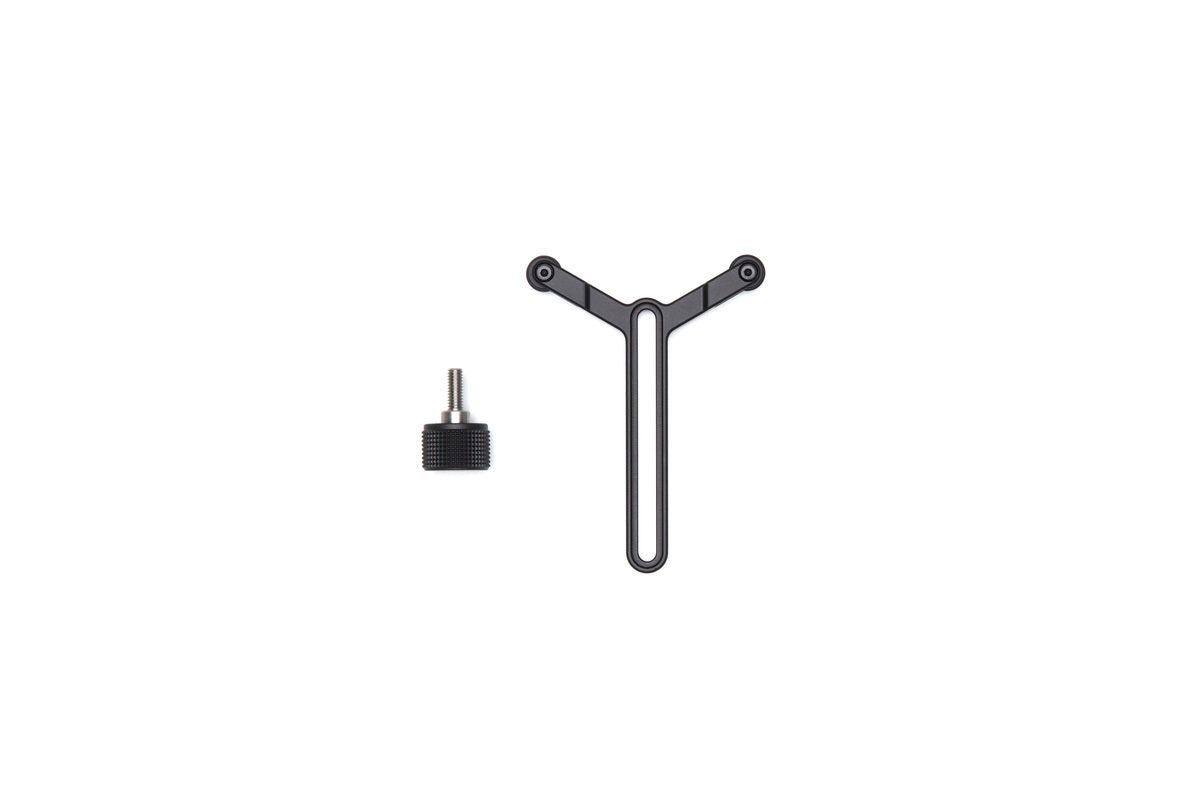
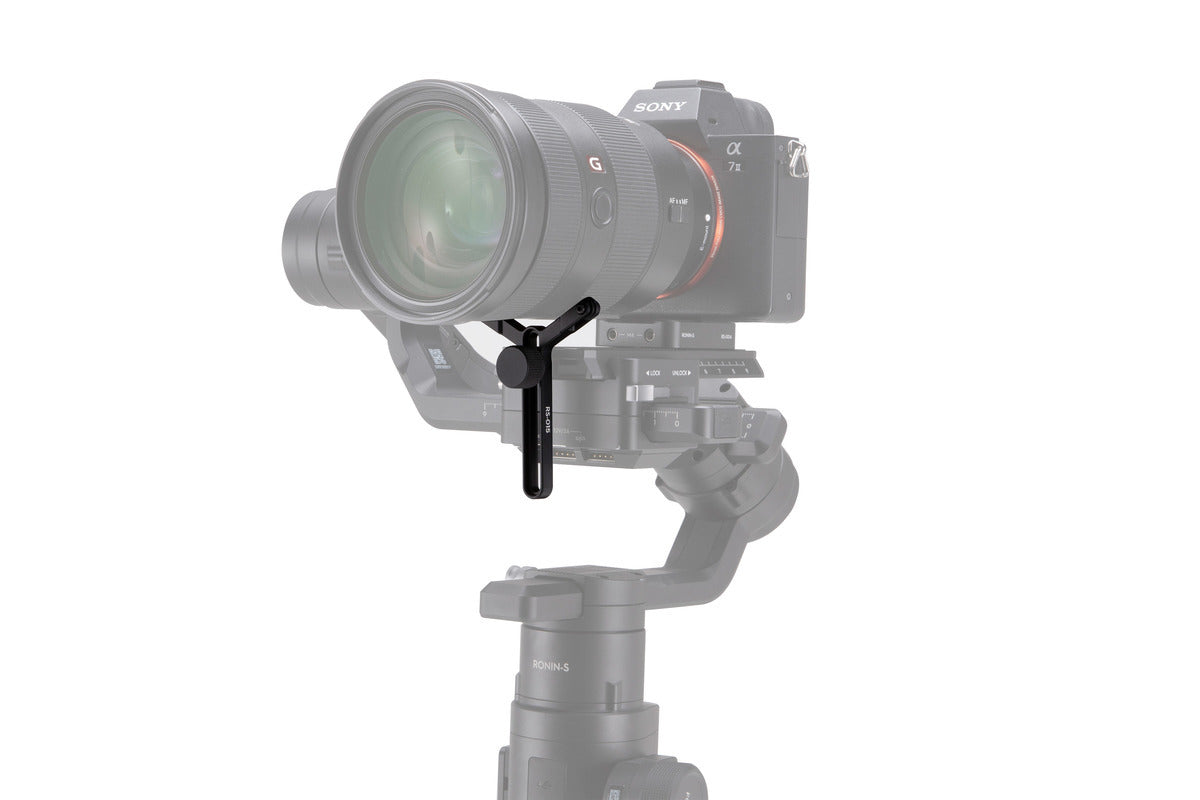
Overview This Ronin-S Extended Lens Support has a relatively wide adjustable length range. It is designed for use with both
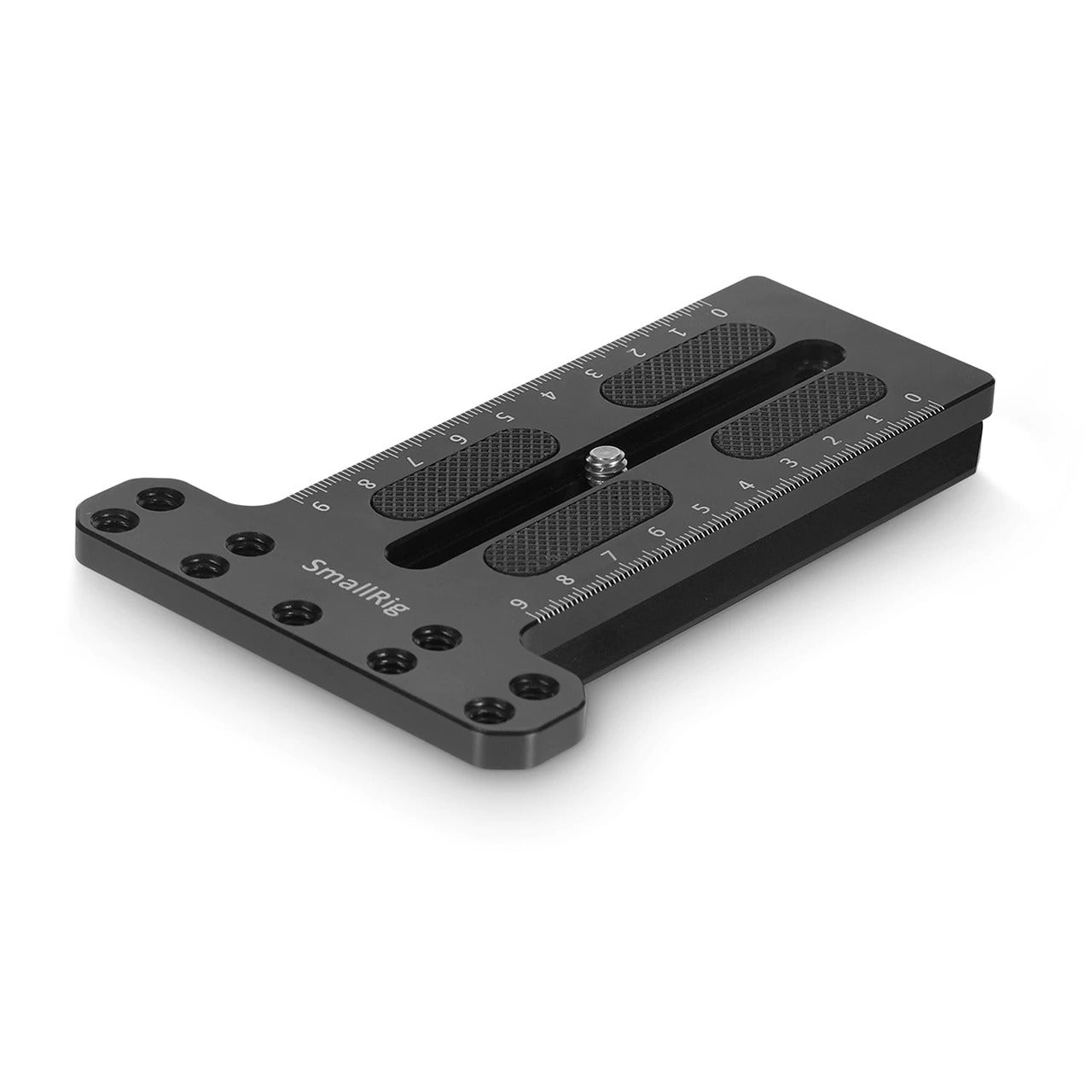
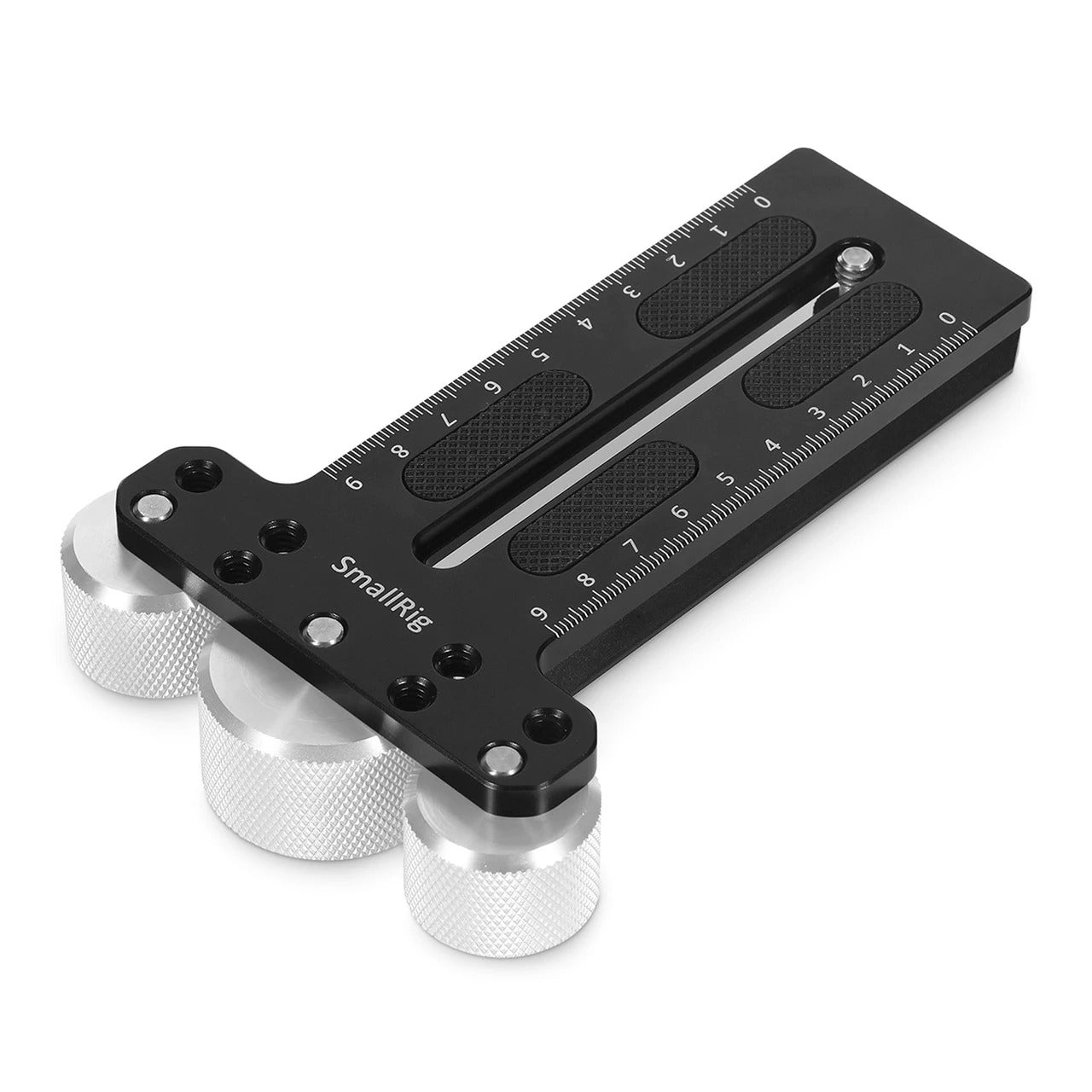
SmallRig Counterweight Mounting Plate for DJI Ronin S Gimbal 2308 Key Features: 1. Designed for DJI Ronin S Gimbal. 2.
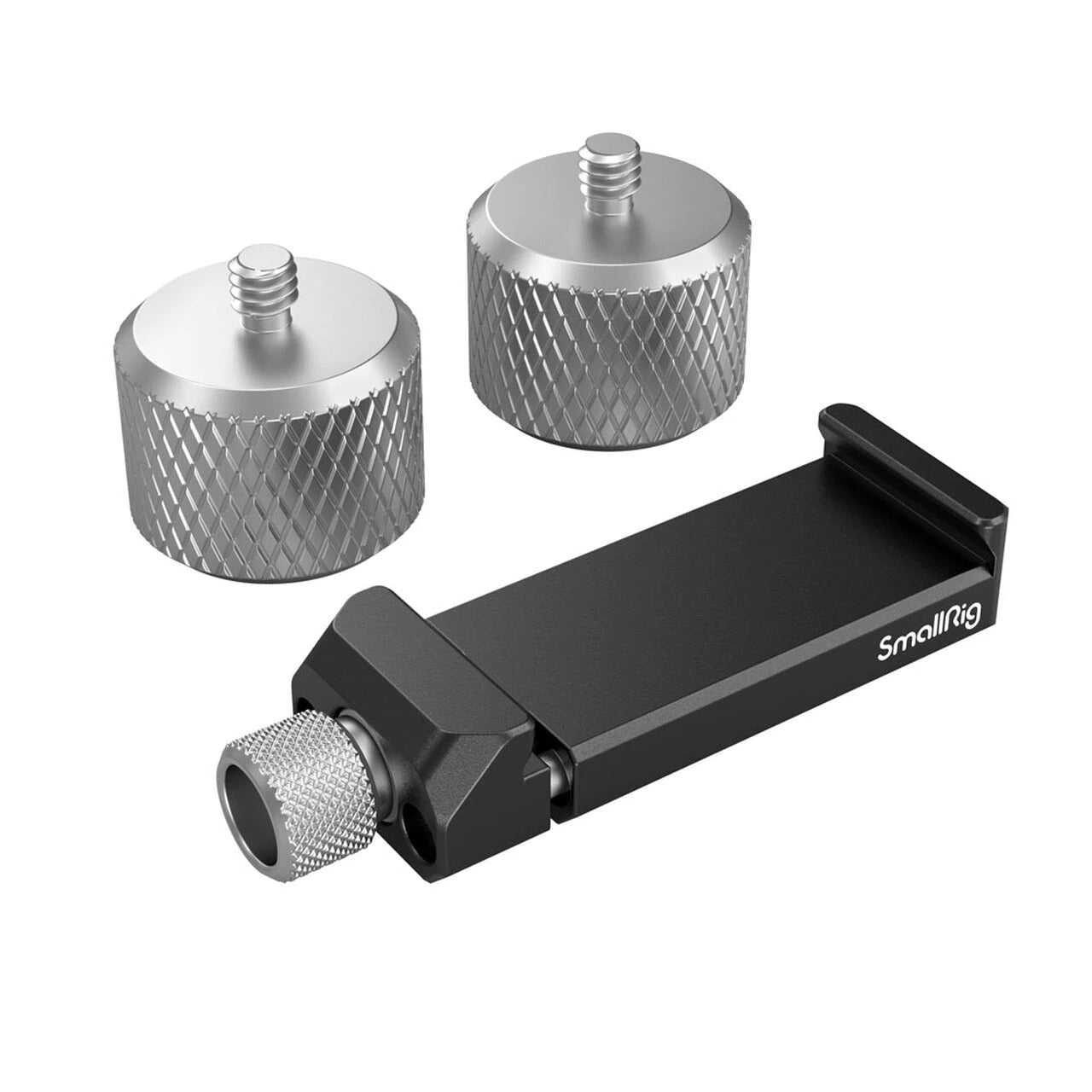
SmallRig Counterweight Kit for DJI RS 3 Pro / RS 3 / RS 2/RSC 2 & Selected ZHIYUN Gimbals 3125
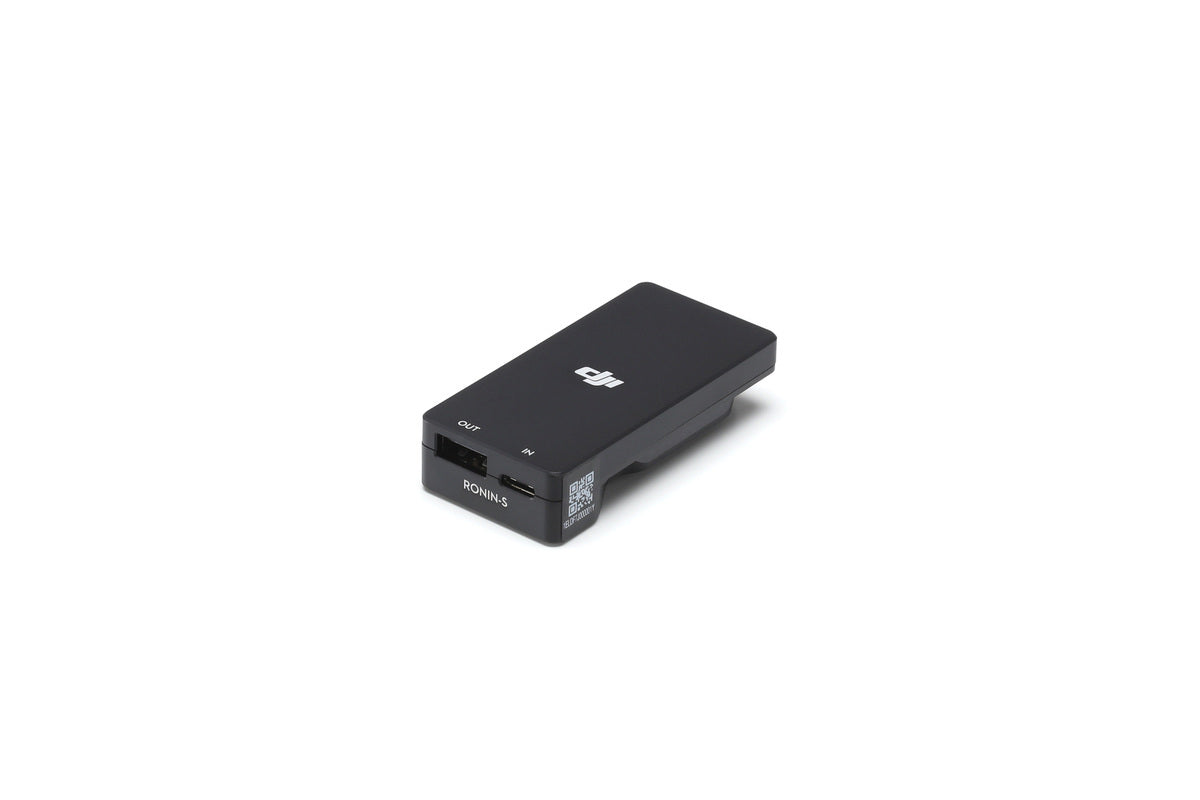
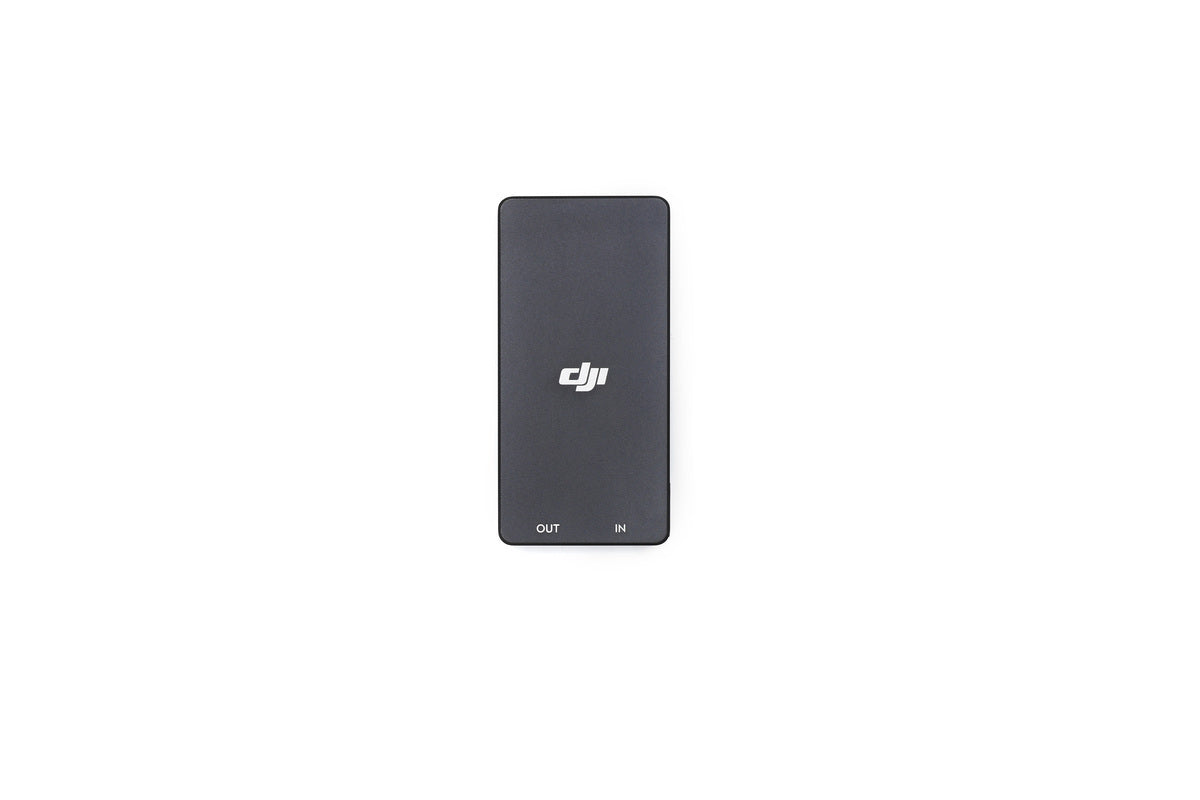
Overview The Ronin-S Battery Adapter is designed to charge the Ronin-S Grip without being attached to the gimbal by connecting
Username or email address *Required
Password *Required
Log in
Lost your password? Remember me
No account yet?