
Home » Pro Video » DJI Ronin Series » Page 2

Showing 13–24 of 36 resultsSorted by popularity

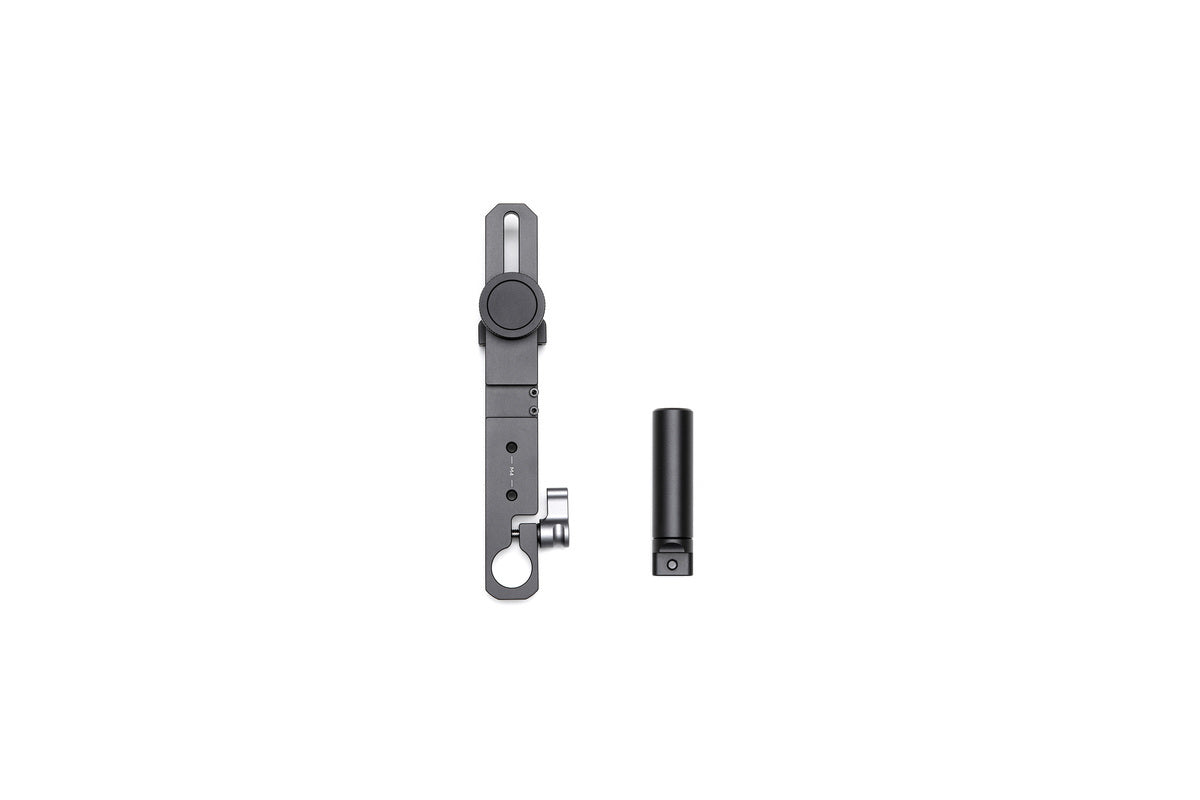
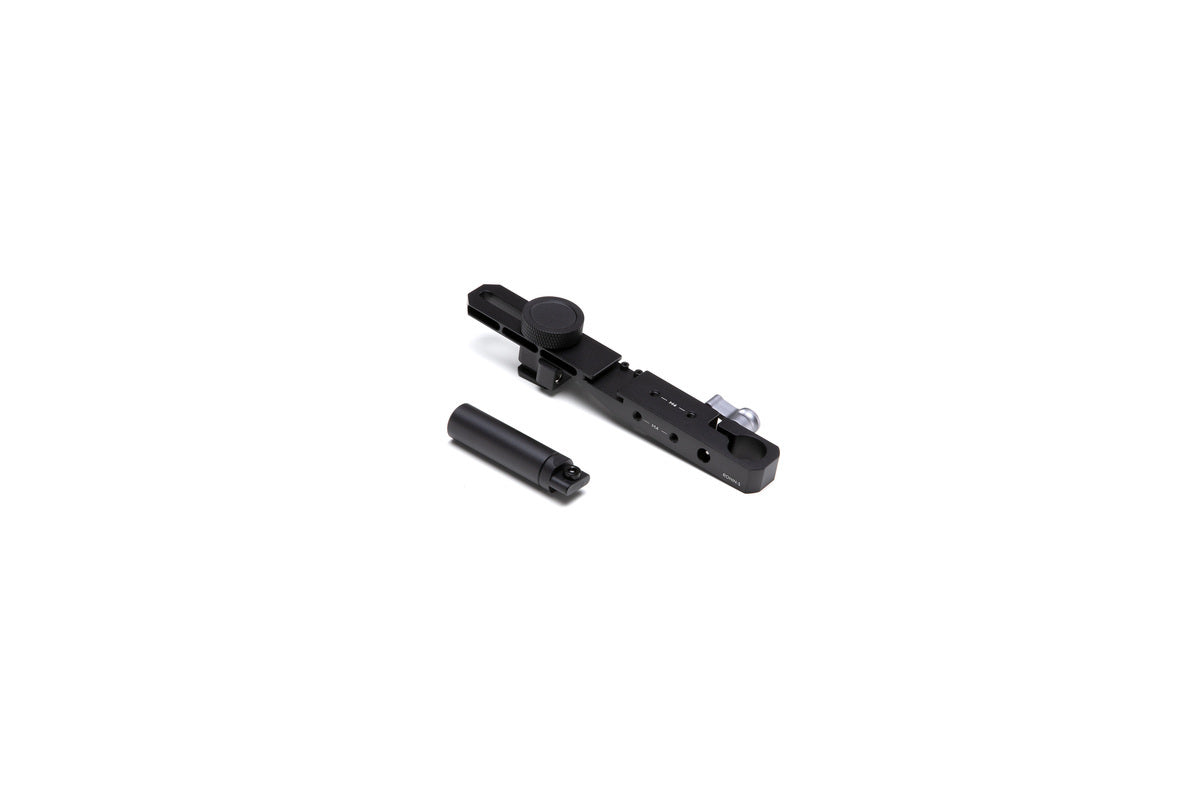
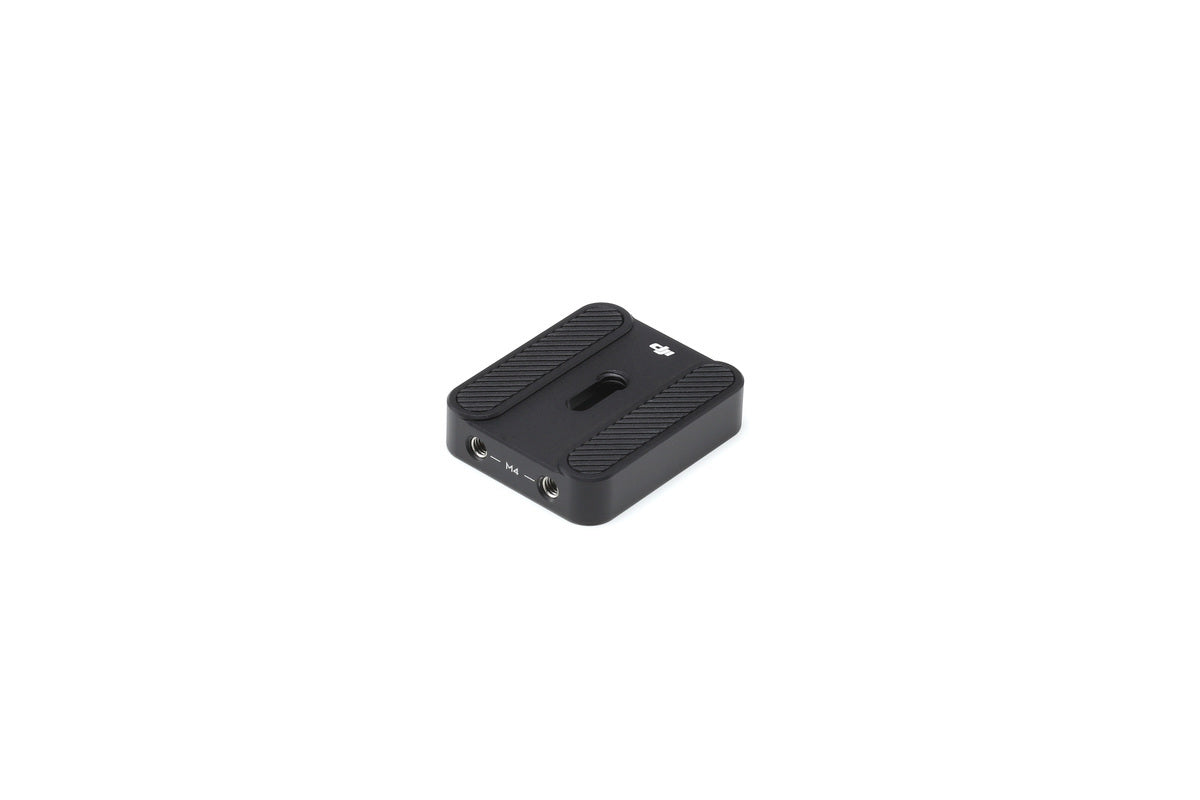
DJI Ronin-S Top Hotshoe Bracket Part 15
$79.00

Overview Ronin-S Top Hotshoe Bracket is used to more securely mount a DLSR camera to the Ronin-S. It is recommended

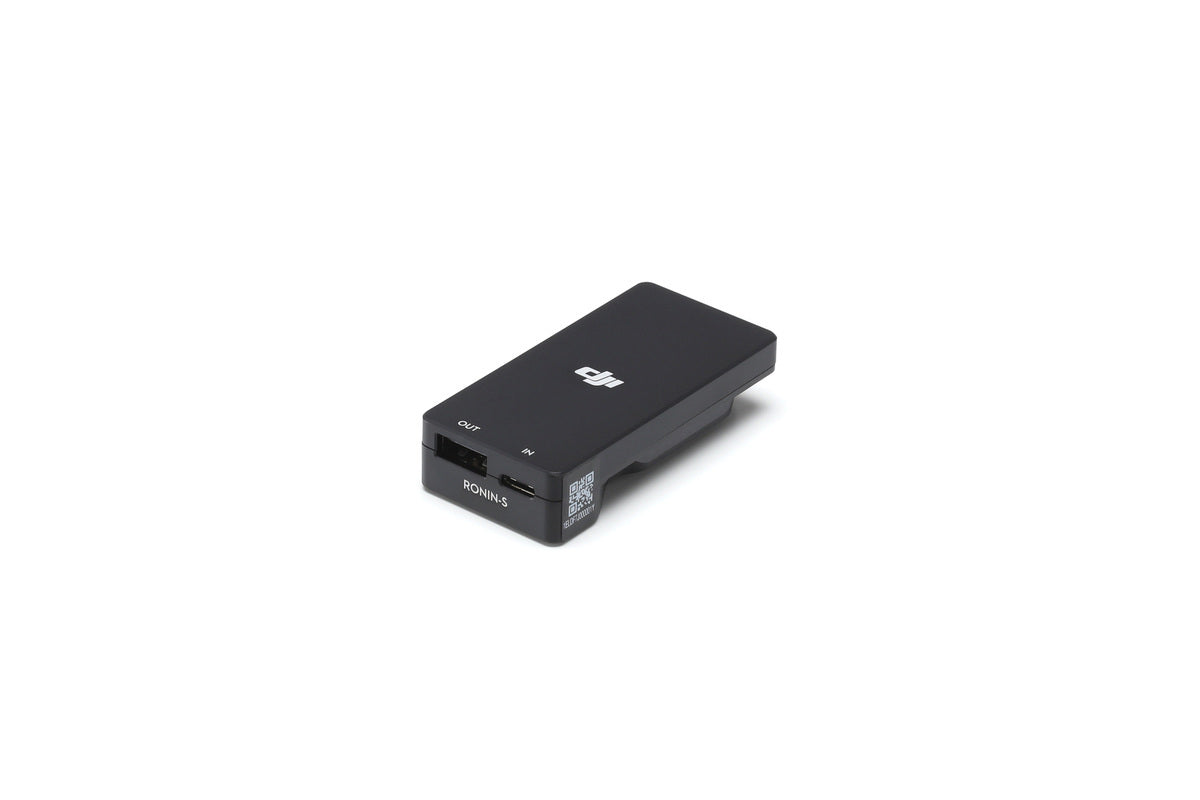
DJI Ronin-S Battery Adapter Part 8

$69.00

Overview The Ronin-S Battery Adapter is designed to charge the Ronin-S Grip without being attached to the gimbal by connecting

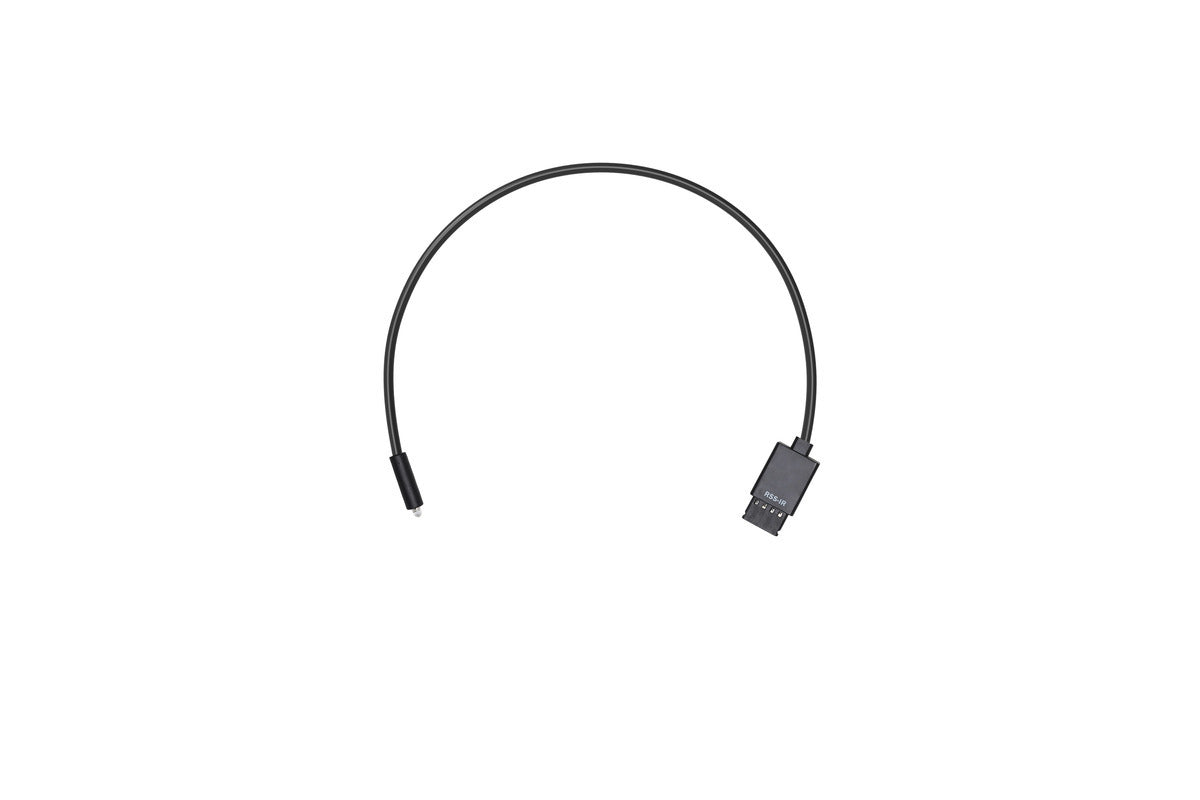
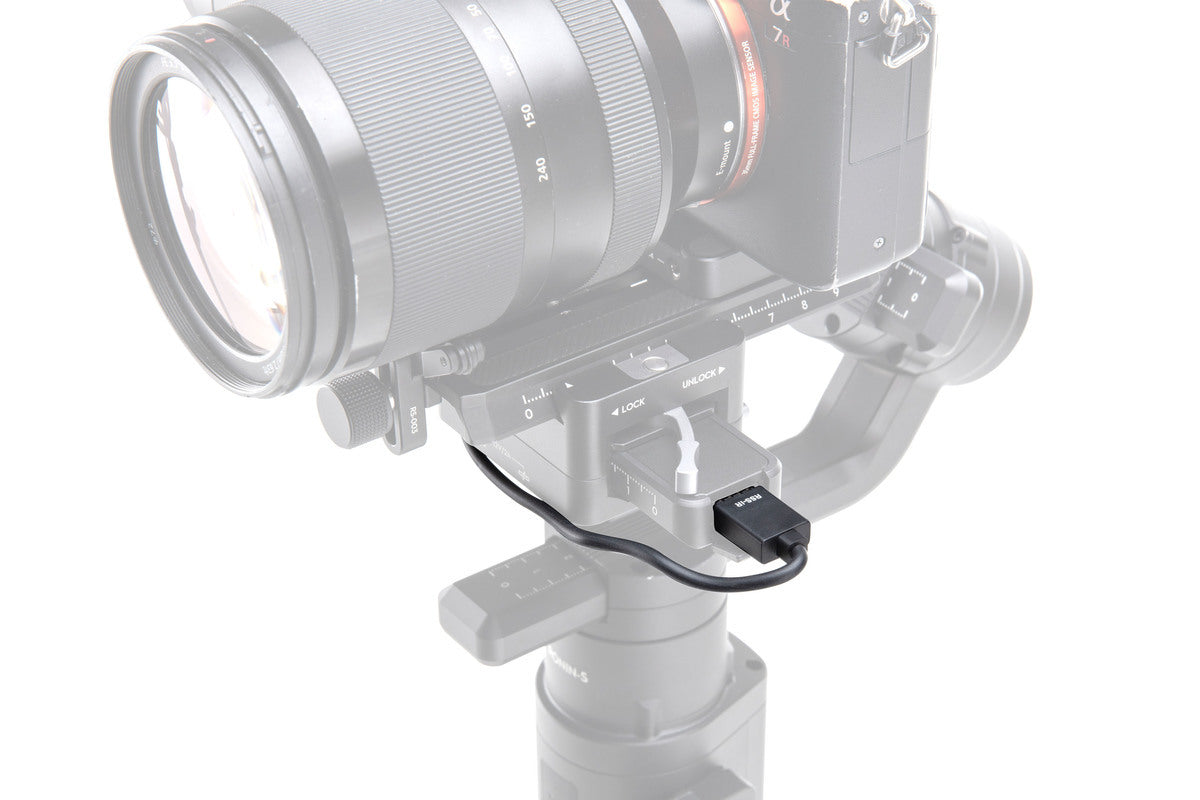
DJI Ronin-S IR Control Cable Part 4
$29.00

Overview This RSS IR Control Cable can be used with cameras that feature an infrared receiver. Insert one end of

DJI Ronin-S Camera Riser Part 7

$31.00

Overview Ronin-S Camera Riser is attached under the camera to mount and balance onto the Ronin-S. Please click here to

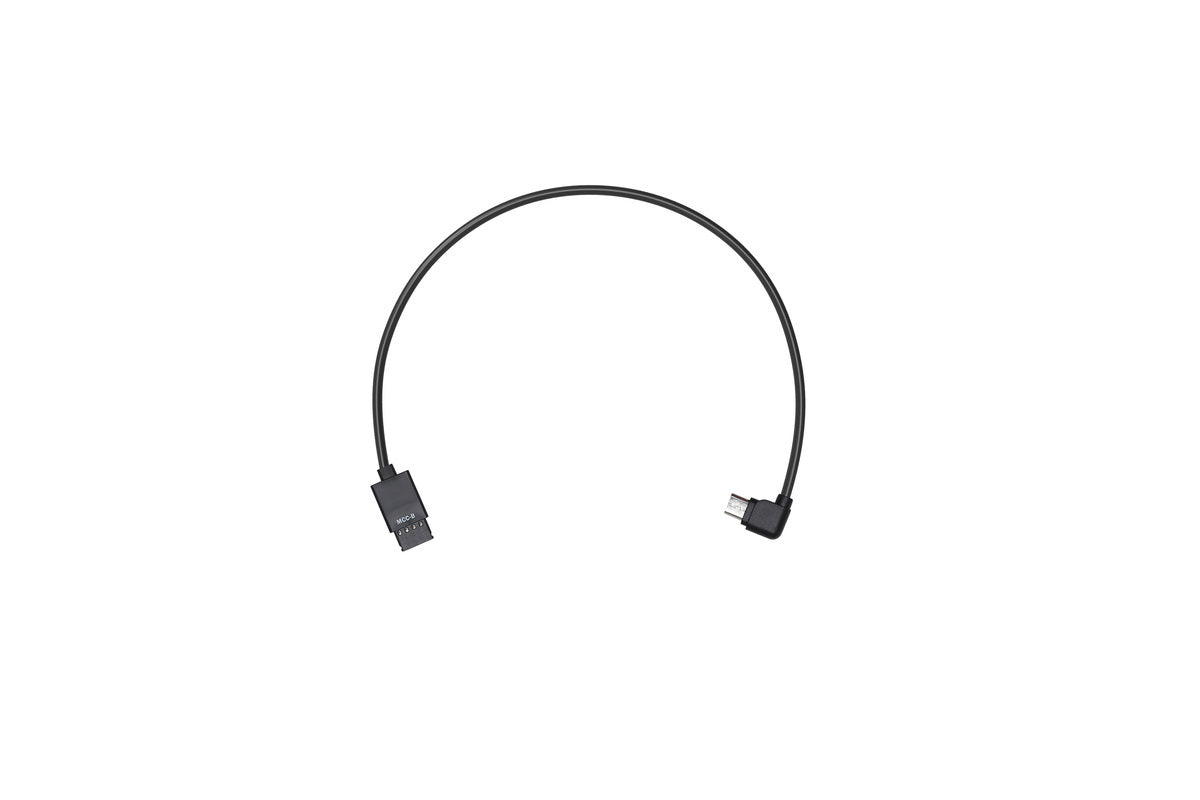
DJI Ronin-S Multi-camera Control Cable (Type-B) Part 6
$29.00

Overview The Multi-Camera Control Cable (Type-B) connects a camera with a Type-B port to the Camera Control Port (RSS Port)

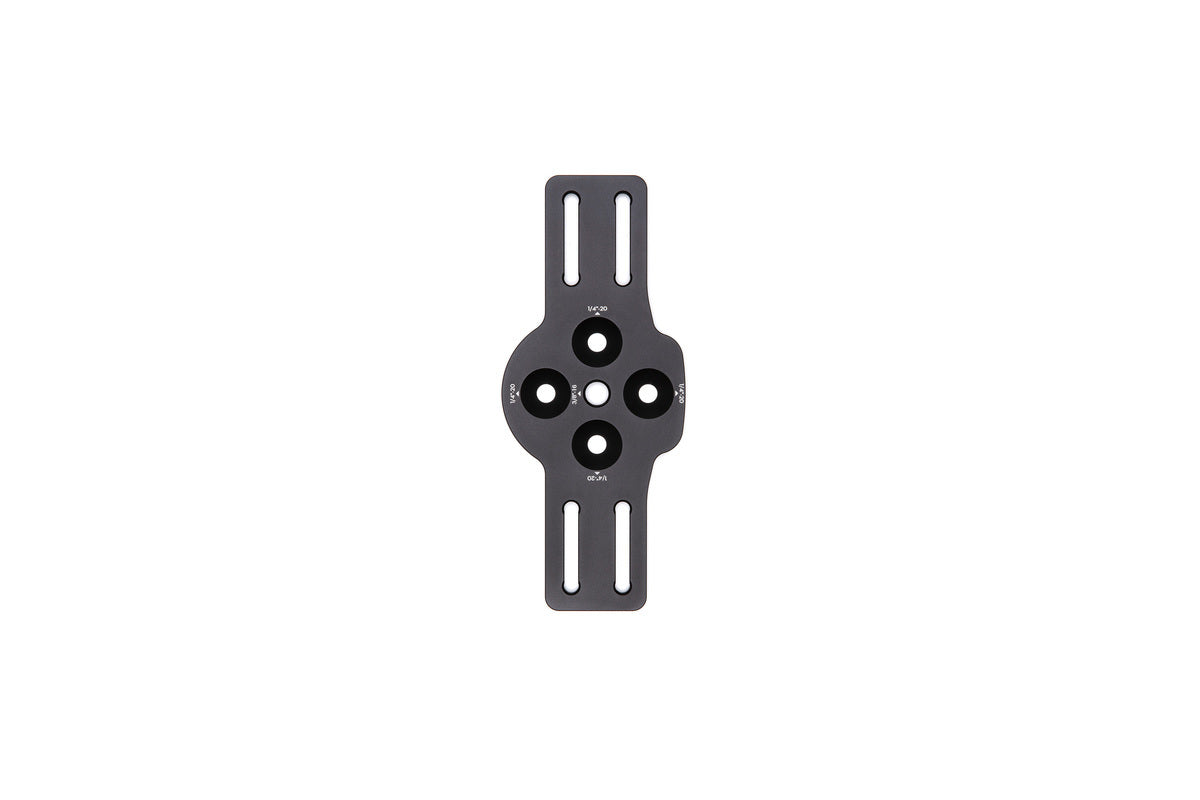
DJI Ronin-S Universal Mount Part 20
$299.00

Overview Use the Ronin-S Universal Mount to install the Ronin-S to a carrier with 1/4″-20 holes. With a Universal Mount,

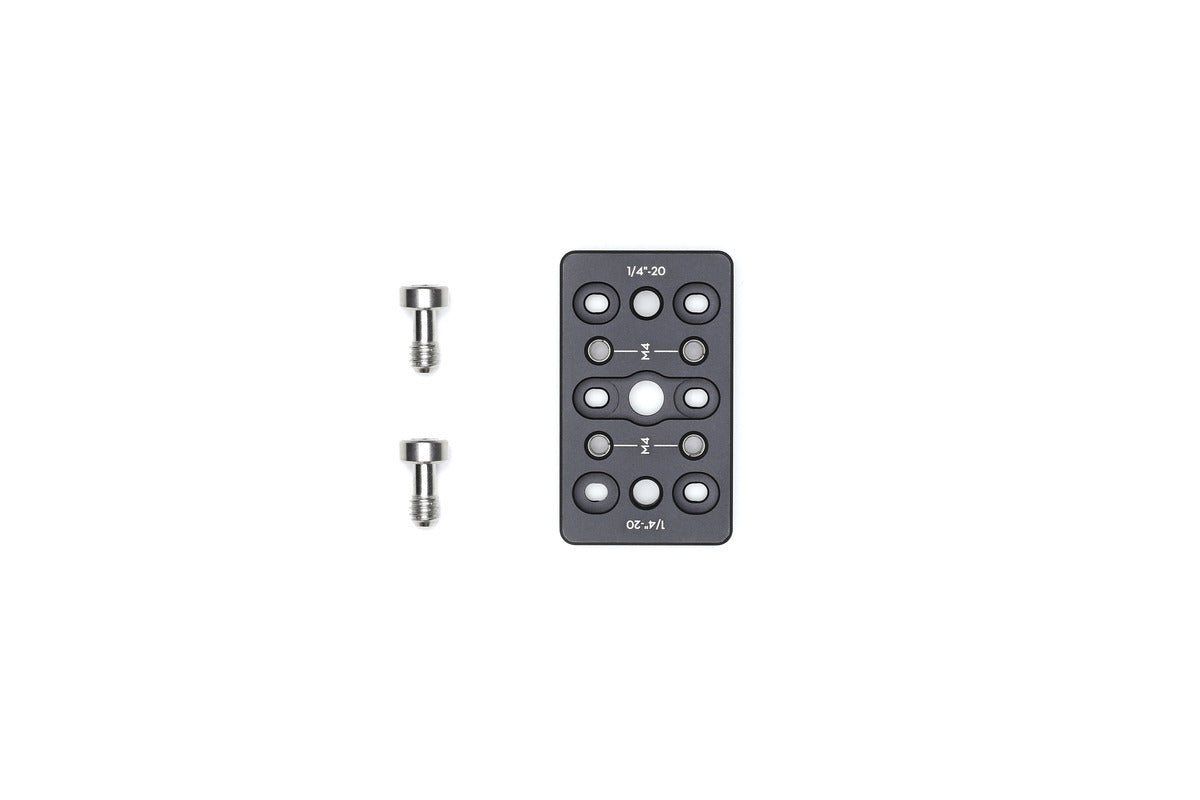
DJI Ronin-S Cheese Plate Part 10

$29.00

Overview The Ronin-S Cheese Plate is equipped with 1/4″-20 tapped holes. Mount the Cheese Plate onto the top hotshoe bracket

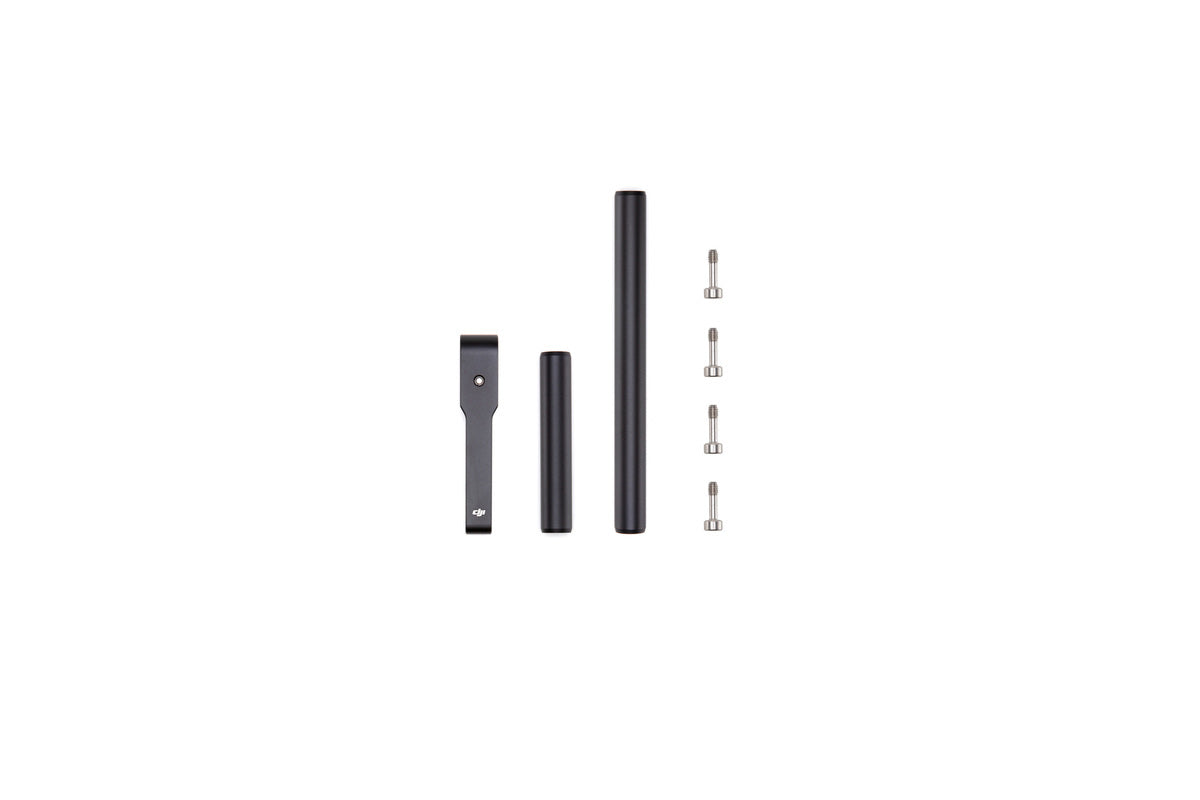
DJI Ronin-S Focus Motor Rod Mount PART 18
$39.00
Overview The DJI Focus Motor Rod Mount is used to attach the Focus Motor to the Ronin-S. Please click here

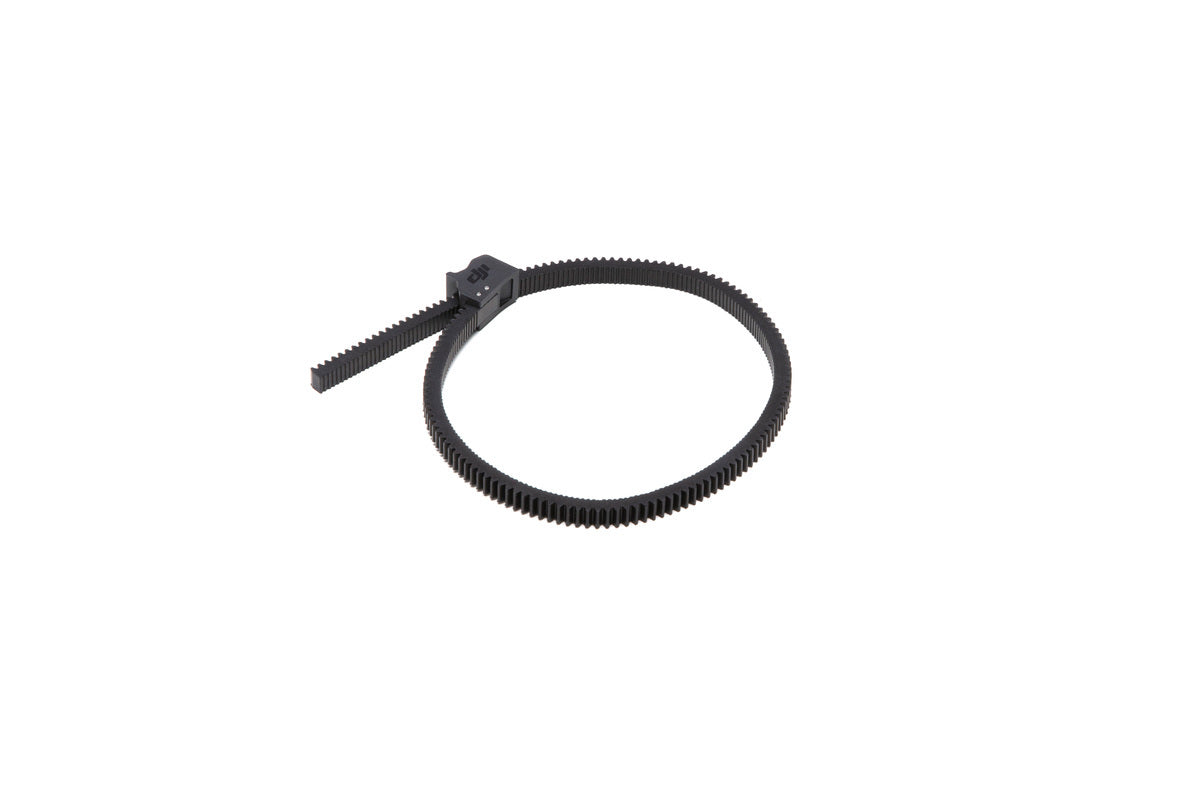
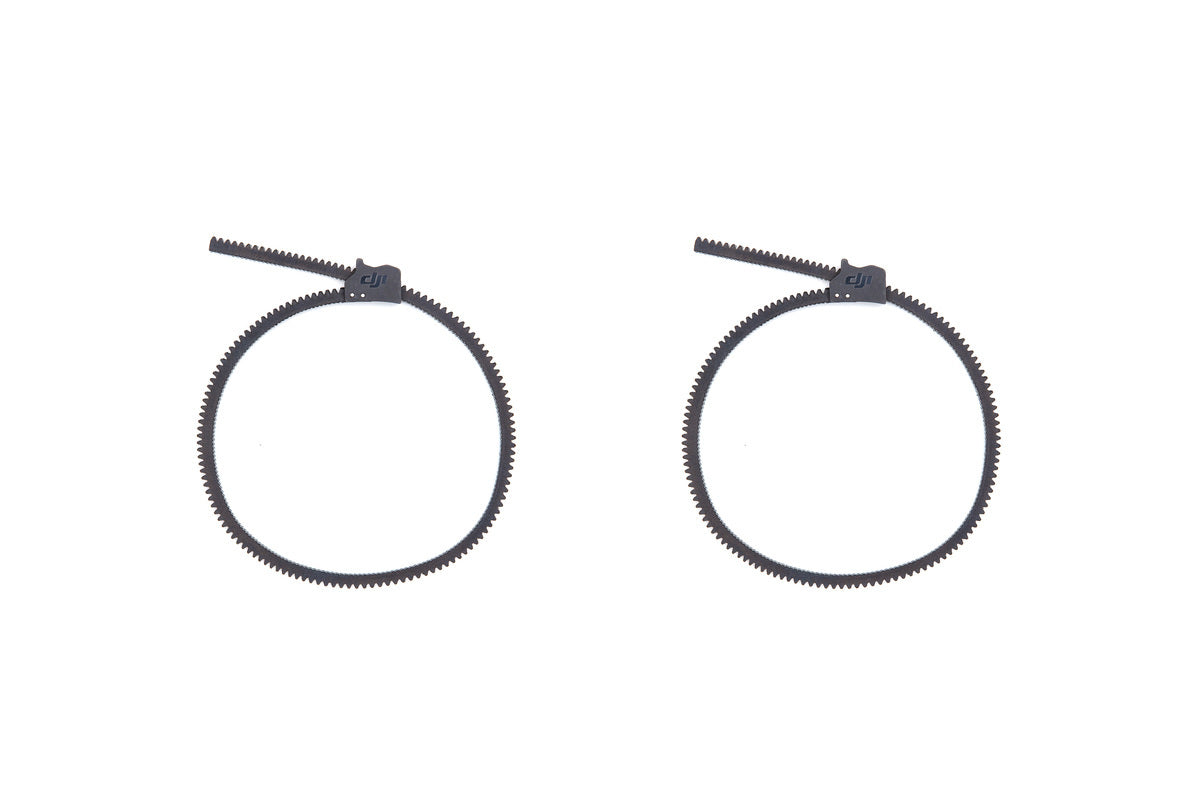
DJI Ronin-S Focus Gear Strip Part 19

$39.00
Overview The DJI Focus Gear Strip enables users to adjust the focus and zoom of a camera lens with the

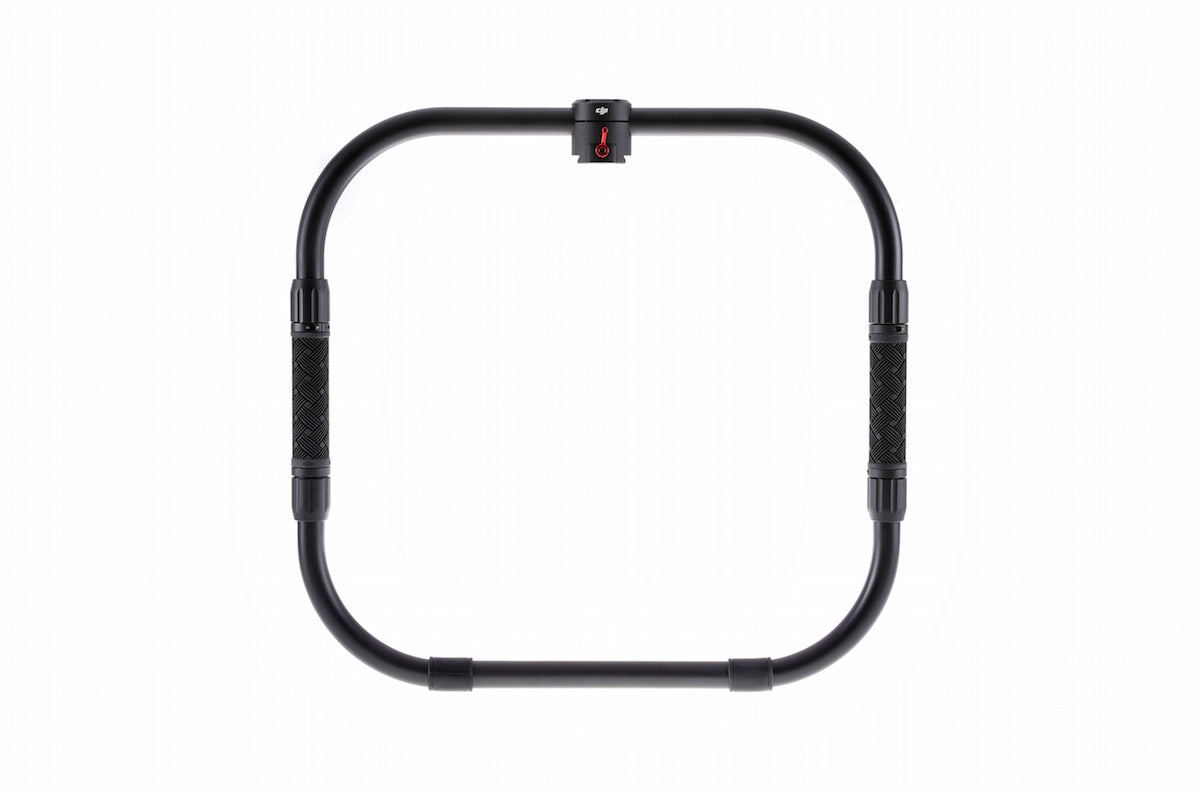
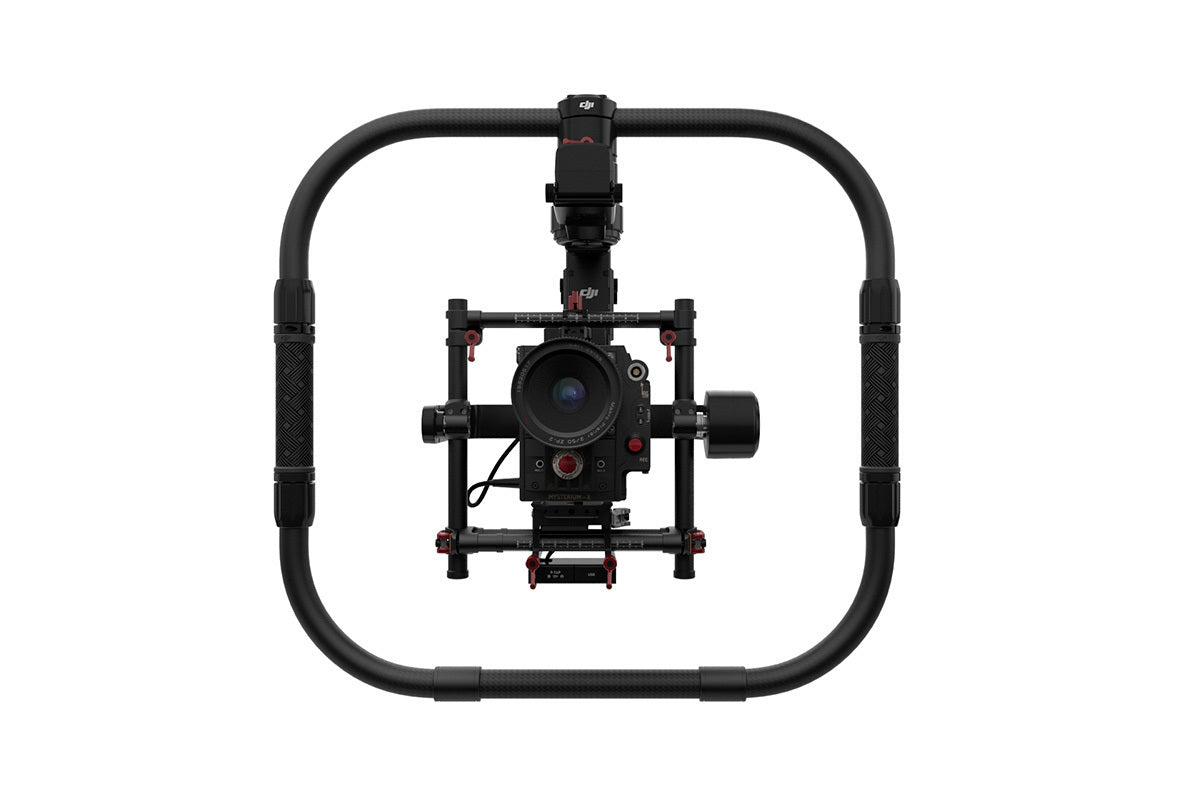
Ronin-M/MX Grip

$339.00

Hold a Ronin-M or Ronin-MX more easily and lean it against vertical surfaces when not in use. Also useful for

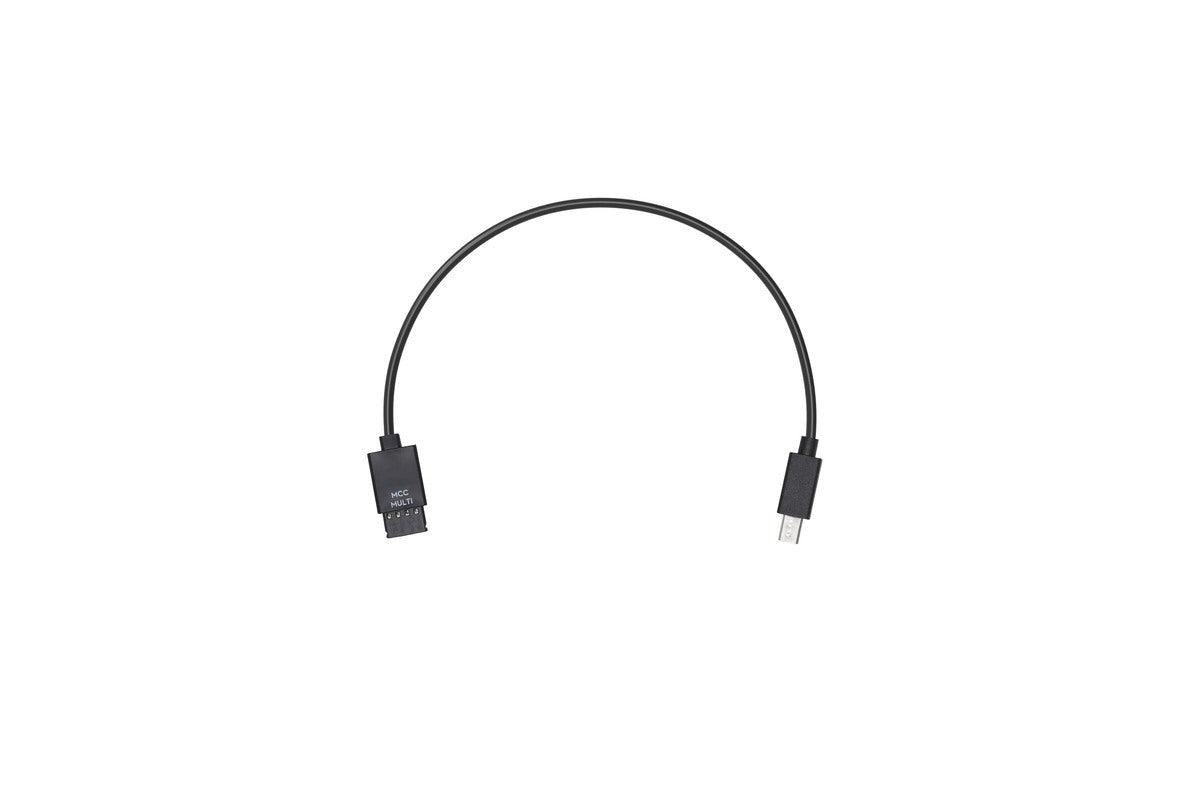
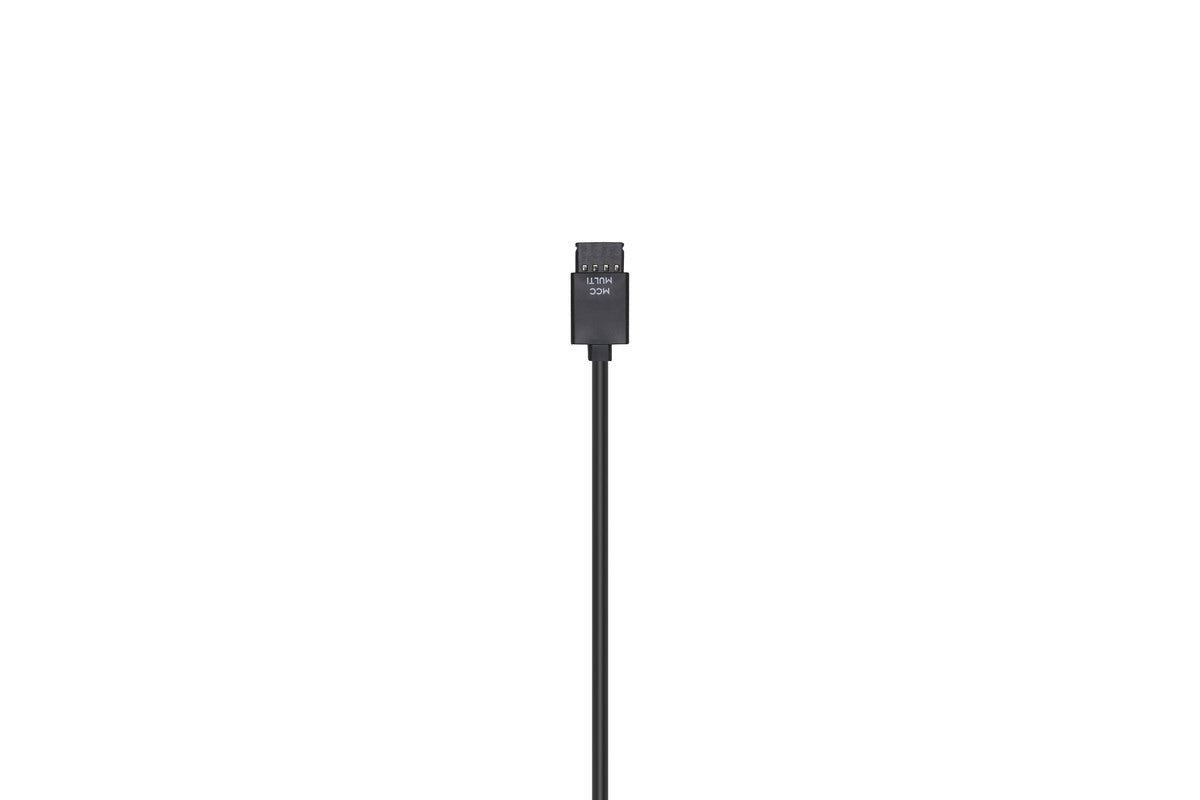
Ronin-S Multi-Camera Control Cable (Multi) (Part 13)

$30.00

Use the Multi-Camera Control Cable (Multi-USB) to connect your Sony camera to the Ronin-S Camera Control Port. The Ronin-S Camera

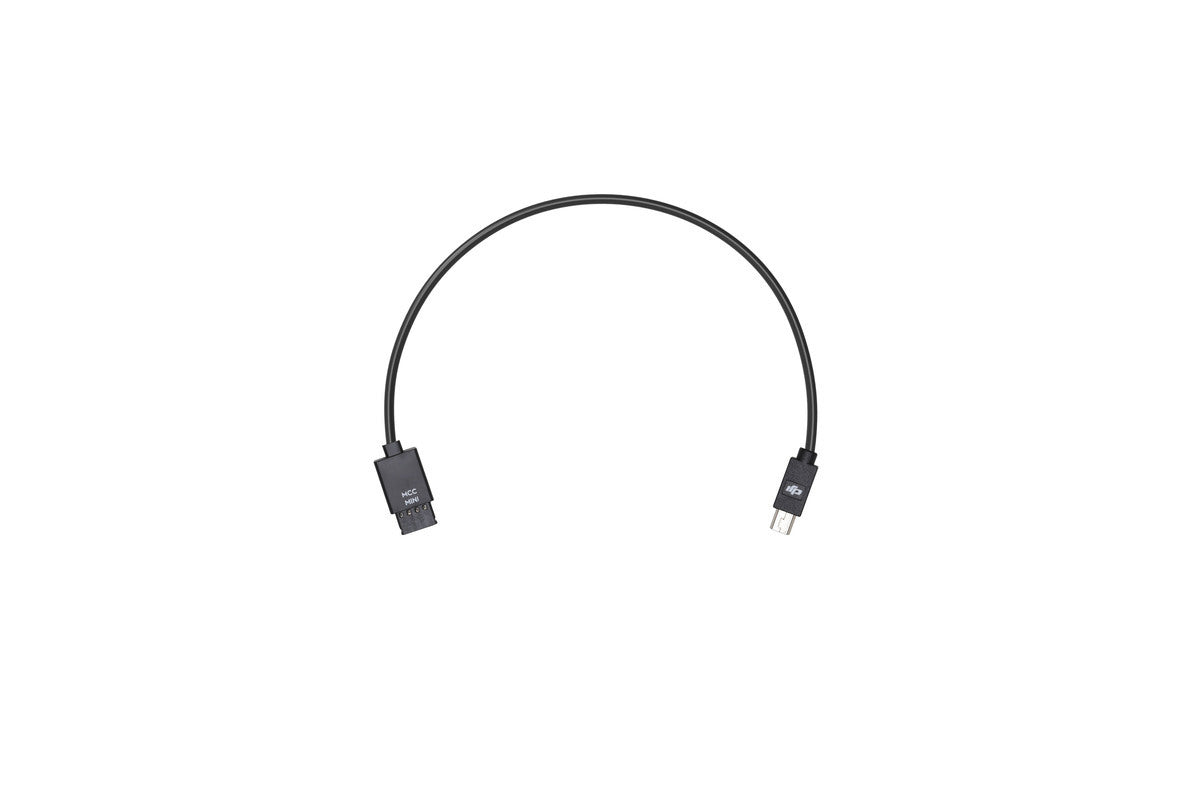
Ronin-S Multi-Camera Control Cable – Mini USB (Part 12)

$30.00

In order to control your camera with the Ronin-S Camera Control Button, use the Multi-Camera Control Cable (Mini USB) to